
Prepare your play space safely
Before you strap on the headset, clear a dedicated area for your virtual reality fitness routine. A cluttered room is the fastest way to turn an immersive workout into a safety hazard. You need enough space to swing your arms, lunge, and squat without hitting furniture, walls, or pets.
Start by removing tripping hazards like rugs, cables, and low coffee tables. If you have pets, secure them in another room or a gated area. Pets can easily get tangled in your movement or distracted by the headset, leading to accidents for both you and the animal.
Measure your available floor space. Most VR fitness apps require at least a 2x2 meter (6.5x6.5 feet) clear zone. If your room is smaller, you may need to rearrange furniture or choose exercises that involve less lateral movement. Mark the boundaries of your play area with tape or furniture placement so you know exactly where it ends.
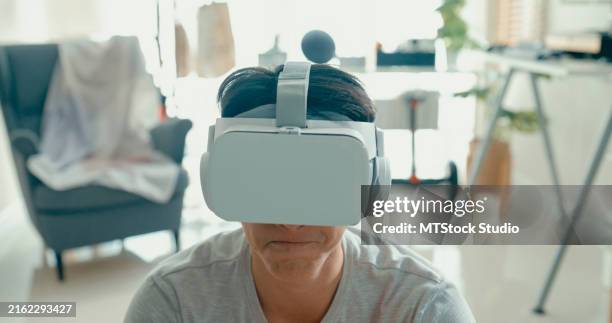
Remove all movable objects from the immediate workout zone. This includes side tables, floor lamps, and any decorative items that could be knocked over during vigorous movement.
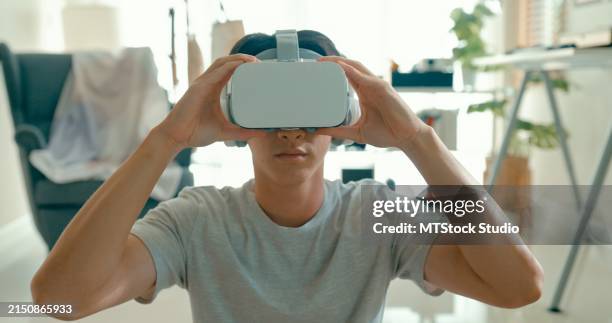
Ensure all charging cables are tucked away or routed high enough to avoid tripping. Lock pets in a separate room to prevent them from interfering with your session.
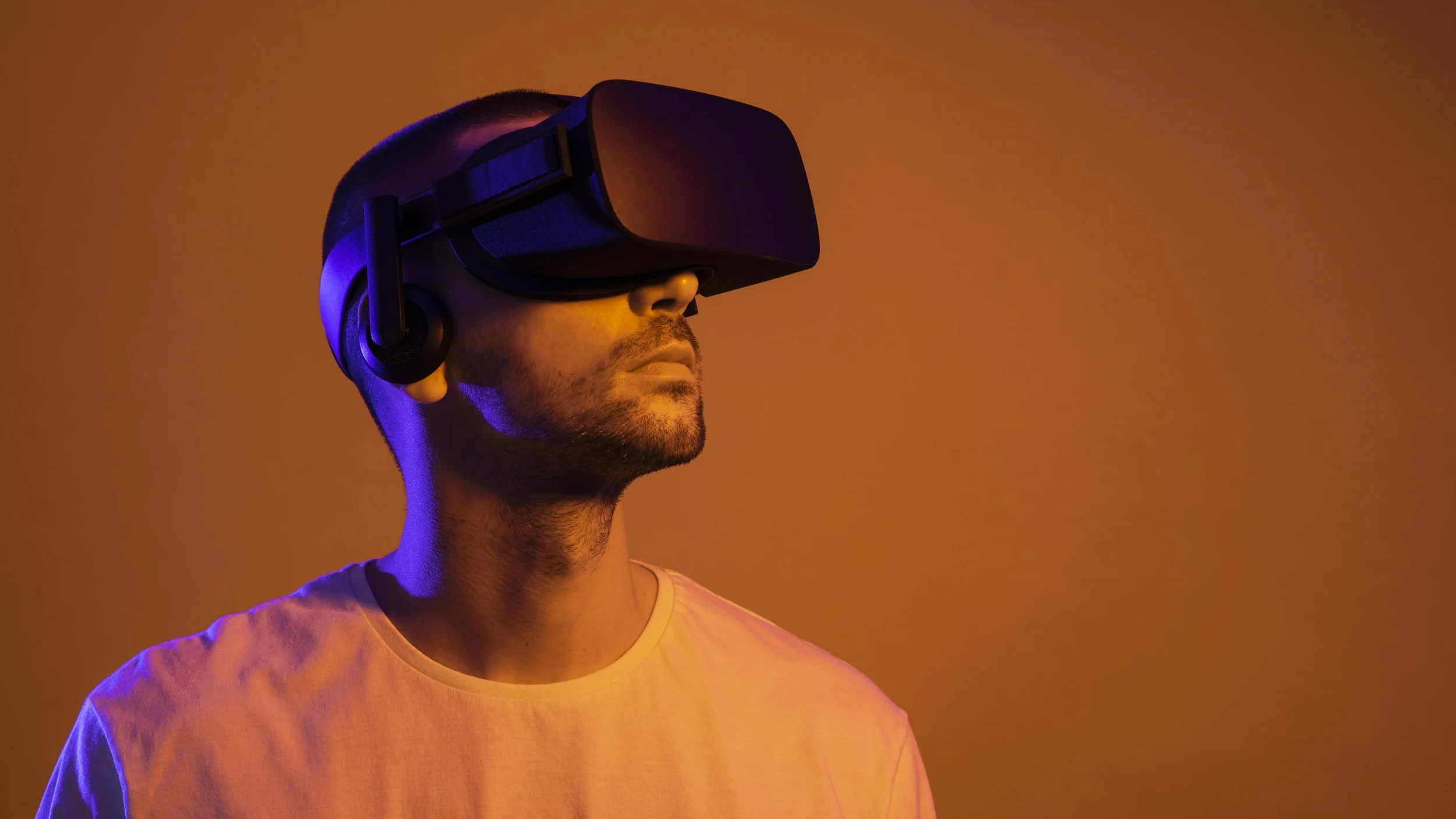
Use the headset’s guardian or boundary system to map your exact play space. Stand in the center and walk the perimeter to ensure the virtual walls match your physical clear zone.
Once your physical space is prepped, calibrate the headset’s boundary system. This creates a virtual fence that alerts you when you approach the edge of your safe zone. Most headsets, including Meta Quest, allow you to draw this boundary manually. Ensure the boundary is set slightly inside your actual clear space to give yourself a safety buffer.
Check your seating and standing surfaces. If you plan to do floor exercises like planks or lunges, ensure the carpet or flooring is clean and non-slip. Hardwood floors can be slippery, especially if you sweat, so consider using a non-slip yoga mat within your play zone.
Finally, verify that your lighting is adequate but not glaring. Bright sunlight or strong lamps directly in front of the headset sensors can interfere with tracking. Dimming overhead lights or closing blinds can help the headset maintain a clear view of your movement, ensuring a smoother and safer workout experience.
Choose the right fitness app for your goals
Selecting a VR fitness app requires matching the software’s design to your specific physical outcomes. A casual rhythm game will not build muscle, and a strength-focused simulator may not elevate your heart rate sufficiently for cardio goals. To build a routine that works, you need to evaluate calorie burn, strength engagement, and subscription costs before committing.
The following comparison highlights the primary differences between leading VR fitness platforms. Use this data to identify which application aligns with your current fitness level and objectives.
| App | Primary Focus | Est. Calorie Burn (30 min) | Subscription Model |
|---|---|---|---|
| Supernatural | Cardio & Rhythm | 300-400 kcal | Monthly/Annual Subscription |
| Les Mills Bodycombat | High-Intensity Cardio | 400-500 kcal | Monthly/Annual Subscription |
| Black Box VR | Strength & Agility | 200-300 kcal | Monthly Subscription |
| FitXR | Boxing & Dance | 350-450 kcal | Monthly/Annual Subscription |
| Thrill of the Fight | Pure Cardio | 400-600 kcal | One-Time Purchase |
Cardio vs. Strength Priorities
If your primary goal is cardiovascular health, prioritize apps with continuous movement mechanics. Supernatural and FitXR use rhythmic boxing and dance routines that keep your heart rate in the target zone for the duration of the session. These apps often include instructor-led classes that provide structure, making them easier to stick to for beginners.
For strength and agility, Black Box VR offers a different approach. It uses gamified resistance movements that target specific muscle groups. While the calorie burn may be slightly lower than high-intensity cardio apps, the strength component is more pronounced. This makes it a strong choice for users who want to build functional strength alongside endurance.
Cost and Commitment
VR fitness apps generally fall into two pricing categories: subscription-based or one-time purchase. Subscription models like Supernatural and FitXR offer regular content updates and new classes, which helps prevent boredom over long periods. However, these costs add up over time.
One-time purchase options like Thrill of the Fight or Beat Saber offer immediate access without recurring fees. These are ideal for users who prefer a straightforward cost structure and are comfortable with a static library of content. Consider your budget and how long you plan to use VR fitness before making a final decision.
Run your first 20-minute workout
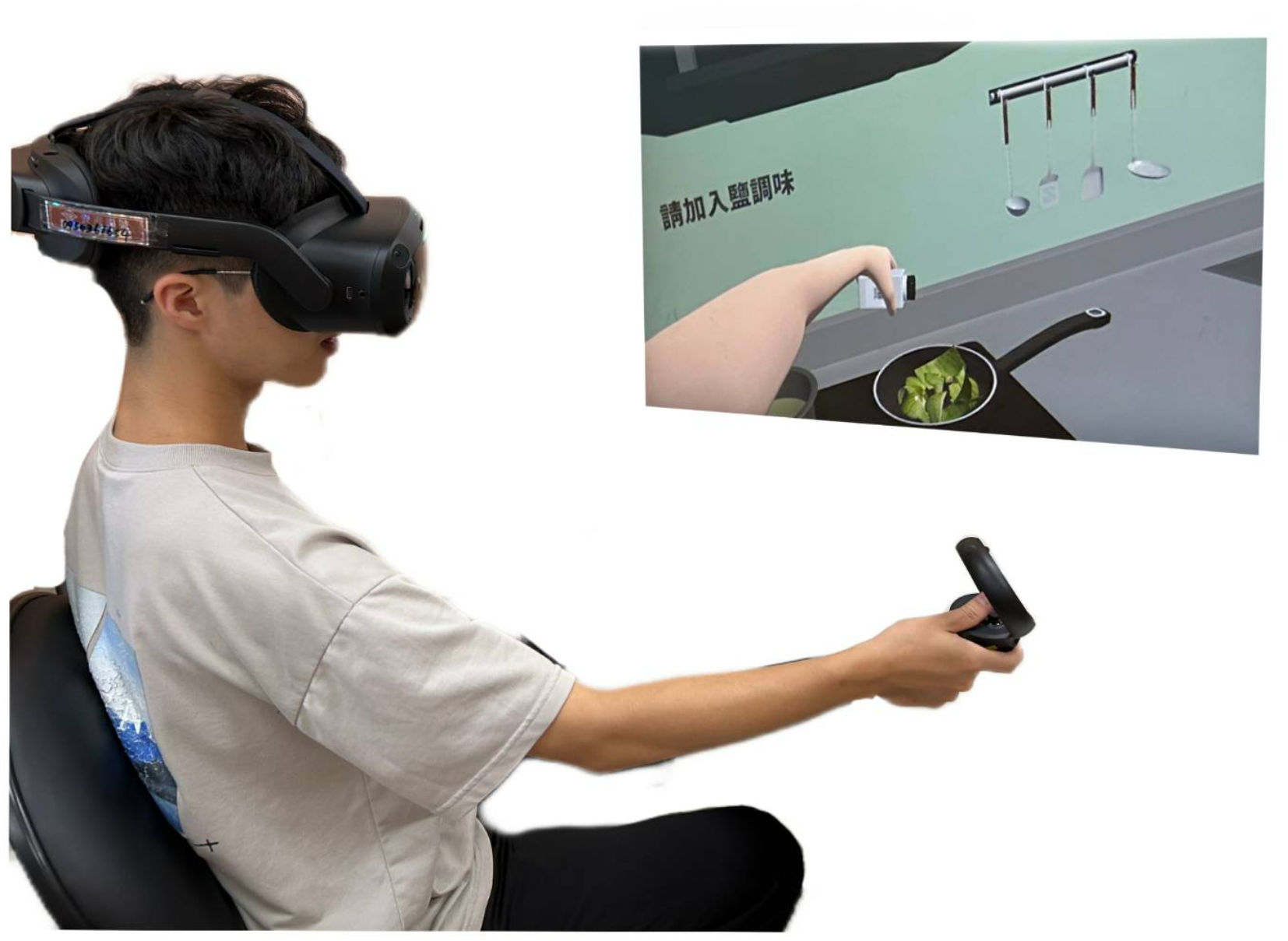
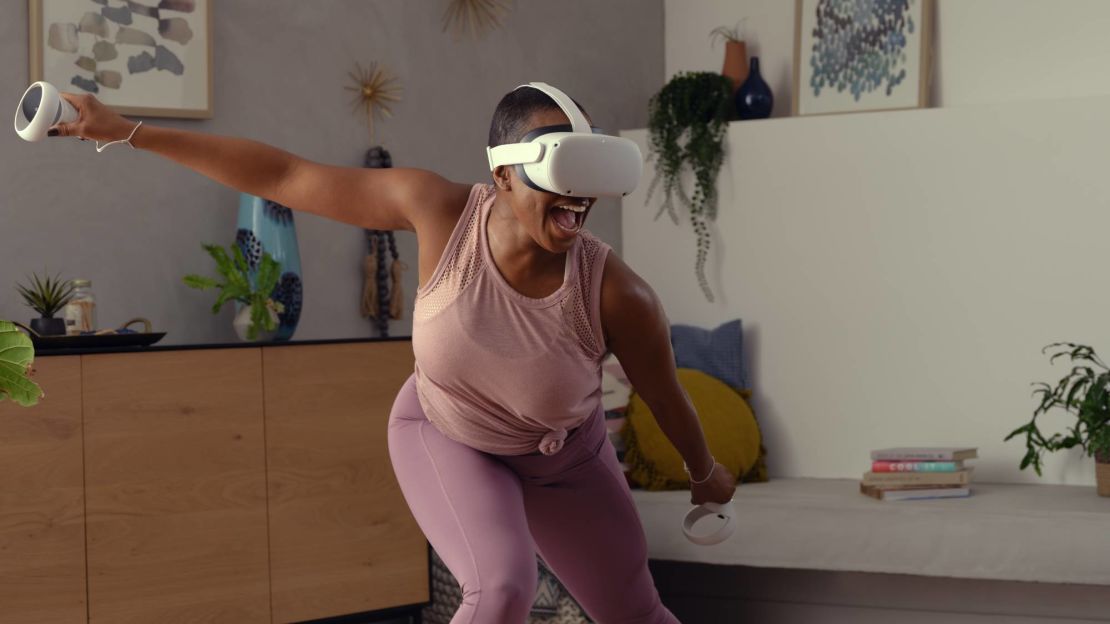
Build a Virtual Reality Fitness Routine That Works works best as a clear sequence: define the constraint, compare the realistic options, test the tradeoff, and choose the path with the fewest hidden costs. That order keeps the advice usable instead of decorative. After each step, pause long enough to check whether the recommendation still fits the reader's actual situation. If it depends on perfect timing, unusual access, or a best-case budget, include a simpler fallback.
Avoid common VR fitness mistakes
VR fitness is deceptively intense. The immersive nature of the software often masks physical strain, leading users to push past safe limits. Without a structured approach, you risk overexertion, hygiene issues, and equipment damage. Addressing these pitfalls early ensures your routine remains sustainable.
Manage intensity and recovery
The virtual environment can make moderate effort feel like a sprint. Many users mistakenly believe they need heavy weights to see results, but light to moderate resistance is typically sufficient for VR fitness goals. Overloading the system with heavy dumbbells increases injury risk without significantly boosting caloric burn.
Start with short sessions of 10–15 minutes. Monitor your heart rate and stop immediately if you feel dizzy or nauseous. Gradually increase duration rather than intensity. This approach builds endurance safely and prevents the burnout that causes most users to quit within the first month.
Maintain hygiene and equipment care
Sweat is the enemy of both your skin and your hardware. Wearing a VR headset directly against sweaty skin creates a breeding ground for bacteria, leading to breakouts and potential infections. Always use a silicone face cover or a disposable VR mask liner. These accessories absorb moisture and are easy to clean or replace.
Controllers also accumulate oils and sweat from your hands. Wipe them down with a microfiber cloth and isopropyl alcohol after every session. This simple habit prevents the sticky residue that can damage buttons and charging contacts over time.
Protect your play space
Cluttered environments lead to collisions and accidental drops. Clear your play area of furniture, pets, and loose cables before starting. Ensure you have enough room for the full range of motion required by your chosen activity.
| Mistake | Consequence | Fix |
|---|---|---|
| Heavy weights | Joint strain, loss of balance | Use 1–3 kg dumbbells |
| No face cover | Acne, bacterial buildup | Use silicone or disposable liners |
| Cluttered space | Collisions, hardware damage | Clear a 2x2 meter area |
Warning: Always use a silicone face cover and wipe down controllers after every session to prevent bacterial buildup.
Build a sustainable rhythm
Consistency beats intensity. Aim for three to four sessions per week rather than attempting daily marathons. Rest days allow your muscles to recover and your mind to stay fresh. Track your progress using the app’s built-in metrics, but don’t obsess over daily calorie counts. Focus on how you feel: energized, not exhausted.
By avoiding these common traps, you transform VR fitness from a novelty into a long-term health tool. The goal is to make movement enjoyable, not punitive. Stick to the basics, respect your body’s limits, and the results will follow.
Track progress and stay consistent
You cannot improve what you do not measure. VR fitness offers an advantage over traditional gym sessions: every rep, calorie, and heart rate zone is automatically logged. However, relying solely on the headset’s internal metrics can create blind spots. To build a sustainable routine that delivers on weight loss and muscle building claims, you need to cross-reference VR data with external biometric trackers.
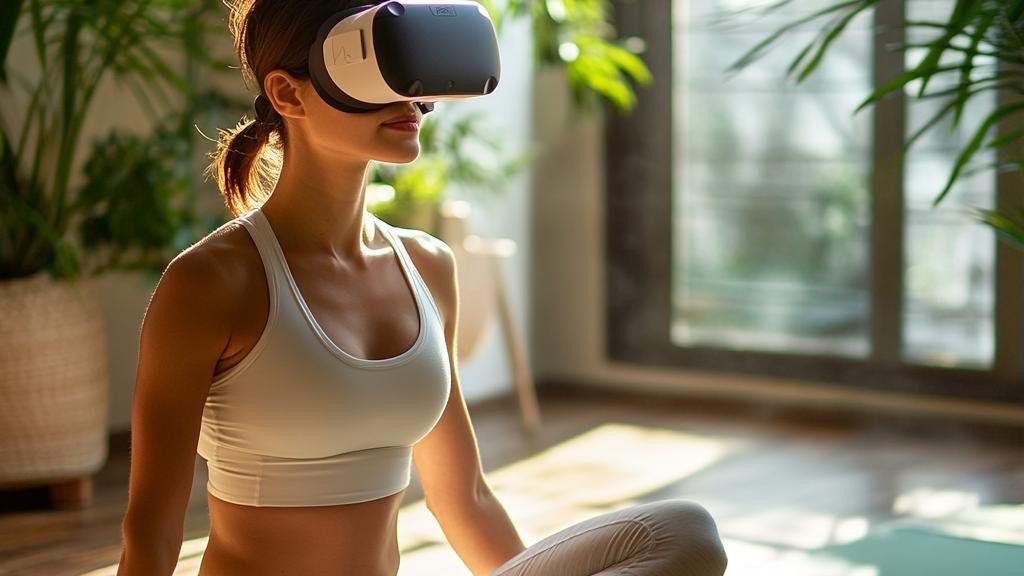
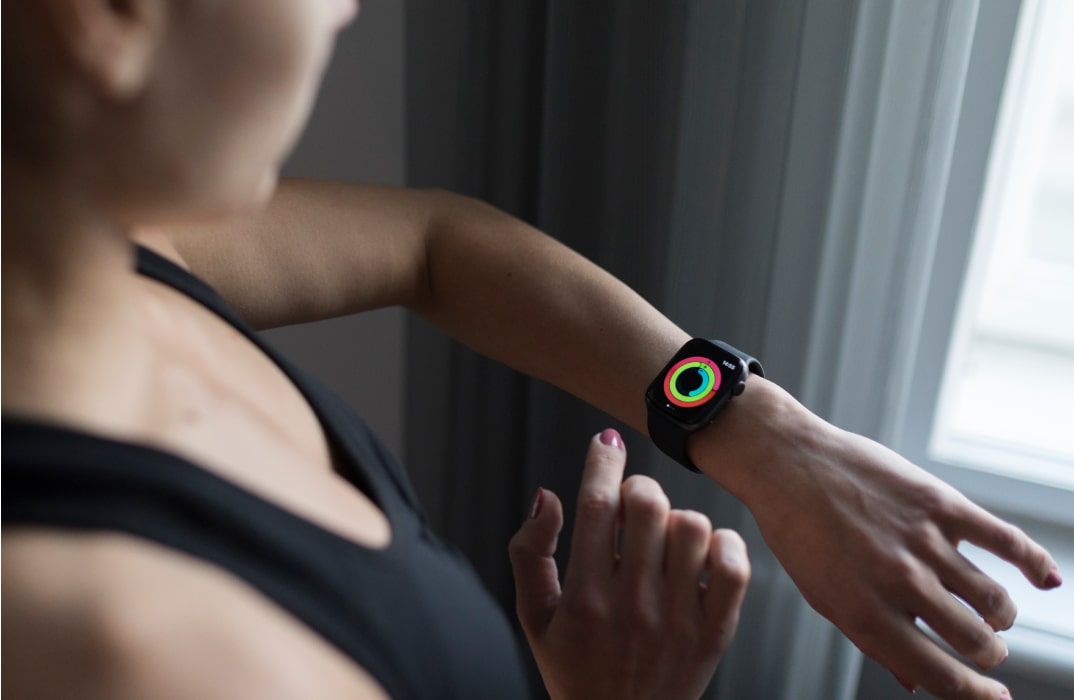
VR headsets like the Meta Quest 2 or 3 track movement well, but their optical heart rate sensors are often less accurate during high-intensity intervals than dedicated chest straps. Connect your preferred fitness tracker (such as a Polar H10 or Apple Watch) to your VR environment via Bluetooth or companion apps. This ensures your calorie burn estimates align with your actual metabolic output, preventing the common pitfall of overestimating energy expenditure.
Most VR fitness apps (Supernatural, FitXR, Les Mills Bodycombat) keep history within their own ecosystems. To see the full picture, export or sync this data to a central platform like Apple Health, Google Fit, or Strava. This allows you to correlate your VR cardio output with strength training or rest days. Seeing your weekly volume accumulate in one dashboard provides the psychological reinforcement needed to maintain consistency.
Daily weight and calorie numbers fluctuate due to hydration, sleep, and glycogen stores. Instead of obsessing over day-to-day VR scores, review your weekly averages. Look for trends in your average heart rate during specific workouts or your total active minutes. If your performance plateaus, adjust the difficulty setting in your VR app or increase the resistance in your external strength routine. This data-driven approach prevents burnout by ensuring you are progressively overloading your body safely.
Frequently asked questions about VR fitness
Can VR fitness replace traditional weight training?
VR fitness is excellent for cardio and light resistance, but it cannot fully replace heavy strength building. Most people doing VR Fitness aren't going to be doing heavy weights and getting bodybuilder physiques; light to moderate weights are more than enough for most goals (Reddit). To build significant muscle mass, you still need traditional barbells or dumbbells. Use VR as a supplement for cardio and mobility, not as your sole source of resistance training.
Is VR fitness safe for beginners?
Yes, if you start with low-intensity apps and maintain a clear play space. Safety depends on your environment and pacing. Ensure you have at least 6x6 feet of clear room to prevent collisions with furniture or walls. Start with 10-15 minute sessions to let your body adjust to the new movements before increasing duration or intensity.
How many calories does VR fitness burn?
A 20-minute VR workout can burn roughly as many calories as a 20-minute exercise bike routine, according to testing by NPR. However, calorie burn varies significantly based on the app used and your effort level. High-intensity rhythm games like Beat Saber or Les Mills Bodycombat typically burn more calories than casual walking simulators. Track your heart rate if you want a more accurate estimate of your exertion.
No comments yet. Be the first to share your thoughts!