

Prepare your space for vr workouts
Before you put on the headset, clear a rectangular area of at least 2 meters by 2 meters (6.5 feet by 6.5 feet). Remove all furniture, loose rugs, and breakable objects. If you live in a small apartment, identify a corner or hallway section that offers enough clearance for arm swings and leg lifts without hitting walls.
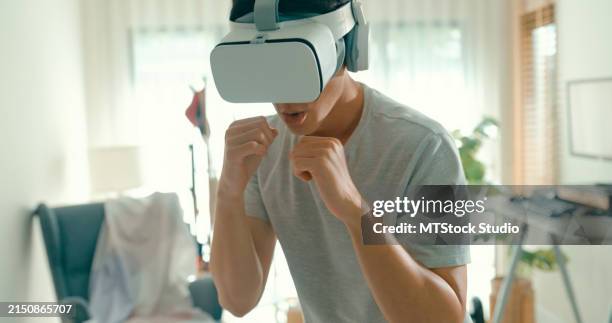
Remove all obstacles from a 2x2 meter area. This includes coffee tables, chairs, and loose rugs. The floor should be clear of tripping hazards to prevent falls during intense movements.
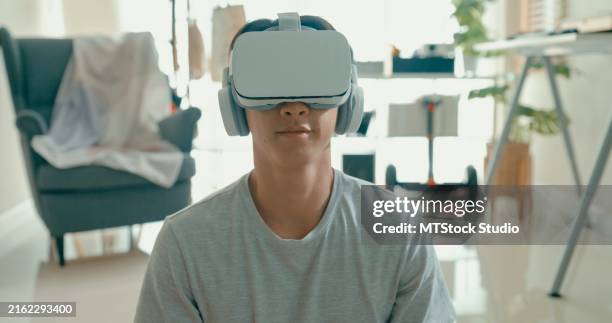
Ensure there are no ceiling fans, low lights, or hanging decorations in your play space. You need vertical clearance for your arms and head to move freely without striking overhead objects.
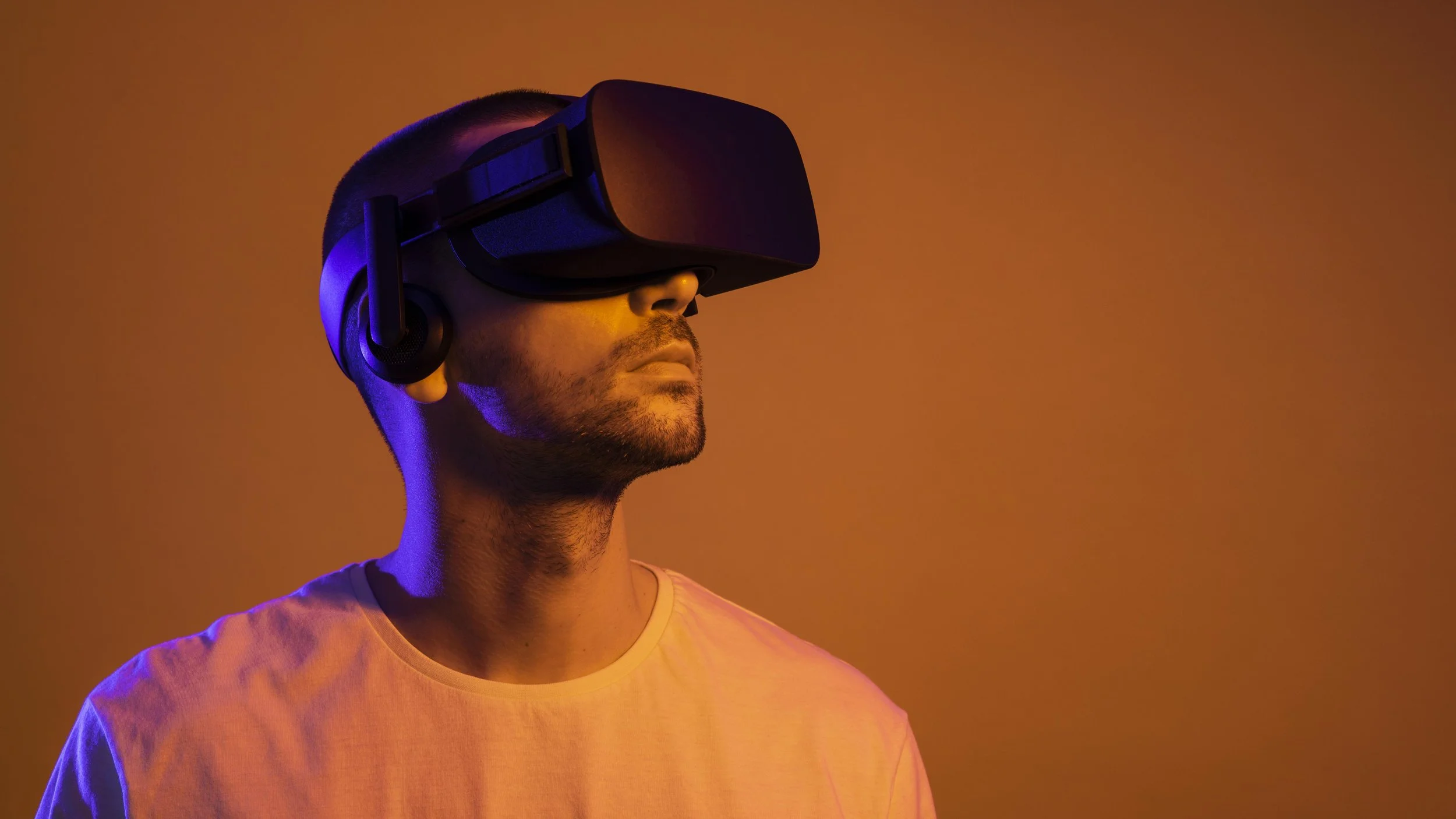
Put on the headset and set up the Guardian or Chaperone boundary system. Walk slowly to the edges of your cleared space to ensure the virtual walls align with your physical room limits.
Secure your electronics and controllers. Place your PC, charging cables, and any other gear outside the play zone to prevent accidental trips or damage. If you are using a PC-tethered headset, ensure the cable is long enough to allow full movement but short enough to avoid tangling around your legs.
Finally, check your lighting conditions. While VR headsets have internal sensors, ambient light can affect tracking accuracy. Avoid direct sunlight hitting the headset’s outside cameras, as this can cause tracking loss during workouts. A well-lit room helps you navigate safely before you don the headset.
Fit the headset and calibrate sensors
A poorly fitted headset causes discomfort and tracking errors that ruin the workout. Follow this sequence to secure the device and prepare your space for accurate motion capture.
Start by loosening the head strap completely. Place the headset on your head so the front rim sits just above your eyebrows, ensuring you can see the bottom of the screen without tilting your head back. Tighten the rear dial until the fit is snug but not painful. The headset should stay in place when you shake your head gently, but it must not press into your cheekbones or nose.
Correct IPD alignment prevents eye strain and blurriness during intense virtual reality fitness sessions. Use the physical sliders on the front of the headset (or the software menu in settings) to adjust the lens spacing. Move the lenses until the text and icons in the virtual environment appear sharp and clear. Most adults fall between 58mm and 63mm, but you must measure for your own eyes.
Before starting any workout, define your safe play area. Stand in the center of your workout space and follow the on-screen prompts to draw the boundary walls. Ensure you have cleared all furniture, pets, and obstacles. For high-intensity virtual reality fitness moves like boxing or dancing, aim for at least 2x2 meters of clear floor space to prevent collisions.
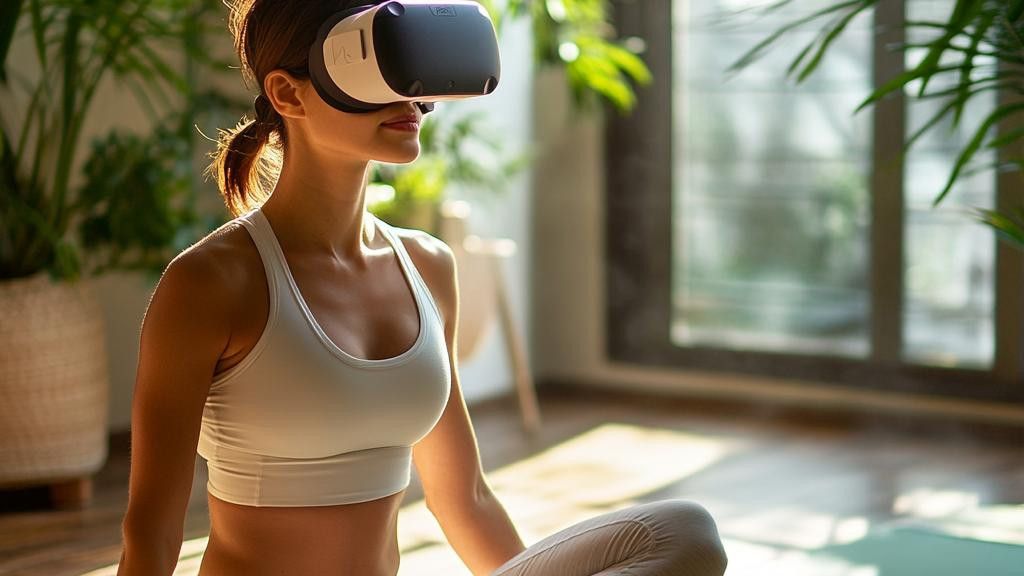
Enable hand tracking or attach controllers to ensure accurate motion capture. If using controllers, check that the batteries are charged and the tracking lights are unobstructed. Perform the standard calibration pose shown in the app to map your arm length and reach. This step ensures that your virtual movements match your physical actions precisely, which is critical for proper form and calorie tracking.
Choose apps for your fitness goals
Virtual reality fitness works best when the software matches your specific training objectives. Whether you are looking to burn calories, build muscle, or improve flexibility, selecting the right app ensures your time in the headset translates to real-world results. Start by identifying your primary goal, then compare the available options below.
Cardio and High-Intensity Training
If your goal is cardiovascular health or weight loss, look for rhythm-based or combat-style games. These apps typically require constant movement, keeping your heart rate in the target zone. Titles like Beat Saber or Les Mills Bodycombat offer high-intensity interval training (HIIT) through gamified challenges. They track calories burned and session duration, providing immediate feedback on your effort. This format is ideal if you struggle to maintain motivation with traditional cardio.
Strength and Resistance
For muscle building, seek out apps that incorporate resistance bands or use your body weight for isometric holds. Supernatural and Les Mills Bodycombat offer structured strength circuits that target specific muscle groups. These programs often include form correction cues to ensure you are engaging the correct muscles. While VR cannot replace heavy lifting for maximal strength, it is effective for toning, endurance, and functional movement patterns.
Flexibility and Recovery
Virtual reality also supports active recovery and mobility work. Apps like TRIPP or SoulCycle VR focus on guided stretching, breathing exercises, and low-impact movement. These sessions help improve range of motion and reduce muscle tension after intense workouts. Incorporating these apps into your routine can aid in recovery, reduce stress, and prevent injury by promoting consistent, mindful movement.
Comparison of Top VR Fitness Apps
Use this table to compare key features of popular virtual reality fitness apps. Consider factors like calorie burn potential, primary muscle focus, and subscription costs to find the best fit for your routine.
| App | Primary Focus | Est. Calorie Burn (per hour) | Subscription Cost |
|---|---|---|---|
| Beat Saber | Cardio, Agility | 500-800 | $24.99 one-time |
| Supernatural | Strength, Cardio | 600-900 | $15.99/month |
| Les Mills Bodycombat | Cardio, Strength | 700-1000 | $14.99/month |
| TRIPP | Flexibility, Recovery | 100-200 | $11.99/month |
| Black Box VR | Strength, Agility | 400-600 | $14.99/month |
Execute your first virtual reality fitness session
Before you strap in, clear a space that is at least six feet wide and six feet deep. Remove any obstacles like coffee tables or pets. Put on your headset and adjust the IPD (interpupillary distance) so the images are sharp. This visual clarity reduces eye strain and helps you stay focused on the workout.
Start with a five-minute warm-up. Most VR fitness apps include a guided stretching routine or a light cardio segment. Treat this time seriously; it prepares your joints and raises your heart rate gradually. Do not skip this step just because the main game looks exciting. Jumping straight into high-intensity boxing or dancing without warming up increases the risk of muscle strain.
Begin your main workout at a moderate intensity. Focus on proper form rather than speed or score. If you are playing a boxing game, keep your guard up and rotate your hips for power. If you are dancing, keep your knees slightly bent to absorb impact. Listen to your body. If you feel dizzy or overheated, pause immediately.
Hydrate regularly. Sweat accumulates quickly inside the headset, which can blur your vision and cause discomfort. Most VR fitness sessions last between 20 and 40 minutes. Plan for a 10-minute cool-down period afterward to lower your heart rate and stretch your muscles. This structured approach ensures a safe and effective virtual reality fitness experience.
Avoid common virtual reality fitness mistakes
Even with the right gear, virtual reality fitness can lead to injury or frustration if you ignore basic safety and form. The headset blocks your peripheral vision, and the lack of physical resistance changes how your body moves. Correcting these errors early keeps your workouts effective and safe.
Skip the warm-up
Jumping straight into high-intensity VR games strains muscles that are cold and stiff. Your body needs time to raise its heart rate and lubricate joints before handling rapid swings or jumps. Spend five minutes doing light cardio or dynamic stretching on the floor before putting on the headset.
Ignore your form
VR games often reward speed over precision, but swinging a virtual sword with poor posture leads to back pain and shoulder strain. Keep your core engaged and your back straight. If a movement feels awkward or forces your spine into an unnatural curve, slow down. Proper form ensures you get the physical benefit without the injury risk.
Overexert yourself
It is easy to lose track of time and physical limits in a virtual world. Many users push past fatigue because the game keeps them engaged, leading to dizziness or exhaustion. Listen to your body and take breaks every 20 minutes. Hydration is also critical, as you may not realize how much you are sweating until it is too late.
Neglect hygiene
Sweat damages the headset’s face interface and can cause skin irritation or acne. Clean the silicone padding with alcohol wipes after every session. Let the headset air dry completely before storing it. This simple habit protects your equipment and keeps your skin healthy.
Use a clear play space
Cluttered rooms are the leading cause of VR accidents. Move furniture, clear cables, and ensure you have at least six feet of clear space in all directions. Use boundary systems if available, but never rely on them as your only safety net. Always check the room before starting.
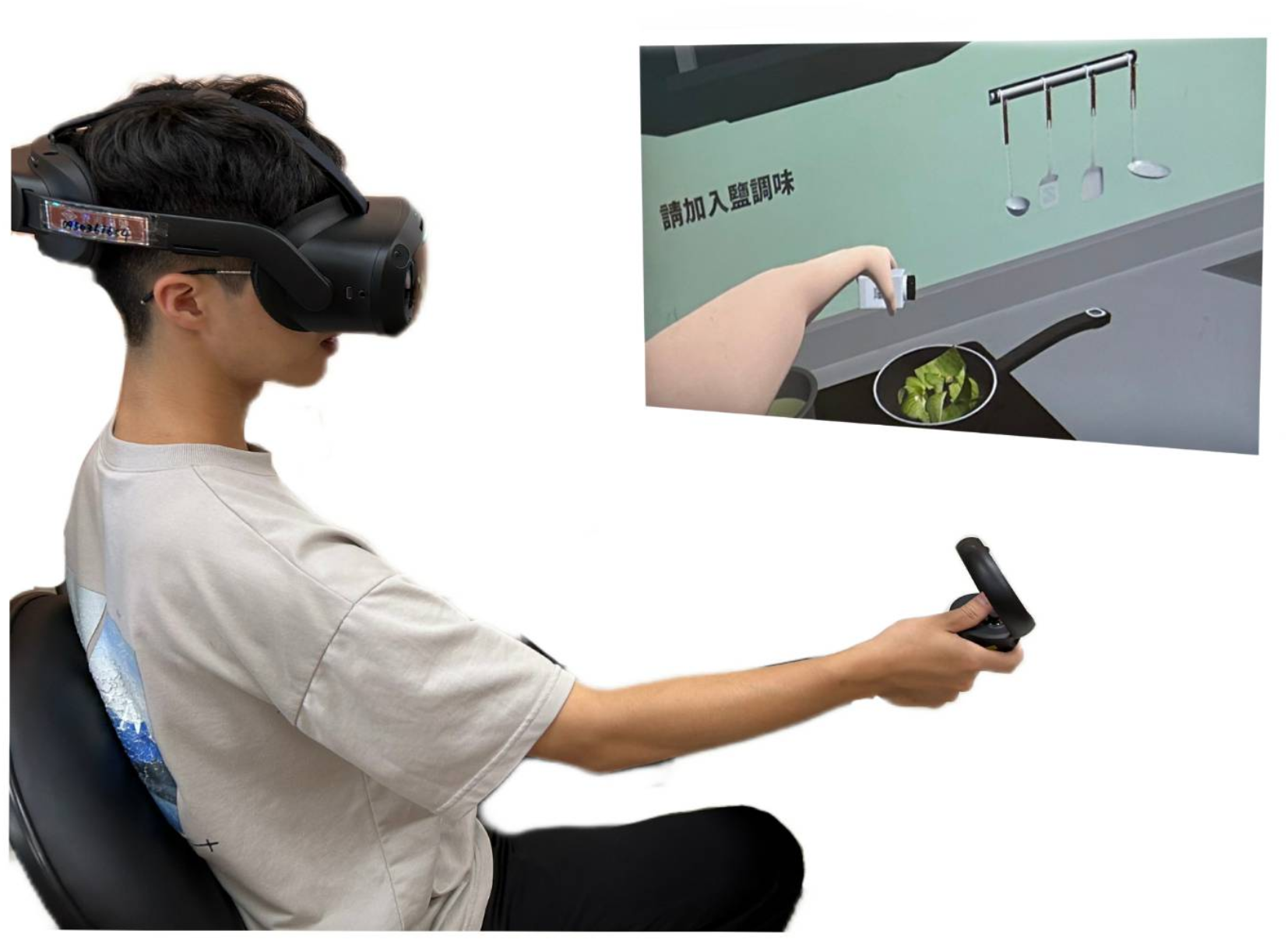
Remove all obstacles, furniture, and cables from your play zone. Ensure you have at least six feet of clear space in all directions to prevent collisions during vigorous movements.
Perform five minutes of light cardio or dynamic stretching on the floor. This raises your heart rate and lubricates your joints, preparing your muscles for the rapid movements of VR fitness.
Keep your core engaged and back straight during exercises. If a movement feels awkward or strains your spine, slow down. Prioritize proper technique over speed to avoid injury.
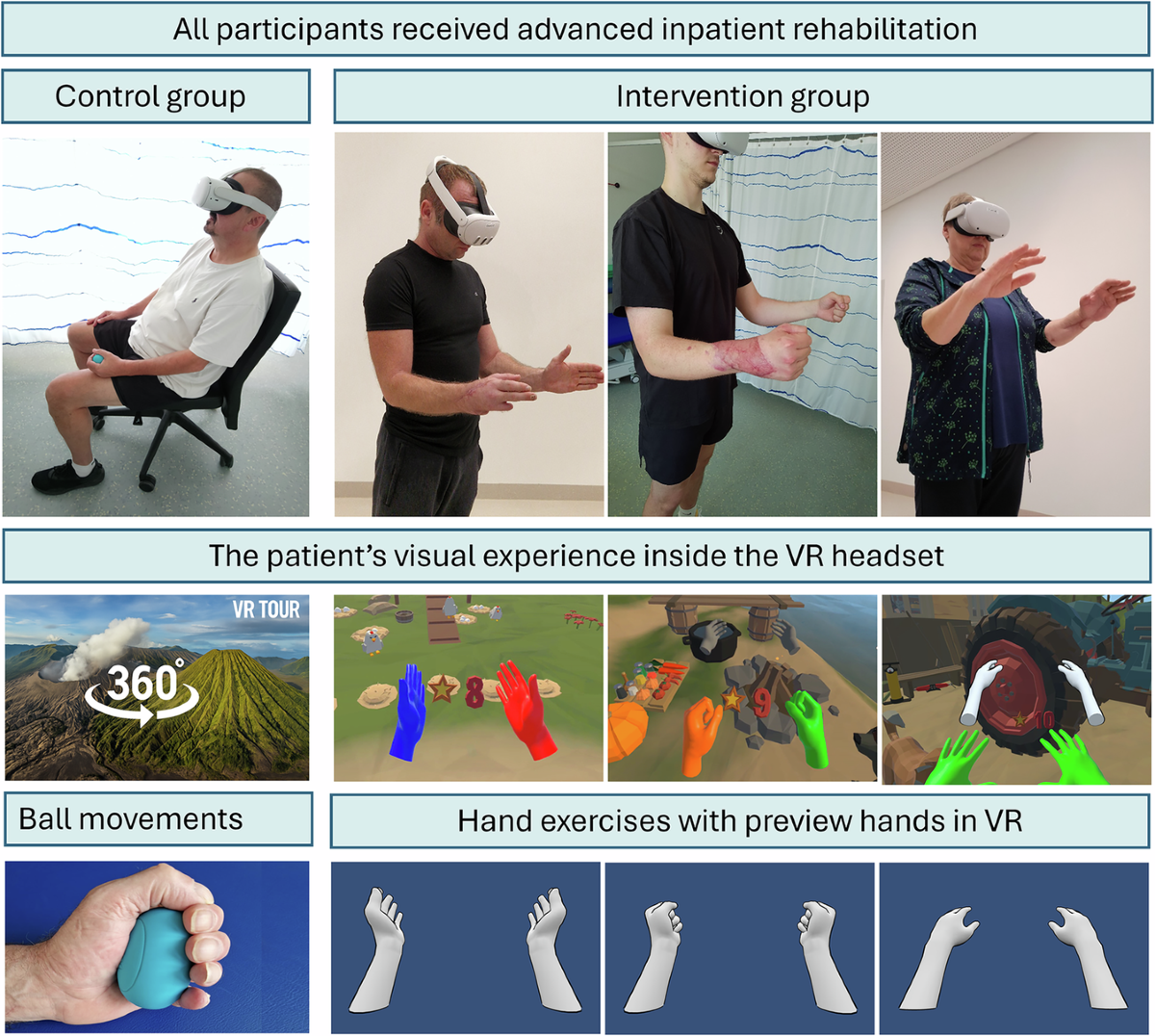
Wipe the face interface and lenses with a microfiber cloth and approved cleaning solution after every session. This prevents skin irritation and protects the headset from sweat damage.
Track progress and stay consistent
Virtual reality fitness thrives on data. Most headsets, including Meta Quest, log reps, calories, and playtime automatically. Treat these metrics like a training journal: review them weekly to spot trends and adjust intensity.
Consistency beats intensity. Set a realistic schedule, such as three 20-minute sessions per week, and stick to it. The built-in streak counters and achievement badges are designed to keep you motivated when motivation fades.
Don’t ignore recovery. VR can be intense on the vestibular system. If you feel dizzy or fatigued, take a break. Listen to your body as closely as you listen to the game.
No comments yet. Be the first to share your thoughts!