Prepare your workout space
Virtual reality fitness requires a safe physical environment because the headset blocks peripheral vision and encourages vigorous movement. Clearing a dedicated zone ensures you can move freely without injury.
Clear the immediate play area
Measure a square area of at least 6.5 by 6.5 feet (2 by 2 meters) in the center of your room. This is the minimum safe zone for most VR headsets, including the Meta Quest 3 and Apple Vision Pro. Remove all obstacles from this space, including coffee tables, rugs with curled edges, and loose items on the floor. The goal is to create a "soft" perimeter where accidental bumps won't cause pain or break objects.
If you live in a small apartment, consider moving lightweight furniture like side tables or plant stands temporarily. For permanent setups, define the boundary using physical markers like tape on the floor or a designated rug that signals "VR zone only." This visual cue helps family members or roommates understand where not to walk while you are immersed.
Secure your hardware and cables
Wired headsets require careful cable management to prevent tripping hazards. Use a ceiling-mounted cable management system or a short, high-quality tether to keep the cord off the floor. If you use a wireless PC VR headset, ensure your PC tower is positioned away from the play area to avoid accidental kicks. For standalone headsets, keep the charging dock outside the play zone to prevent knocking it over.
Always inspect your headset and controllers before each session. Check for loose batteries, cracked lenses, or frayed cables. A malfunctioning controller can fly out of your hand during intense movement, becoming a projectile. Store your gear in a safe place when not in use to protect it from pets, children, or accidental drops.
Adjust lighting and mirrors
Good lighting helps your headset's outside-in cameras track your environment accurately. Avoid direct sunlight hitting the sensors, as this can cause tracking errors. If your room has large mirrors, cover them or step away from them. Mirrors can confuse the headset's passthrough cameras, leading to jittery visuals or failed boundary detection.
Dim or indirect lighting is ideal for reducing glare on the headset's lenses. This also helps reduce eye strain during longer sessions. If you need to check your real surroundings, use the headset's passthrough feature rather than removing it, but ensure the lighting is consistent to avoid sudden brightness changes.
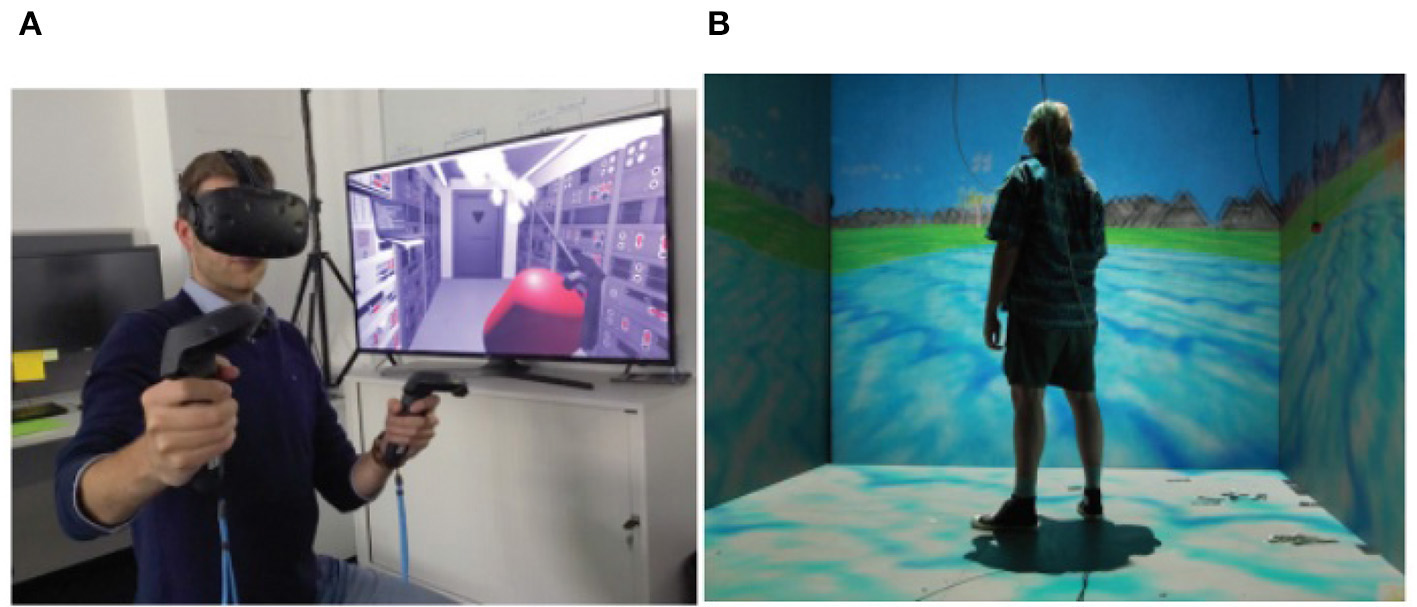
Use a tape measure to mark a 6.5 by 6.5 feet square on your floor. This is the minimum safe play area for most VR fitness apps. Ensure this zone is free of furniture, pets, and loose items.
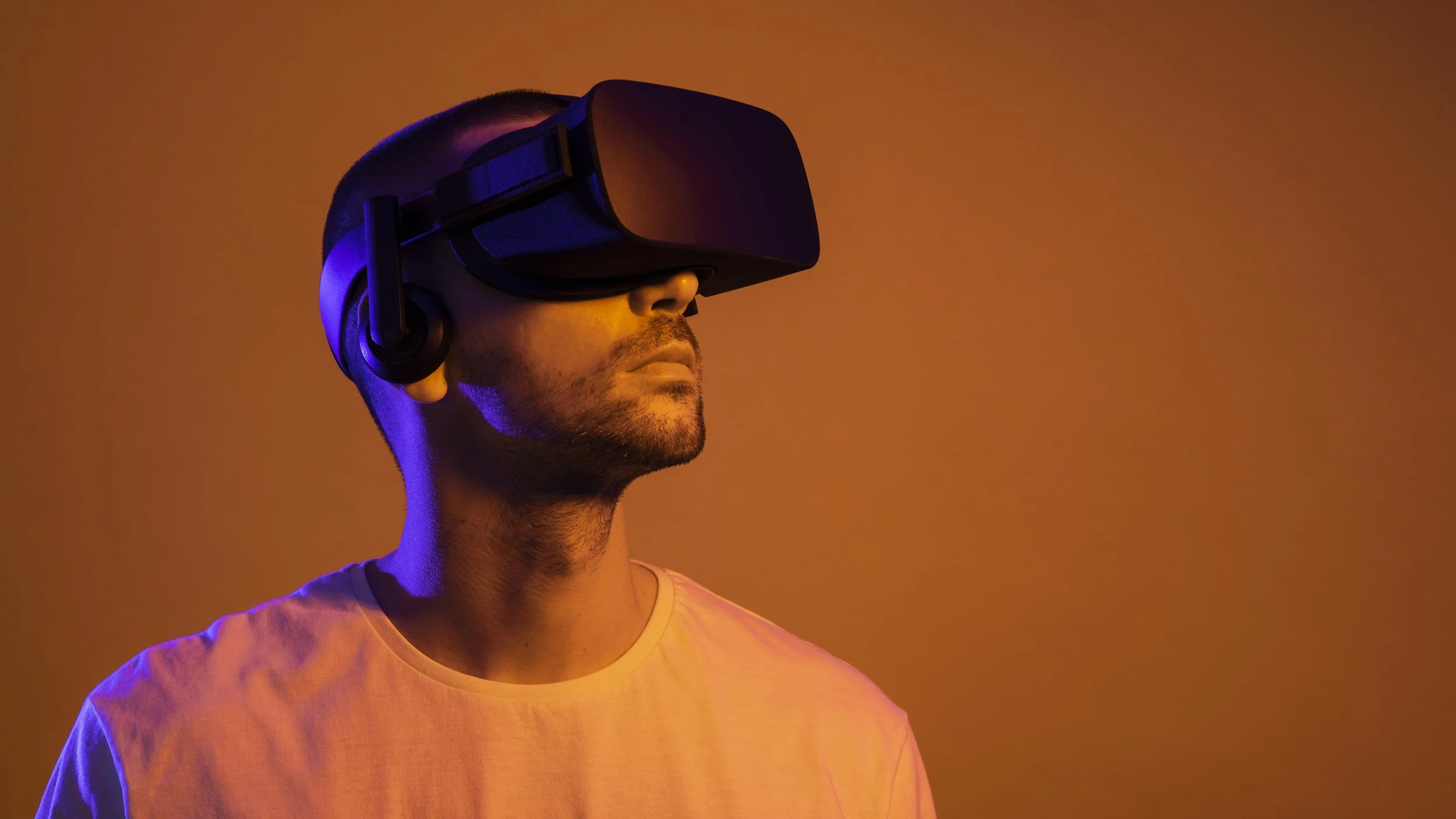
Clear the marked area completely. Move coffee tables, chairs, and rugs that might trip you. If you have a wired headset, secure the cable using a ceiling mount or short tether to keep it off the floor.
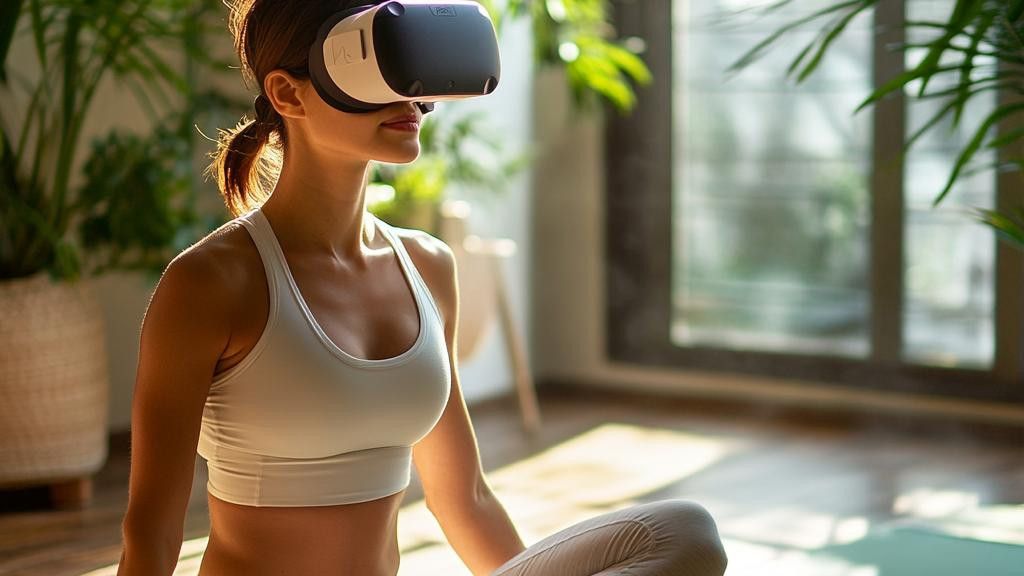
Configure your headset's guardian or boundary system. Start with a "stationary" boundary if you are new to VR fitness. This creates a visible wall when you approach the edge of your safe zone, preventing accidental collisions.
Configure headset and controllers
Proper calibration ensures your virtual gym tracks your movements accurately, preventing injury and maximizing workout effectiveness. Before starting any VR fitness routine, take five minutes to adjust the hardware for comfort and precision.
Adjust the head strap and IPD
A secure fit prevents the headset from shifting during vigorous movement, which can break immersion and cause nausea. Tighten the rear dial until the headset feels snug but not restrictive. Next, adjust the interpupillary distance (IPD) dial on the front of the device until the images appear sharp and clear. Misaligned IPD causes eye strain and blurs the virtual environment, making it difficult to focus on your form.
Set up boundary and controllers
Use the official setup app to draw a safe play area. Clear your physical space of furniture and obstacles, then define a "guardian" or "boundary" system that alerts you if you step too close to the edge. Pair your controllers by holding the trigger and Oculus/Meta buttons simultaneously until the lights flash. Test the tracking by moving your hands in a figure-eight pattern; the on-screen hands should mirror your movements without lag.
Verify tracking accuracy
Stand in the center of your play area and raise your arms above your head. Check that the virtual hands remain visible and responsive. If tracking feels jittery or the hands disappear, recalibrate the base stations or sensors according to the manufacturer's manual. Accurate tracking is essential for VR fitness because it ensures your real-world movements translate correctly into the game, allowing you to maintain proper exercise form throughout the session.
Choose your first VR fitness app
Selecting the right VR fitness app depends on your primary goal: cardio endurance or strength training. Unlike traditional gym routines, VR workouts often blend gamification with physical exertion, meaning the "fun" factor directly influences how long you can sustain high-intensity effort.
Cardio vs. Strength Focus
Most VR fitness apps fall into two distinct categories. Rhythm and movement-based games like Beat Saber or Synth Riders prioritize cardiovascular health and coordination. These titles require constant movement, jumping, and dodging, which naturally elevates your heart rate. They are excellent for beginners because the gameplay loop is intuitive and the intensity scales with your performance.
For strength and full-body engagement, titles like Les Mills Bodycombat or Supernatural offer more structured workout plans. These apps often include guided instructors and interval training that target specific muscle groups. If your goal is muscle toning or high-intensity interval training (HIIT), these apps provide a more traditional fitness structure adapted for VR.
Experience Level Considerations
If you are new to VR, start with apps that have a low learning curve. High-intensity games can be disorienting if you are still adjusting to virtual movement. Look for titles that allow you to play seated or standing with minimal head movement to reduce motion sickness risk. As you become comfortable with the headset and controllers, you can transition to more complex games that require spatial awareness and rapid reflexes.
Comparison of Top VR Fitness Apps
The table below compares three popular VR fitness applications based on calorie burn potential, intensity level, and subscription model. These metrics are based on general user reports and app descriptions; actual results vary by individual effort and session length.
| App | Calories/Hour | Intensity | Cost Model |
|---|---|---|---|
| Beat Saber | 400-600 | High | One-time purchase |
| Supernatural | 500-700 | High | Monthly subscription |
| Les Mills Bodycombat | 600-800 | Very High | Monthly subscription |
Making the Final Choice
Before committing to a subscription, check if the app offers a free trial or a free-to-play version. Many VR fitness platforms allow you to test basic workouts without a monthly fee. This is the best way to assess comfort, motion sickness tolerance, and whether the game style motivates you to exercise consistently. Start with one app that aligns with your immediate fitness goal, and expand your library as your routine develops.
Execute your first 15-minute session
Your first virtual reality fitness session should feel like a gentle introduction, not a marathon. The goal is to build comfort with the headset and the motion tracking before pushing for intensity. A 15-minute window is long enough to get your heart rate up but short enough to avoid fatigue or motion sickness.
Start by calibrating your play space. Ensure you have cleared a 6x6 foot area free of furniture. Put on the headset and adjust the strap so it sits snugly but comfortably. Check that your controllers are charged and the tracking cameras have a clear line of sight to your hands.
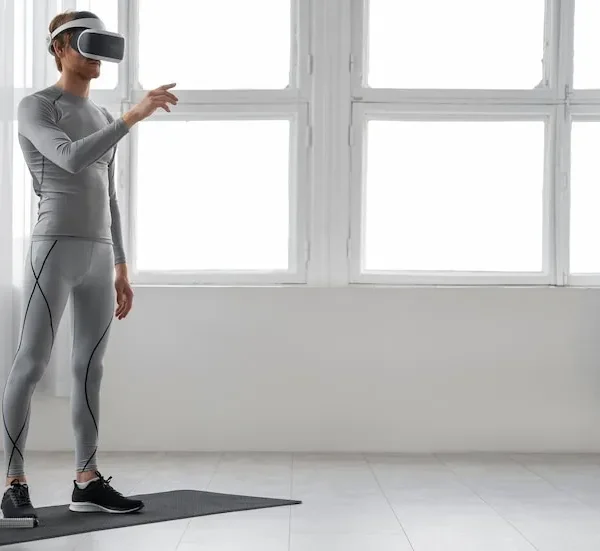
Before putting on the headset, spend two minutes doing light dynamic stretches. Arm circles, torso twists, and ankle rotations prepare your joints for the movement patterns in VR. This step reduces the risk of strain when you suddenly start swinging your arms in a virtual space.
Launch a fitness app designed for newcomers, such as FitXR or Supernatural. Select a "Beginner" or "Intro" workout mode. These modes typically feature slower music and simpler movements. Avoid high-intensity interval training (HIIT) modes for your first session, as they can overwhelm your sense of balance.

Keep your eyes on the virtual instructor. Mirror their movements exactly, even if they seem small. If the coach raises their arms slowly, do the same. This pacing helps your brain reconcile the visual movement with your physical balance, reducing disorientation. If you feel dizzy, stop immediately and look at a fixed real-world object.
Focus on your posture, not just the score. Keep your knees slightly bent and your core engaged. Avoid locking your elbows or hunching your shoulders. Good form in VR prevents injury and ensures the motion tracking registers your movements accurately, which keeps the virtual experience smooth and responsive.
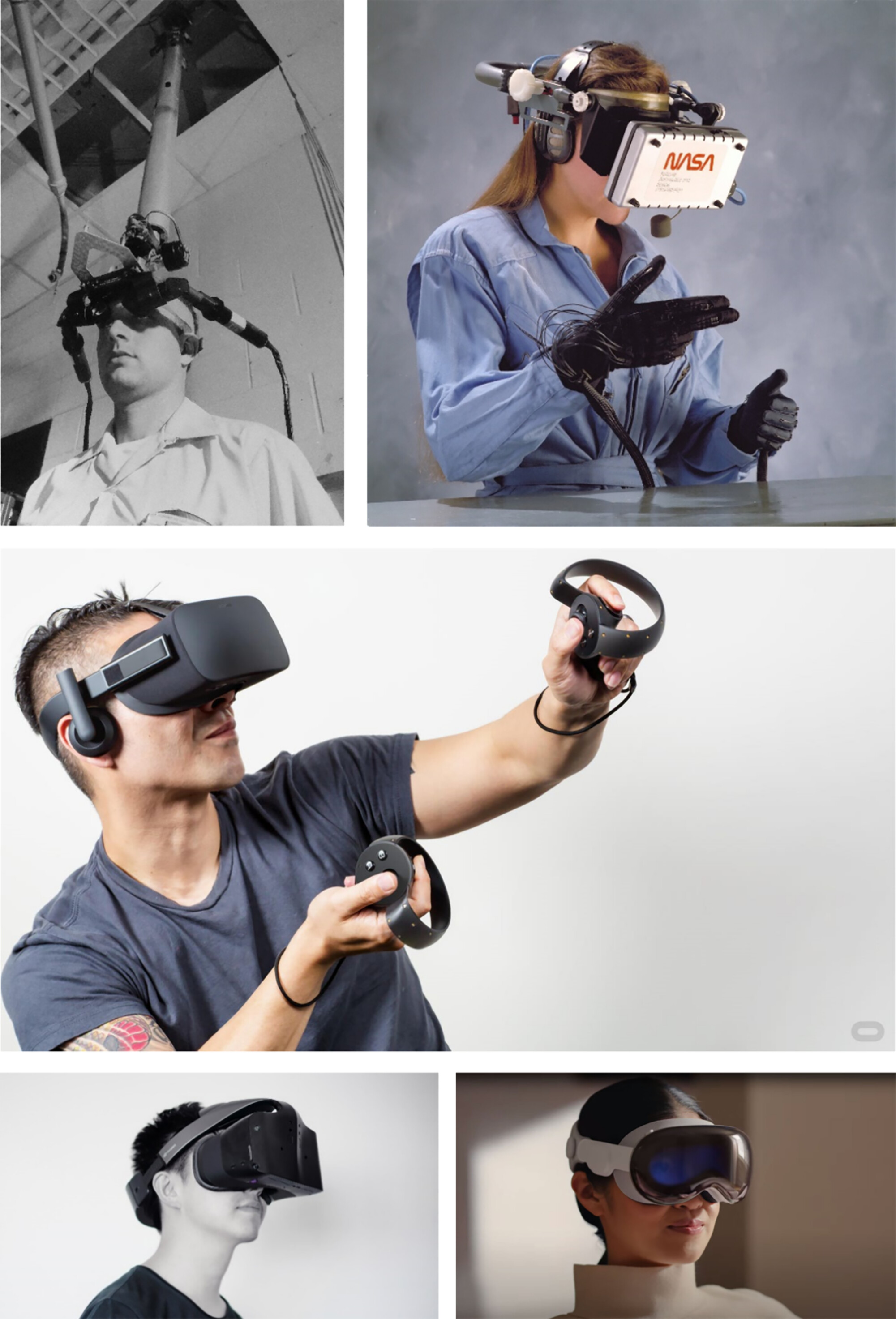
End the session with a two-minute cool-down. Perform slow, deliberate movements to bring your heart rate down. Once the timer ends, remove the headset carefully. Drink water and stretch your neck and shoulders. Reflect on how your body felt during the session to gauge your comfort level for next time.
Consistency matters more than duration for your first week. Completing five 15-minute sessions is more effective than one exhausting hour. Your brain needs time to adapt to the virtual environment. If you feel nauseous, take a break for a few days before trying again. The technology is safe, but your body needs to learn how to navigate it.
Avoid common VR fitness mistakes
VR fitness lowers the barrier to entry, but it also introduces unique physical risks that traditional gym routines don't require. The most frequent error is treating virtual movements like real-world mechanics without accounting for the headset's weight or the confined play space. This disconnect leads to poor form, reduced calorie burn, and potential injury.
Ignoring proper form for high scores
The gamification of VR fitness encourages speed over precision. Players often sacrifice posture to hit a combo multiplier, leading to rounded shoulders and compromised spinal alignment. This habit defeats the purpose of the workout. Focus on maintaining a neutral spine and full range of motion, even if it means accepting a lower score or slower pace. Quality repetitions build muscle; rushed ones build bad habits.
Using excessive resistance
Many beginners assume that heavier weights equal better results, but VR fitness relies on high repetition and cardiovascular endurance rather than heavy lifting. Using weights that are too heavy causes fatigue to set in prematurely, which degrades form and increases the risk of dropping the controller or straining a joint. Light to moderate weights are sufficient to elevate heart rate and engage muscles effectively without compromising safety.
Neglecting the physical environment
A cluttered play area is the primary cause of collisions in VR fitness. Players often forget that the virtual world is superimposed over their real one. Before starting, clear at least a 6x6 foot area of furniture, pets, and obstacles. Ensure your floor is dry and non-slippery. If you feel dizzy or experience discomfort, stop immediately and remove the headset. Pushing through dizziness can lead to falls and serious injury.
Failing to calibrate the play space
Skipping the initial room setup or recalibrating after moving furniture leads to boundary errors. The system may not detect walls or objects accurately, resulting in unexpected collisions. Always run the room setup process before each session, especially if you have rearranged your workout space. This simple step ensures the virtual boundary matches your physical reality, keeping you safe throughout the workout.
Track progress and stay consistent
Building a habit requires more than motivation; it requires visibility. VR fitness platforms provide built-in dashboards that make it easy to see your effort in real time. You can track calories burned, distance covered, and high-intensity intervals with every session. This immediate feedback loop turns abstract effort into concrete data, helping you understand your baseline and measure improvement over weeks.
To maintain long-term adherence, pair the app’s native metrics with a simple external log. Write down your workout date, duration, and how you felt afterward. This manual check-in creates a psychological commitment that reduces the chance of skipping sessions. Seeing a streak of completed days on paper is often more motivating than a fluctuating daily calorie count.
Set a realistic frequency rather than an ambitious volume. Three focused sessions a week yield better results than six erratic ones. Adjust your schedule based on energy levels, not guilt. If you miss a day, resume the next day without trying to "make up" the lost time. Consistency beats intensity when the goal is lifelong fitness.

Open your VR fitness app at the end of each week. Identify your most productive day and your least productive day. Note any patterns, such as lower energy on weekends or higher engagement on weekday evenings. This data helps you schedule future workouts when you are most likely to succeed.
After removing your headset, open a notebook or notes app. Record the date, the game or workout type, and a one-word rating of your energy level (e.g., "High," "Medium," "Low"). This quick entry takes less than thirty seconds but creates a reliable history of your habits.
Based on your log, tweak your routine. If you consistently skip Monday workouts, move them to Tuesday. If you feel exhausted after high-intensity games, swap them for lighter rhythm games on recovery days. The goal is to fit fitness into your life, not let it disrupt your life.
No comments yet. Be the first to share your thoughts!