Prepare your space for safety
Before you put on the headset, you need to clear a safe zone. VR fitness removes your peripheral vision, so physical boundaries become your only guide. A cluttered room turns a simple swing into a collision hazard.
Clear a minimum 20-by-20-foot area. Remove low tables, coffee tables, and rugs with thick pads that might bunch up. If you live in a small apartment, choose games that require less range of motion or use a stationary chair. The goal is to create a buffer zone around your play area.
Configure your boundary system. Most headsets, like Meta Quest, offer a Guardian system that draws a grid around your space. You can also set up a Chaperone system with a solid wall overlay. Test the boundary by walking to the edges before you begin sweating. If the boundary is too tight, you risk hitting a wall mid-rep.
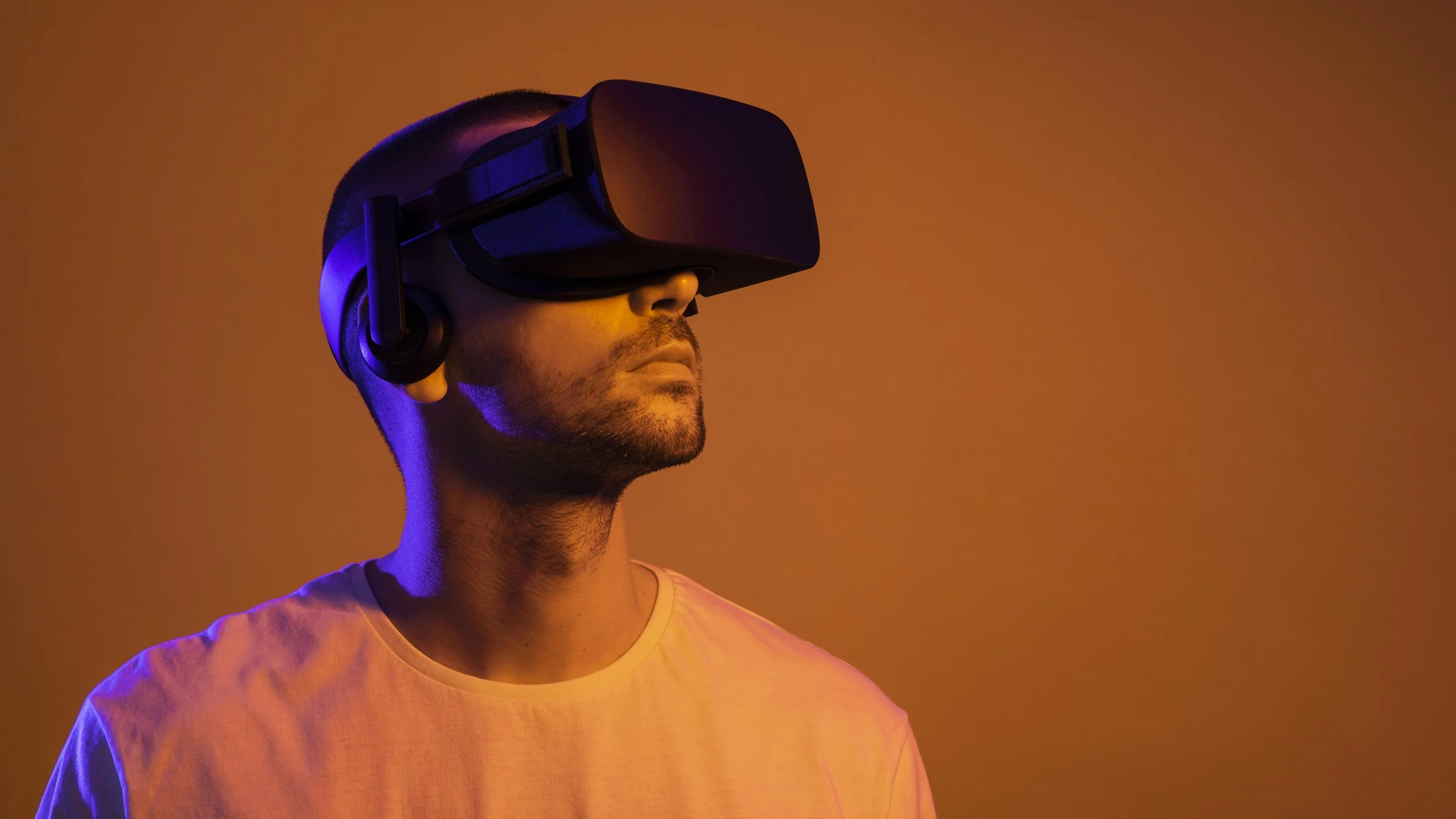
Remove all furniture, cords, and obstacles from a 20-by-20-foot area. Ensure the floor is dry and non-slip to prevent falls during high-intensity movements.
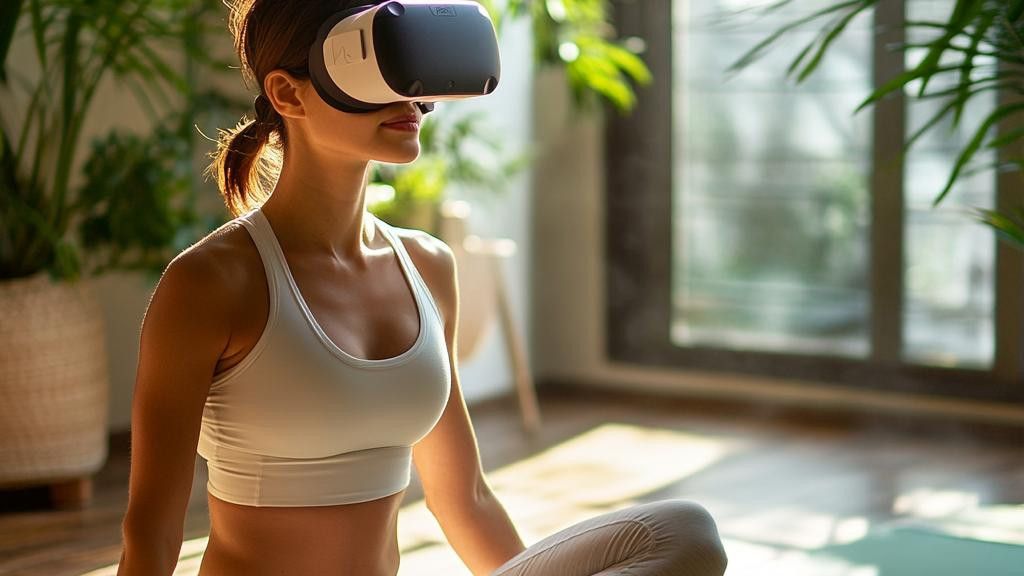
Calibrate your headset's Guardian or Chaperone system. Walk the perimeter to ensure the virtual wall aligns with your physical space, leaving a safe buffer zone.

Perform a few warm-up movements inside the boundary. Check for any blind spots or low-hanging objects that might not be visible through the headset's passthrough.
Your safety depends on this preparation. A well-defined space lets you focus on your form and heart rate, not on dodging furniture. Treat your VR gym like a real workout space: clear, secure, and ready for action.
Choose the right fitness app
Selecting a VR fitness app depends on your current conditioning and preferred workout style. The market offers two distinct paths: subscription-based services that provide guided, instructor-led classes, and standalone games that rely on gamification and high-intensity movement. Your choice should align with how much structure you need to stay consistent.
| App | Model | Workout Style | Calorie Potential |
|---|---|---|---|
| Supernatural | Subscription | Guided Cardio & Strength | High (Instructor-led) |
| FitXR | Subscription | Boxing & Dance | High (Rhythmic) |
| Beat Saber | Purchase | Rhythm Action | Moderate (Continuous) |
| Black Box VR | Subscription | Gamified Strength | Moderate (HIIT) |
| Les Mills BodyCombat | Subscription | Martial Arts Cardio | High (Interval) |
The primary difference lies in guidance. Subscription apps like Supernatural and FitXR offer structured classes with music-synced cues, which helps beginners maintain proper form and intensity without guessing. Standalone titles like Beat Saber or Thrill of the Fight require you to self-regulate effort; while effective, they lack the external pacing that keeps many users engaged during plateaus.
For those seeking variety without a monthly fee, purchasing individual games is a viable alternative. However, the library of high-quality, fitness-focused standalone titles is smaller. If consistency is your main hurdle, the structured environment of a subscription service often yields better long-term results by removing the decision fatigue of choosing what to do next.
Configure your headset for movement
Setting up your VR headset for fitness requires more than just putting it on. The goal is to lock in tracking accuracy and comfort so you can move freely without pausing to adjust straps or clean lenses mid-workout. A loose fit causes tracking drift, while a tight fit creates pressure points that distract you from your routine.
Start by putting the headset on and adjusting the strap. The device should sit snugly against your face without pressing into your eye sockets. If you can slide a finger under the strap easily, it is too loose. If it leaves red marks immediately, it is too tight.
Next, adjust the lenses. Most headsets have a dial or slider to change the interpupillary distance (IPD). Align the lenses until the virtual world looks sharp and clear. If the image looks blurry or doubled, your IPD is off. This step is critical for reducing eye strain during long sessions.
Finally, check your play area. Ensure you have at least 2 meters of clear space in front of you. Remove any obstacles like coffee tables or pets. Enable guardian or boundary systems to mark the safe zone. This prevents you from walking into walls when you are focused on the game.
Put on the headset and tighten the rear dial. The headset should feel secure but not painful. It should not slide down your nose when you look up or shake your head slightly.
Look at the home screen. Use the IPD slider to make the text and icons crisp. Clear vision reduces fatigue and helps your brain process movement faster.
Stand in your workout area. Use the guardian system to draw a safe boundary. This visual fence stops you from walking into real-world objects while you are immersed.
Build a sustainable weekly routine
Consistency beats intensity when you are starting VR fitness. Because the headset adds sensory load, your body needs more recovery time than traditional cardio. A sustainable schedule prevents burnout and keeps you motivated long-term.
Start with three short sessions per week. Aim for 20 minutes per session, which aligns with calorie-burn benchmarks for moderate exercise. This frequency allows your muscles and vestibular system to adapt without overwhelming your schedule.
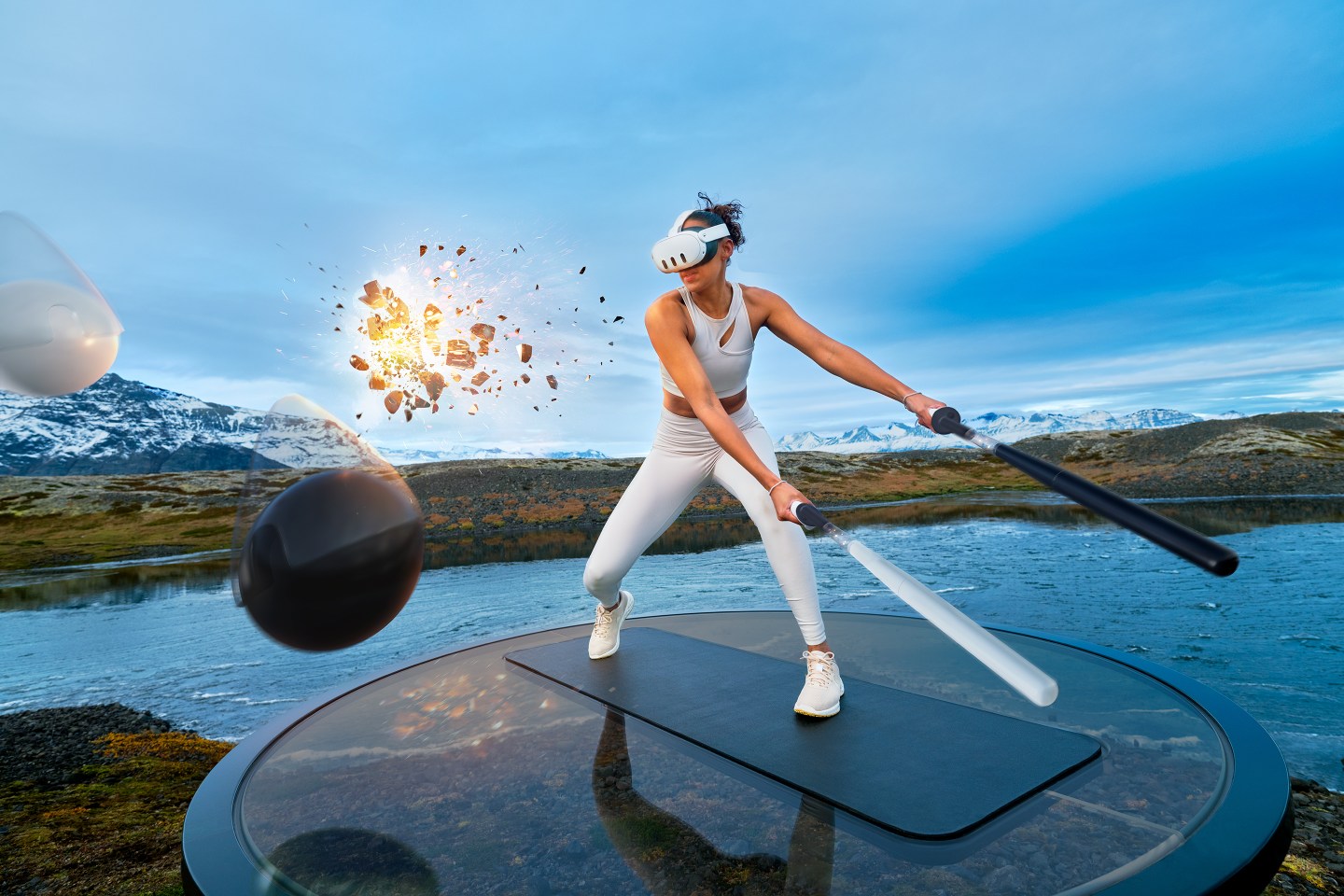
Treat VR workouts like appointments. Pick specific days and times, such as Tuesday, Thursday, and Saturday mornings. Blocking this time ensures you prioritize fitness before other daily tasks consume your energy.
Alternate between high-intensity games like Beat Saber and lower-impact rhythm or boxing titles. High-intensity days elevate your heart rate significantly, while lighter days help active recovery. This variation keeps your body engaged and reduces repetitive strain.
Use the built-in stats in your VR fitness app to monitor minutes played and calories burned. Reviewing this data weekly helps you see small improvements and adjust your routine if you hit a plateau. Consistency is easier to maintain when you can see tangible results.
Rest days are non-negotiable. Your eyes and neck need time to recover from the headset's weight and focus distance. On rest days, engage in light stretching or walking to keep blood flowing without adding VR-specific strain.
By following this structured approach, you build a habit that fits into your life rather than disrupting it. The goal is to make VR fitness a regular part of your week, not a short-term challenge.
Fix common VR fitness mistakes
Most beginners treat VR workouts like casual gaming, leading to poor form or injury. The headset isolates your vision, so your body often compensates in unsafe ways. Correcting these errors early keeps your heart rate up and your joints safe.
Keep your feet planted
It is tempting to step, lunge, or pivot as you play. This creates a high risk of tripping over furniture or losing balance. Keep your feet shoulder-width apart and pivot only on your heels. This stance provides a stable base for punching and dodging without requiring large movements.
Adjust the headset fit
A loose headset slides during vigorous movement, causing eye strain and nausea. A tight headset creates pressure points and headaches. Follow the manufacturer’s guide to adjust the strap and lens distance. The image should be sharp and centered before you start.
Control your swing speed
Swinging your arms too fast can strain your shoulders or cause you to hit your surroundings. Start with slow, controlled movements. Focus on hitting the target with accuracy rather than power. Gradually increase your intensity as your muscles warm up and your coordination improves.
Frequently asked questions about VR fitness
Can VR fitness replace traditional gym workouts?
VR fitness can serve as a valid substitute for moderate cardio, but it does not fully replicate the resistance training of a traditional gym. Research indicates that a 20-minute VR workout can burn roughly as many calories as a 20-minute exercise bike routine, according to tests cited by NPR. For comprehensive strength building, you should still incorporate weighted exercises outside the headset.
Is VR fitness safe for beginners?
The primary safety risk in VR fitness is collision with real-world objects. Always clear a wide play area before starting. Additionally, monitor your heart rate; VR can feel more intense than it is because the immersive visuals distract you from physical fatigue. Start with 10-minute sessions to gauge your body’s response.
Do I need expensive equipment to start?
You do not need a high-end PC or expensive treadmills to begin. A standalone headset like the Meta Quest 3 is sufficient for most beginner fitness apps. The core requirement is just the headset and a clear space; you do not need additional sensors or weights unless you are progressing to advanced strength routines.
No comments yet. Be the first to share your thoughts!