

Get virtual reality fitness right
Start by defining your primary constraint: space, budget, or fitness level. This single factor determines whether you need a room-scale headset, a seated app, or a specific type of hardware. Keep the initial setup simple to verify safety and comfort before committing to a routine.
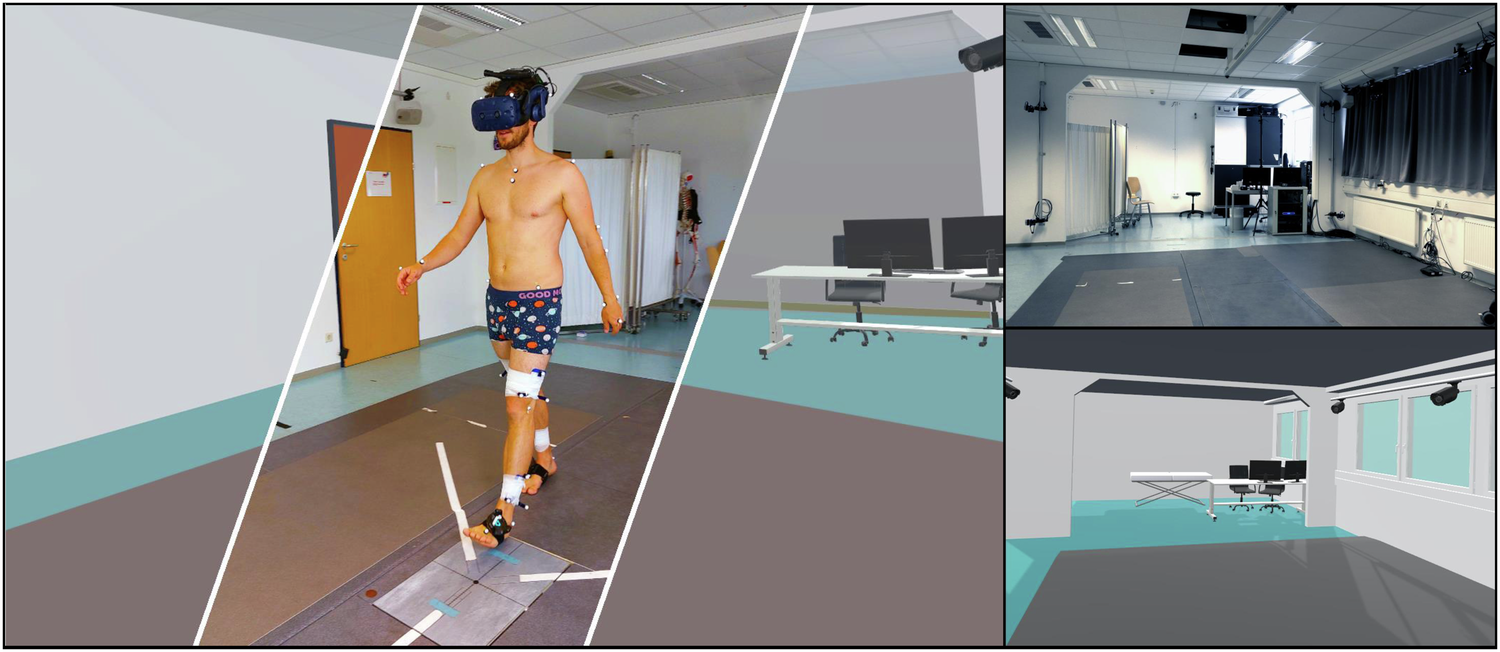
Start by creating a dedicated workout zone. VR fitness apps often require a 2x2 meter (6.5x6.5 ft) clear area. Remove furniture, rugs, and pets from this boundary. Use the headset’s guardian or boundary system to draw a safe perimeter. If you plan to move around, set a "standing" or "room-scale" boundary rather than a seated one. This prevents accidental collisions with walls or objects during intense cardio sessions.
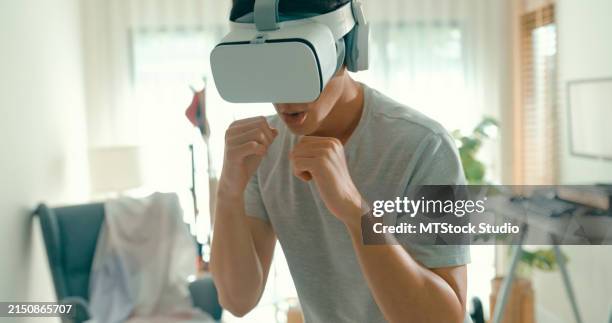
Comfort is critical for endurance. Adjust the headset straps so the device sits snugly but doesn’t press into your eye sockets. The IPD (interpupital distance) slider should align the lenses with your eyes for a sharp image. A blurry screen causes eye strain and headaches, cutting your workout short. Ensure the front balance counterweight is positioned correctly to keep weight off the top of your head. This step is often overlooked but determines whether you can sustain a 30-minute session.
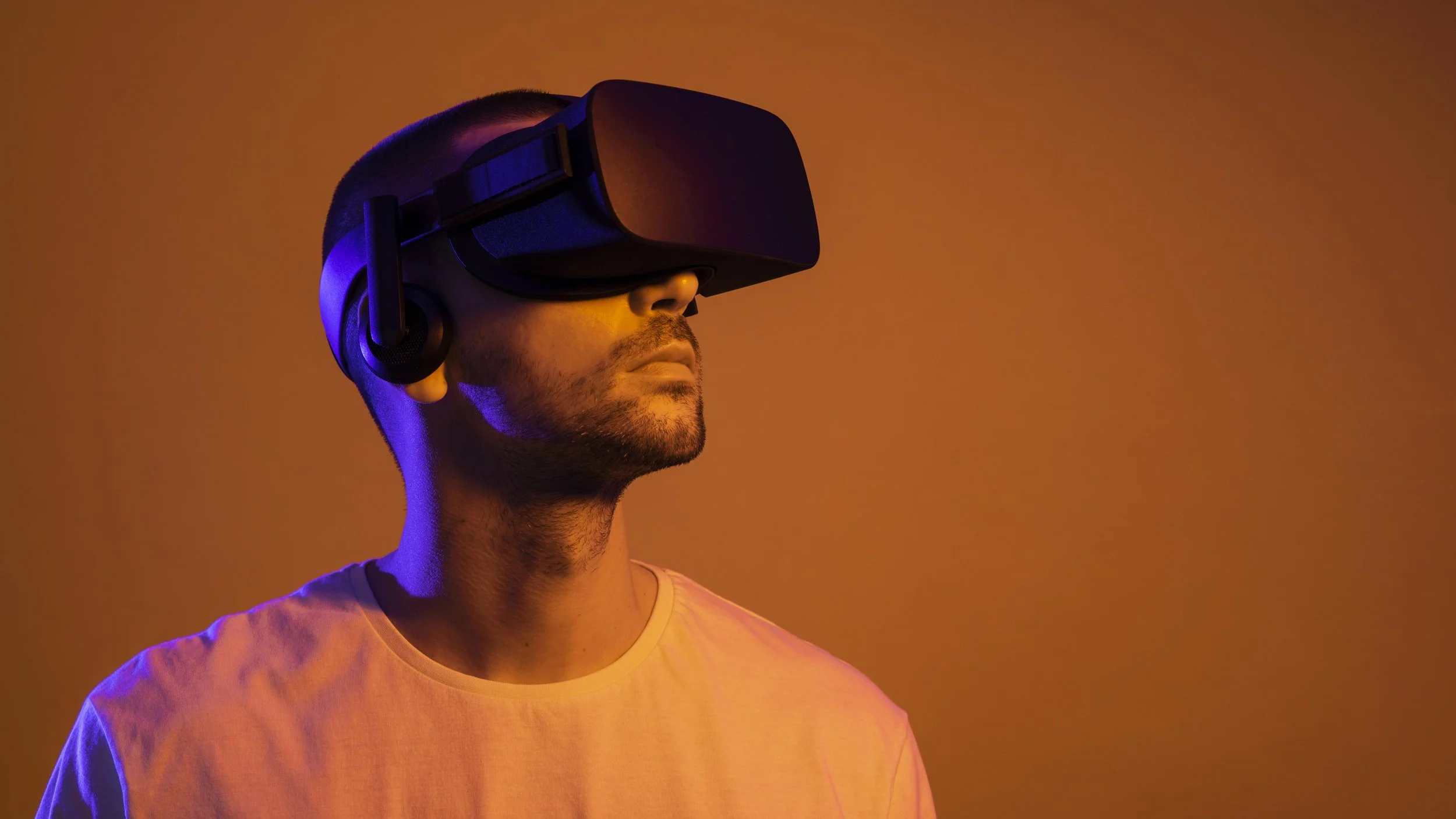
VR fitness relies on accurate motion tracking. Perform the calibration routine offered by your headset or fitness app. This usually involves raising your arms or drawing shapes in the air. This step maps your real-world arm span to the virtual environment. If your virtual punches or squats feel disconnected from your body, recalibrate. Proper calibration ensures that the intensity metrics (like calories burned) are accurate and that you’re engaging the correct muscle groups.
Choose an app that matches your fitness goals. For high-intensity cardio, try boxing or rhythm games like Beat Saber or Les Mills Bodycombat. For strength and flexibility, look for apps like Supernatural or Les Mills Bodycombat which offer guided classes. Avoid casual games if your primary goal is physical conditioning. Check the app’s workout structure: does it include warm-ups, cool-downs, and progressive difficulty? A structured program ensures you hit all major muscle groups and prevent injury.
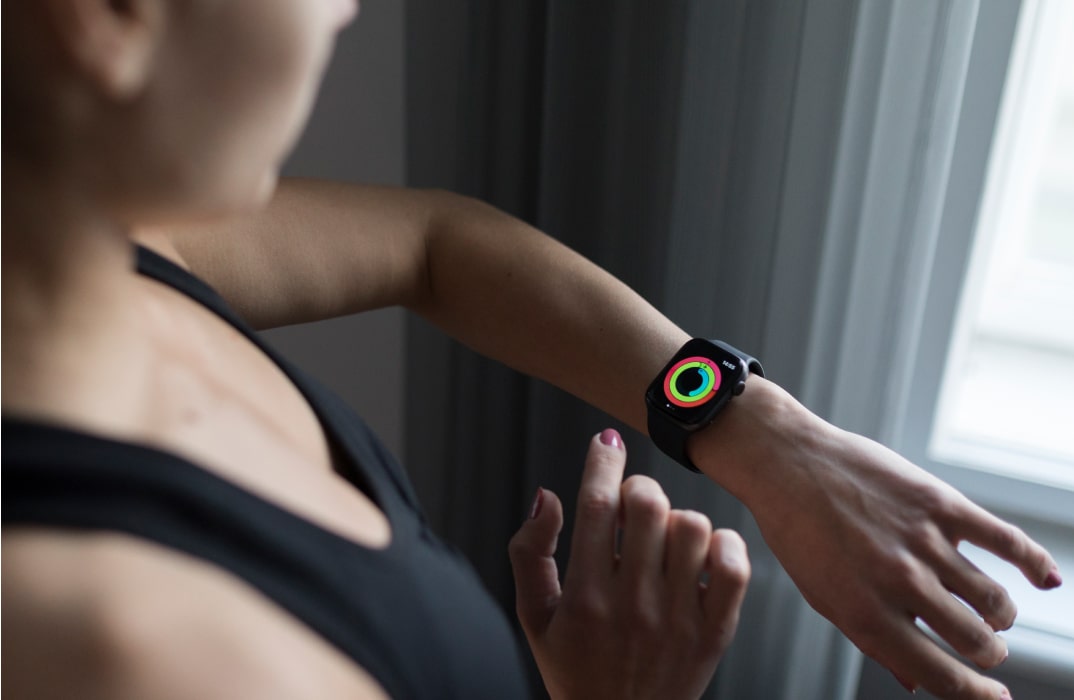
VR can be surprisingly exhausting. The immersion often masks physical fatigue, leading users to overexert. Keep a water bottle within arm’s reach. Use the headset’s pause feature to check your heart rate if your device supports it. Listen to your body: if you feel dizzy or overly breathless, take a break. The goal is consistent, sustainable exercise, not a single intense burst. Finish with a cool-down period to bring your heart rate down safely.
Fix common mistakes
The VR Fitness Revolution troubleshooting should start with a clear boundary: what is actually broken, and what still works normally. Check the display, network connection, paired devices, app access, and recent updates before assuming the whole system needs a reset. A small connection failure can make the main screen feel unreliable even when the core system is fine.
Work from low-risk checks to deeper resets. Confirm power state, safe parking, account access, and signal first. Then restart the interface, wait for it to reload completely, and test the original symptom. Avoid changing multiple settings at once because that makes it harder to know which step actually fixed the problem.
If the issue affects safety information, repeats after every restart, or appears with warning messages, treat the reset as a temporary diagnostic step rather than the final fix. Document the symptom and move to official support instead of stacking more DIY attempts.
Virtual reality fitness: what to check next
You’ve likely seen the headlines, but the practical details matter before you strap on a headset. Here are the answers to the most common questions about using VR for fitness.
No comments yet. Be the first to share your thoughts!