
Prepare your space and gear
Before you start moving, you need to clear a safe area for your virtual reality fitness session. A cluttered room turns a fun workout into a hazard. Start by removing any furniture, rugs, or objects that could trip you or break if hit by the headset.
You need a clear play space of at least 2 meters by 2 meters (about 6.5 feet by 6.5 feet). If you have limited room, use the guardian or boundary system built into your headset to mark a safe zone. This digital fence will vibrate or show a grid when you get too close to a wall.
Check your hardware before you put on the headset. Ensure your VR headset is fully charged and the controllers have fresh batteries. Make sure your Wi-Fi connection is stable, as lag can cause motion sickness. Wear comfortable, breathable clothing that allows you to move freely.
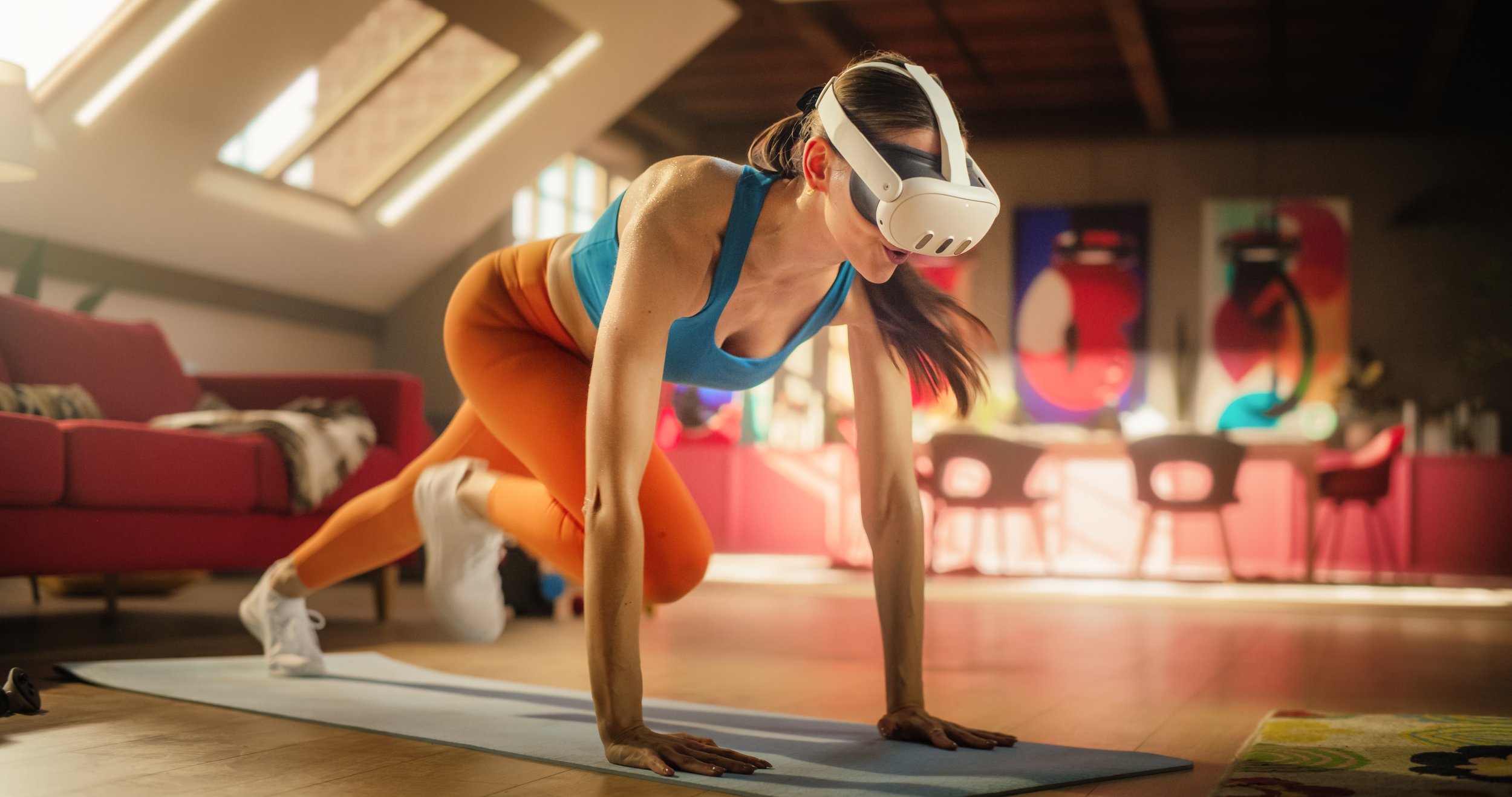
Set up your headset and controllers according to the manufacturer’s instructions. Most modern headsets, like the Meta Quest, require you to scan your room with the controllers to map out your safe play area. Follow the on-screen prompts carefully to ensure the tracking is accurate. This step is critical for preventing accidents and ensuring a smooth experience.
Compare VR fitness apps by workout type
Choosing the right VR fitness app depends on whether you want to sweat through cardio or build muscle with resistance. The market has split into two distinct categories: high-energy rhythm games that keep your heart rate up, and strength-focused simulations that mimic gym movements.
To help you decide, here is a side-by-side look at three popular options. FitXR and Supernatural lean heavily into cardio and dance, while Black Box VR is designed specifically for strength and agility training.
| App | Primary Focus | Est. Calorie Burn (20 min) | Subscription Cost |
|---|---|---|---|
| FitXR | Cardio & Dance | 150-200 kcal | $15/mo |
| Supernatural | Cardio & Rhythm | 180-220 kcal | $18/mo |
| Black Box VR | Strength & Agility | 150-180 kcal | $12/mo |
If your goal is to burn calories quickly without lifting weights, a cardio-focused app like Supernatural offers immersive environments that make running in place feel like an adventure. For those looking to replace traditional weight training, Black Box VR uses gamified resistance to target specific muscle groups, offering a more structured strength experience.
Calibrate your headset and sensors
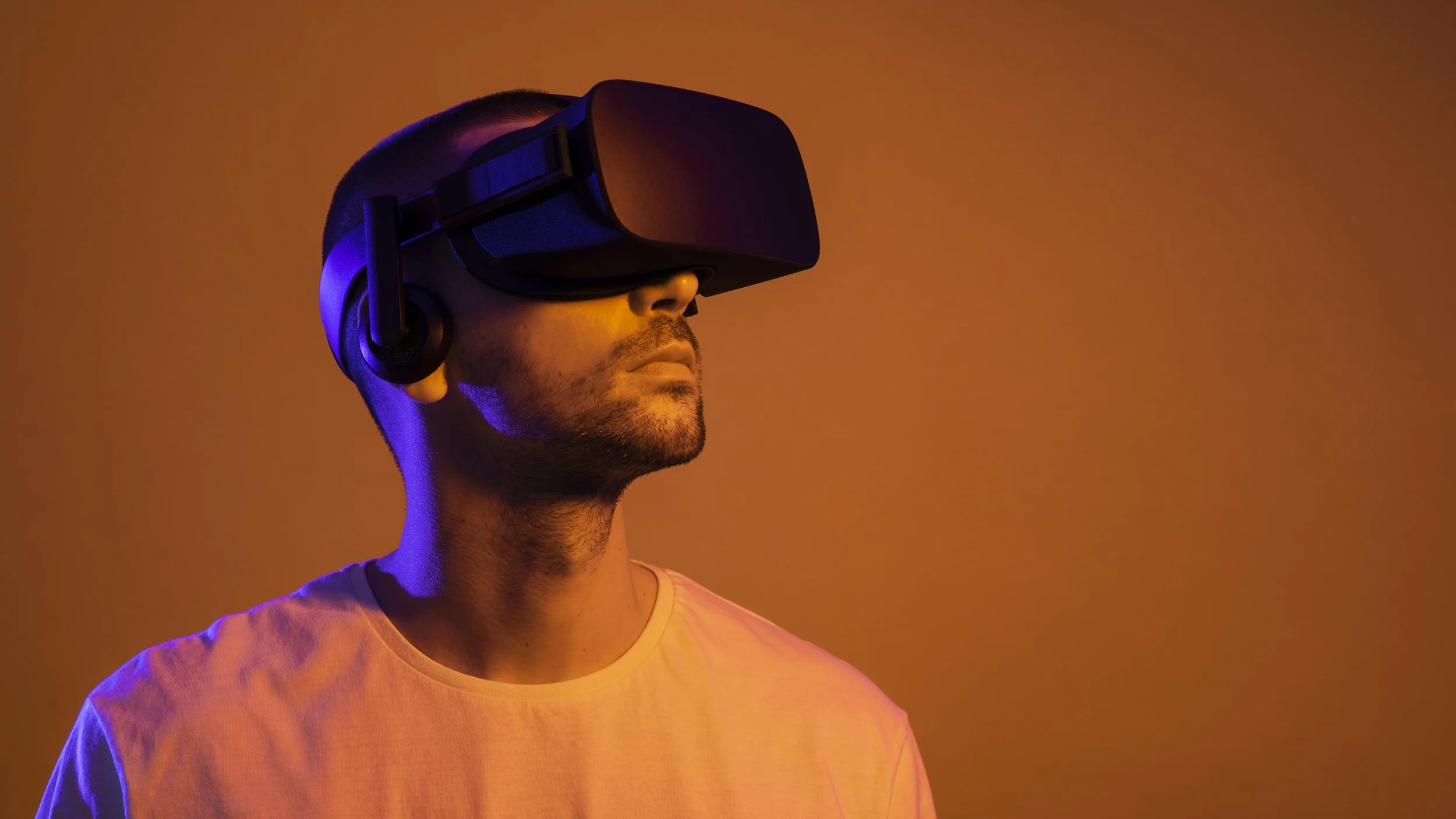
Before you start swinging, you need to define your physical space. VR fitness requires precise tracking to prevent collisions and ensure accurate movement capture. Skipping this step risks injury and breaks the immersion that makes virtual reality workouts effective.
Start by clearing a safe area. Remove furniture, rugs with edges, or anything you could trip over. Meta recommends a minimum play space of 2m x 2m for standing workouts, though more room allows for full-body movement in games like Supernatural or Les Mills Bodycombat.

Once your boundary is set, you can safely turn your living room into a gym. Meta Quest users can access fitness-specific tutorials directly within the Guardian setup to ensure they understand the safety features before diving into high-intensity workouts.
Start with a low-intensity session
Your first VR fitness workout should feel like a gentle introduction, not a marathon. The goal is to establish a rhythm and get comfortable with the headset’s tracking before pushing for sweat. Starting too hard often leads to frustration or, worse, injury from poor form in a virtual space.
Begin with a five-minute warm-up. Do not jump straight into high-intensity interval training or heavy boxing combos. Instead, try a light stretching routine or a slow-paced walking simulator. This helps your body adjust to the visual disconnect between your stationary position and the virtual movement, reducing the risk of cybersickness.
Focus on your posture and controller grip. Keep your elbows slightly bent and your wrists neutral. If you find yourself leaning forward or hunching your shoulders, stop and reset. Form matters more than speed in these early sessions. A controlled, deliberate movement pattern builds the muscle memory needed for more complex routines later.
Avoid common VR fitness mistakes
The easiest mistake with Start Virtual Reality Fitness is comparing options on the most visible detail while ignoring the day-to-day constraint. A choice can look strong on paper and still fail because it is too hard to maintain, too expensive to repeat, or awkward in the actual setting. Use the same checklist for every option: fit, cost, durability, timing, upkeep, and fallback plan. That keeps the comparison practical instead of drifting into preference alone.
The simplest way to use this section is to write down the real constraint first, compare each option against it, and choose the path that still works outside ideal conditions.
Track your progress and consistency
Monitoring your virtual reality fitness journey requires a blend of built-in app metrics and disciplined manual logging. While VR headsets capture movement data, they rarely translate that activity into specific weight loss or muscle building insights without additional context. You need to bridge the gap between calories burned in the headset and your actual physiological goals.
Use official VR health trackers
Start with dedicated platforms designed for serious fitness tracking. The Virtual Reality Institute of Health and Exercise (VR Health) offers an official app that functions as both a workout engine and a calorie tracker. This tool provides a baseline for energy expenditure that generic fitness bands often miss in VR-specific movements. Use this data to establish a consistent weekly activity floor.
Log external metrics manually
VR apps cannot measure muscle protein synthesis or hydration levels. Pair your VR sessions with a standard food diary and hydration tracker. Record your pre-workout weight and post-workout recovery status. This manual layer ensures you are not overestimating calorie deficits based solely on VR movement data, which can vary significantly by game intensity.
Review weekly trends
Don’t obsess over daily fluctuations. VR fitness results compound over weeks. Review your logged data every Sunday to identify patterns. Are you hitting your protein targets on high-intensity VR days? Is your resting heart rate improving? Adjust your routine based on these aggregated trends rather than single-session outcomes.
Frequently asked questions about VR fitness
What is virtual reality fitness?
Virtual reality fitness is an exercise method that uses a headset to immerse you in a digital environment while you move your body. Instead of watching a screen, you interact with virtual worlds designed to promote physical activity, gameplay, and fitness challenges. This approach turns your living room into a gym, allowing you to box, dance, or play sports without leaving your home Meta Quest Fitness.
Can VR fitness replace traditional weightlifting?
VR fitness is excellent for cardio, coordination, and high-repetition movements, but it does not replace traditional weightlifting for building maximal strength. Most VR games rely on bodyweight resistance or light controllers, which cannot match the progressive overload needed for significant muscle hypertrophy. Think of VR as a complement to your routine—it gets your heart rate up and keeps you moving, but you still need heavy weights for serious strength gains.
Is VR fitness safe for beginners?
For most people, VR fitness is safe, but you must clear your play space to avoid injury. Remove furniture and ensure you have enough room to swing your arms without hitting walls or objects. Start with low-intensity games to get used to the headset’s weight and balance. If you experience dizziness or motion sickness, take frequent breaks and gradually increase your session time as your body adapts.
No comments yet. Be the first to share your thoughts!