
Beyond Vibration: The Rise of Full-Body VR
Virtual reality exercise is evolving. For a while, it was limited to head and hand tracking, which is good for games but less so for a proper workout. You could swing your arms in a boxing game, but you didn’t feel the impact. That’s changing. Full-body haptic suits promise a more immersive and effective fitness experience.
Haptic technology has been around for decades, initially developed for surgical simulations and gaming controllers. Early devices used simple vibrations, but the technology has advanced. Now, suits can simulate pressure, impacts, and even temperature for a richer sensory experience.
Interest in haptic suits for fitness addresses a limitation of traditional VR fitness: the disconnect between physical effort and sensory feedback. Feeling resistance and impact when squatting in a VR world makes the exercise more engaging and effective. This closes the gap and creates a workout that feels real. This space will likely see rapid development.
These suits are becoming more refined and accessible, though still relatively expensive. They offer a level of immersion that can transform exercise, making it more motivating, enjoyable, and effective.
What Exactly *Is* Haptic Feedback?
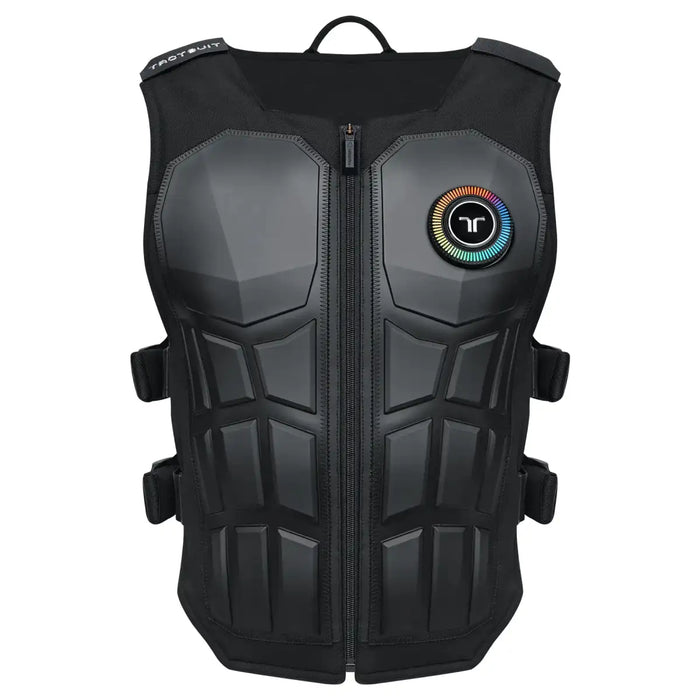
Haptic feedback lets you feel digital interactions, creating a sense of touch in a virtual environment. Beyond simple vibrations, modern haptic systems simulate sensations from gentle pressure to sharp impacts.
Vibration, the most common type, uses small motors for a buzzing sensation. Pressure feedback uses actuators to apply force, simulating touch or a squeeze. Advanced systems can manipulate temperature for heat or cold sensations. Electrical muscle stimulation (EMS) is also being explored, though its use in consumer VR fitness is limited and requires careful consideration.
The goal is a more believable and engaging experience, which in VR fitness translates to a more effective workout. Feeling resistance during a bicep curl, the impact of a kick, or muscle strain during a climb enhances perceived effort and improves form. This tricks your brain into believing you are performing these actions, leading to a more intense and rewarding workout.
Suits in Action: Current Hardware Options
The full-body haptic suit market is young, with bHaptics leading. Their X40 suit, around $499, has 40 haptic points for localized vibrations. The X50 adds more points and refined vibration patterns. Both are popular for their compatibility with many VR games and platforms.
Teslasuit aims for a premium experience. Their Teslasuit 5, around $2,500, includes haptic feedback and biometrics, tracking heart rate, respiration, and muscle activity. This data personalizes workouts and provides real-time performance feedback. It's a comprehensive, though expensive, solution.
SenseGlove Nova focuses on hand tracking and haptic feedback. Null Space offers a modular approach for customizing haptic sensor placement. bHaptics balances price and performance, Teslasuit offers advanced, data-driven experiences, and SenseGlove excels in precise hand interaction. Consider your budget and specific needs.
Compatibility can be an issue; not all suits work with all VR platforms or games. Before investing, check the suit's compatibility list. Some suits require additional tracking sensors or software. While improving, the technology is not yet plug-and-play with standard VR headsets.
- bHaptics X40: Affordable entry point, 40 haptic points, good compatibility.
- bHaptics X50: Enhanced version of the X40, more haptic points, refined vibrations.
- Teslasuit 5: Premium option, haptic feedback + biometrics, personalized workouts.
- SenseGlove Nova: Hand-focused haptics, precise tracking, ideal for specific applications.
The Science Behind the Sweat
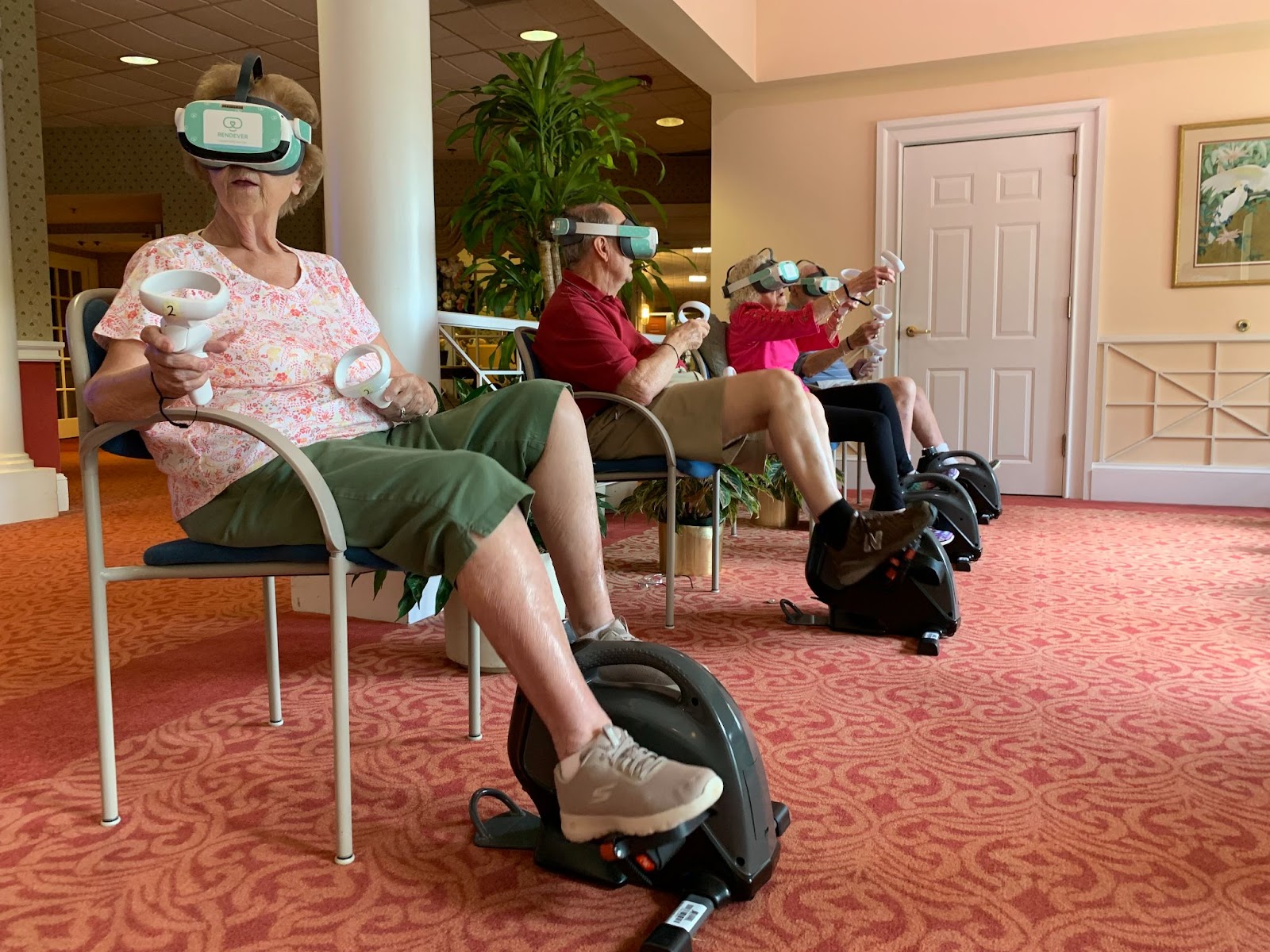
VR exercise, even without haptics, offers documented benefits. A systematic review in PMC examined VR exercise's effectiveness on physiological, psychological, and rehabilitative outcomes, finding improvements in cardiovascular fitness, muscle strength, balance, and cognitive function. It also showed potential benefits for individuals recovering from stroke or neurological conditions.
Haptic feedback increases immersion, leading to greater effort and motivation. Feeling the impact of actions makes the brain perceive the exercise as real, resulting in a more intense and engaging workout. This helps individuals who struggle with motivation or find traditional exercise boring.
Haptic feedback can improve form and reduce injury risk by providing subtle cues about body position and movement. A suit could vibrate if knees buckle during a squat or if your back rounds during a deadlift, helping correct form and prevent injuries.
Preliminary studies suggest haptic feedback can enhance VR exercise effectiveness. The system must provide meaningful sensory feedback that complements visual and auditory cues. This means adding relevant sensations that enhance the workout experience.
Games & Apps: Where Haptics Shine
The real magic happens when haptic suits are paired with games and apps designed to take full advantage of the technology. Supernatural, a popular VR fitness app, is beginning to integrate haptic feedback, allowing you to feel the impact of virtual objects during workouts. This adds a new dimension to their already engaging rhythm-based gameplay.
Boxing and martial arts games are particularly well-suited for haptic feedback. Games like Thrill of the Fight and Creed: Rise to Glory can be significantly enhanced by feeling the impact of punches and kicks. The added sensation makes the workouts more realistic and challenging.
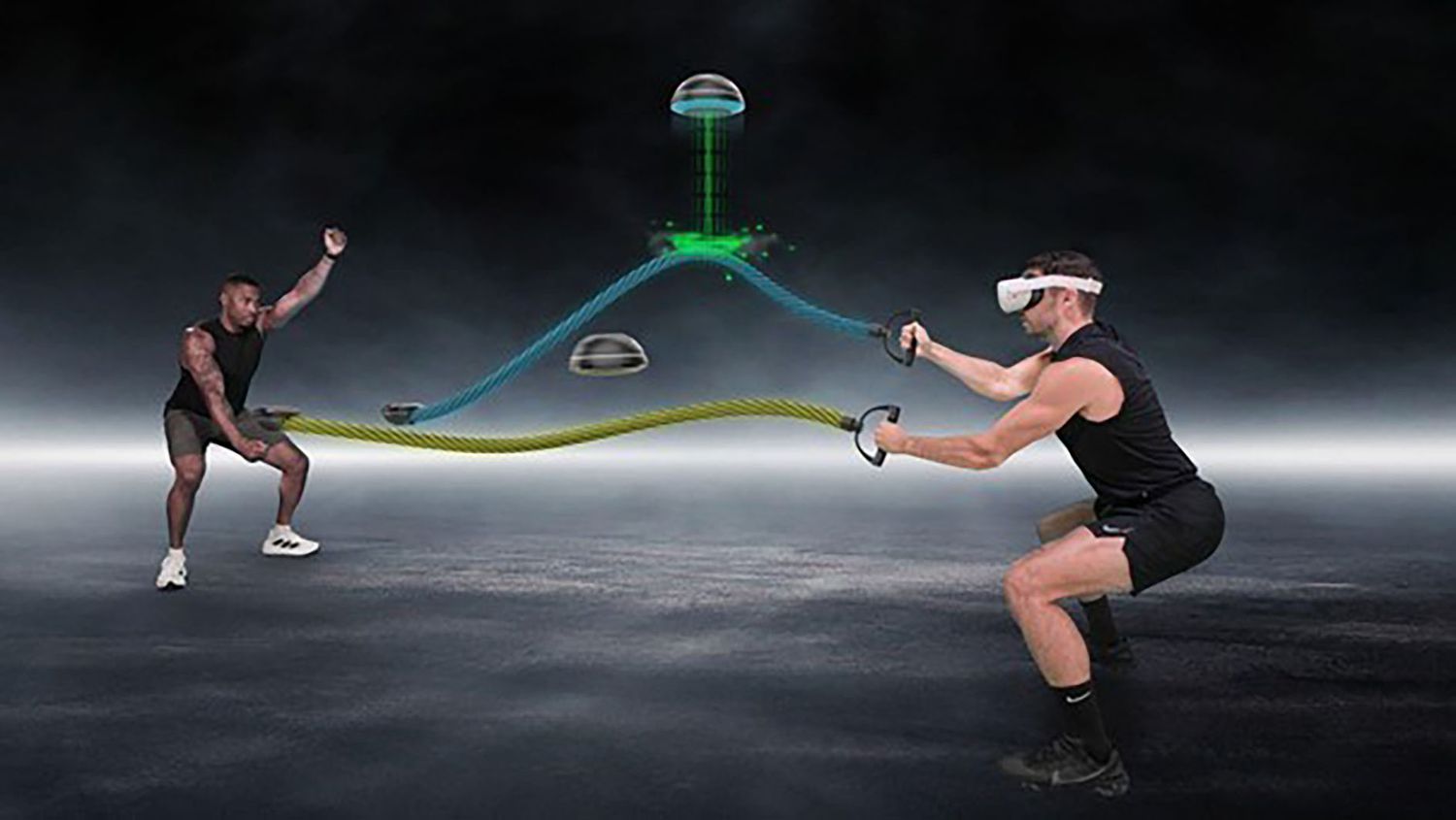
Beyond combat sports, haptic feedback can also enhance other types of VR fitness experiences. Archery games can simulate the tension of drawing a bowstring and the impact of an arrow hitting its target. Obstacle courses can provide tactile feedback as you navigate virtual environments. Even simple exercises like squats and lunges can be made more engaging with haptic resistance.
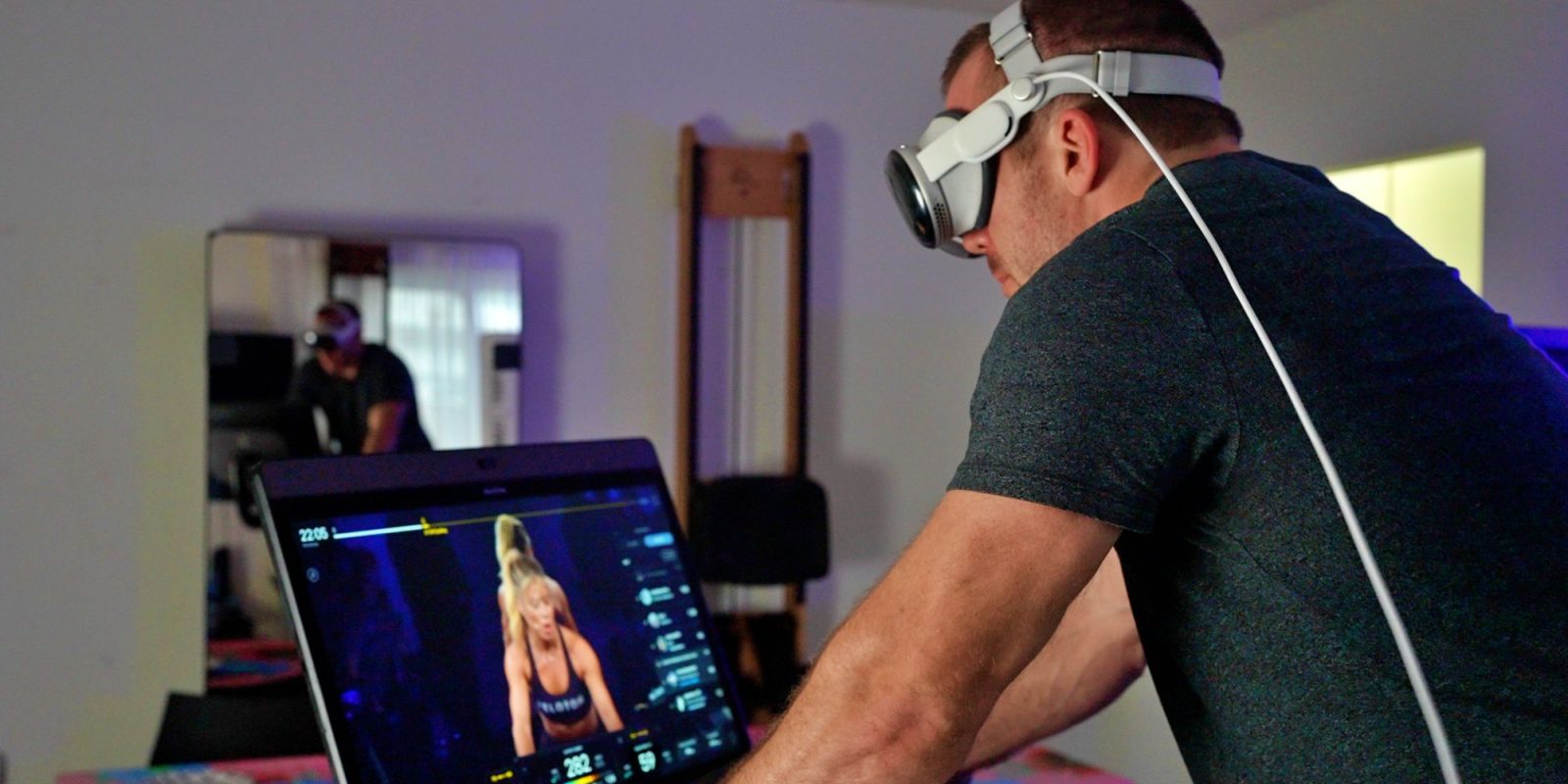
I’ve been experimenting with Les Mills Bodycombat in VR with a bHaptics suit, and the difference is remarkable. Feeling the impact of each punch and kick really elevates the experience, making it feel like a genuine workout. The integration isn't perfect yet, but it's a clear indication of where VR fitness is heading.
Building Your Own Haptic VR Setup
Getting started with haptic VR fitness requires a bit of investment. First, you’ll need a VR headset. The Meta Quest 3 is a popular choice, offering a good balance of price and performance. Next, you’ll need a haptic suit. As we discussed earlier, bHaptics offers affordable options, while Teslasuit provides a more premium experience.
You may also need additional tracking sensors, depending on the suit and the games you plan to play. Some suits require external base stations for accurate tracking, while others rely on inside-out tracking built into the VR headset. Software compatibility is also crucial. Make sure the suit and the games you want to use are compatible with your VR platform.
Setting up the equipment can be a bit fiddly. You’ll need to connect the suit to your computer or VR headset via USB or Bluetooth. You may also need to install drivers and configure the software. Once everything is set up, take some time to calibrate the suit and adjust the settings to your liking. Experiment with different haptic intensity levels to find what feels most comfortable and effective.
Finally, don't forget to prioritize safety. Start slowly and gradually increase the intensity of your workouts. Pay attention to your body and stop if you experience any pain or discomfort. Haptic VR fitness is a powerful tool, but it’s important to use it responsibly.
The Future of Immersive Fitness
The future of haptic VR fitness is bright. I expect to see continued advancements in haptic technology, with suits becoming more realistic, affordable, and comfortable. We’re already seeing research into more sophisticated haptic actuators that can simulate a wider range of sensations, including texture and temperature gradients.
I also anticipate greater integration with other fitness technologies. Imagine an AI-powered personal trainer that uses haptic feedback to correct your form in real-time, or personalized workout plans that are tailored to your biometrics and performance data. The possibilities are endless.
Smaller, more discreet haptic devices are also on the horizon. Instead of full-body suits, we might see haptic vests or even individual sensors that can be attached to specific muscle groups. This could make haptic VR fitness more accessible and convenient.
Ultimately, the goal is to create a truly immersive and engaging fitness experience that motivates people to move and achieve their health goals. Haptic feedback is a crucial piece of that puzzle, and I believe it will play an increasingly important role in the future of fitness.
No comments yet. Be the first to share your thoughts!