
Prepare your workout space
Before you put on your headset, you need to clear a safe, dedicated area for movement. Virtual reality fitness relies on physical motion, and hitting a wall or furniture mid-workout is the fastest way to end your session—and potentially damage your hardware. The goal is to create a clear zone that accommodates your full range of motion without obstacles.
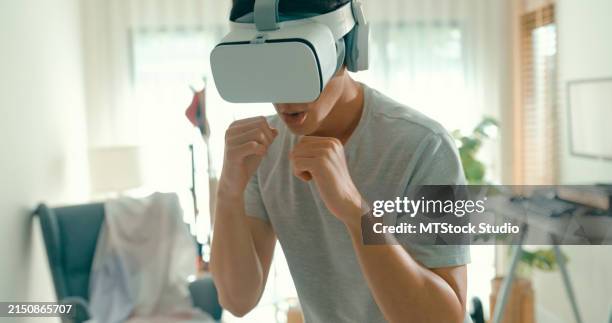
Most VR fitness titles require a minimum play area of 2 by 2 meters (roughly 6.5 by 6.5 feet). Clear this square of all furniture, rugs with thick pads, loose cables, and pets. If your space is limited, opt for seated VR games or titles with a fixed standing position, but always ensure the immediate area around your feet is unobstructed.
Enable the built-in boundary system in your headset settings (often called Chaperone or Guardian). This draws a visible grid in your field of view when you approach the edge of your play space. For extra safety, place physical markers like yoga blocks or tape on the floor to remind you where the virtual boundary begins.
Ensure your room has adequate lighting for the headset’s external cameras to track your movement. Avoid direct sunlight hitting the sensors, which can cause glare and tracking loss. If you have a standalone headset like the Meta Quest, keep the area around you free of reflective surfaces that might confuse the inside-out tracking system.
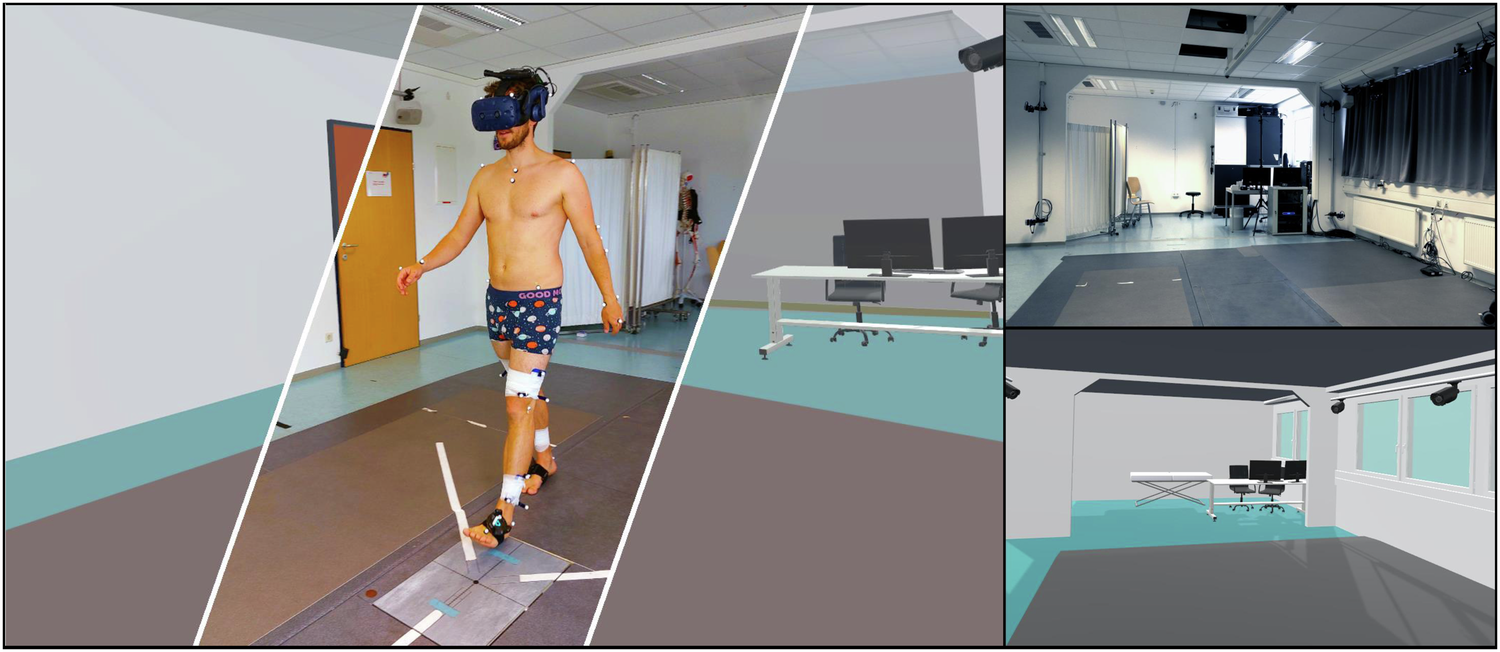
VR fitness can get intense. Wear breathable, secure athletic clothing that won’t get caught in your hands or swing wildly. Remove dangling jewelry, watches, or loose glasses that could interfere with hand tracking or get knocked off during vigorous movement. Secure your hair back if it’s long to prevent it from hitting the headset lenses.
A well-prepared space turns your living room into a functional gym. By clearing obstacles and setting up digital boundaries, you minimize injury risk and keep your focus on the workout. Once your area is ready, you can safely launch your first VR fitness routine.
Choose the right fitness app
Selecting a virtual reality fitness app requires matching the software’s mechanics to your specific physiological goals. Unlike standard exercise, VR fitness relies heavily on upper-body engagement and spatial awareness, meaning a game that burns calories through boxing may not build the same muscle groups as one focused on rhythmic movement.
Start by defining whether your primary objective is cardiovascular endurance or strength. If weight loss is the goal, prioritize apps with high-intensity interval training (HIIT) structures. Games like Supernatural or Les Mills Bodycombat maintain elevated heart rates through continuous movement. For muscle building, look for resistance-based titles like Black Box VR, which uses adaptive resistance to simulate weightlifting movements.
Your current fitness level dictates the complexity of the interface. Beginners should avoid games with complex hand-eye coordination requirements, which can lead to fatigue or motion sickness before calories are burned. Instead, choose apps with adjustable intensity sliders and clear, simple instructions. Verify health claims against official sources; for instance, research indicates a 20-minute VR workout can burn calories comparable to a stationary bike, but this varies significantly by game type and user effort.
Use the comparison below to evaluate top options based on calorie burn, muscle engagement, and subscription cost. This data helps you narrow down choices without trial-and-error spending.
| App | Est. Cal Burn (30 min) | Primary Focus | Monthly Cost |
|---|---|---|---|
| Supernatural | 250-350 kcal | Cardio & Flexibility | $19.99 |
| Les Mills Bodycombat | 300-400 kcal | High-Intensity Cardio | $14.99 |
| Black Box VR | 200-300 kcal | Strength & Agility | $12.99 |
| Beat Saber | 250-350 kcal | Cardio & Reflexes | Free (with song packs) |
Calibrate movement tracking
Accurate motion capture is the foundation of safe VR fitness. Without proper calibration, your virtual avatar won’t match your real-world movements, leading to missed reps, awkward postures, or collisions with furniture. Meta’s official guidelines emphasize that a well-tuned boundary and precise tracking ensure your workouts remain immersive and injury-free.
Set up your boundary
Start by defining your play space. Use the Guardian system (Meta’s boundary tool) to draw a safe circle or rectangle around your clear area. Ensure there are no tripping hazards, sharp corners, or breakable items within this zone. If you have limited space, choose the "Standing Only" boundary to prevent accidental stepping into walls.
Check tracking accuracy
Once the boundary is set, verify that your controllers and headset are tracking smoothly. Move your arms in all directions—up, down, left, right, and in circles. If the controllers flicker or disappear, check for obstructions like sunglasses, gloves, or bright light sources that might interfere with the inside-out cameras.
Adjust IPD and strap tension
Finally, ensure the headset fits snugly but comfortably. Adjust the interpupillary distance (IPD) slider if your headset supports it to keep the image sharp. A blurry image can cause eye strain and reduce your awareness of your surroundings, making it harder to stay within your safe zone.
Execute your first workout
Starting a VR fitness routine requires a different approach than traditional exercise. The headset isolates you from your immediate physical environment, which can mask fatigue and alter balance. To execute your first session safely, prioritize form over intensity. Treat this initial workout as a calibration period for your body's reaction to virtual movement.
Before launching any game, ensure your boundary is set correctly. Remove any furniture or obstacles within a two-meter radius. Stand in the center of your designated area and perform a slow 360-degree turn to verify visibility. A clear physical space prevents collisions when your virtual avatar moves.
Select a game mode with minimal jumping or rapid directional changes. Start with standing-only exercises or slow-paced rhythm games. Keep your arms relaxed and your movements deliberate. This phase helps your vestibular system adjust to the disconnect between your physical stillness and virtual motion.
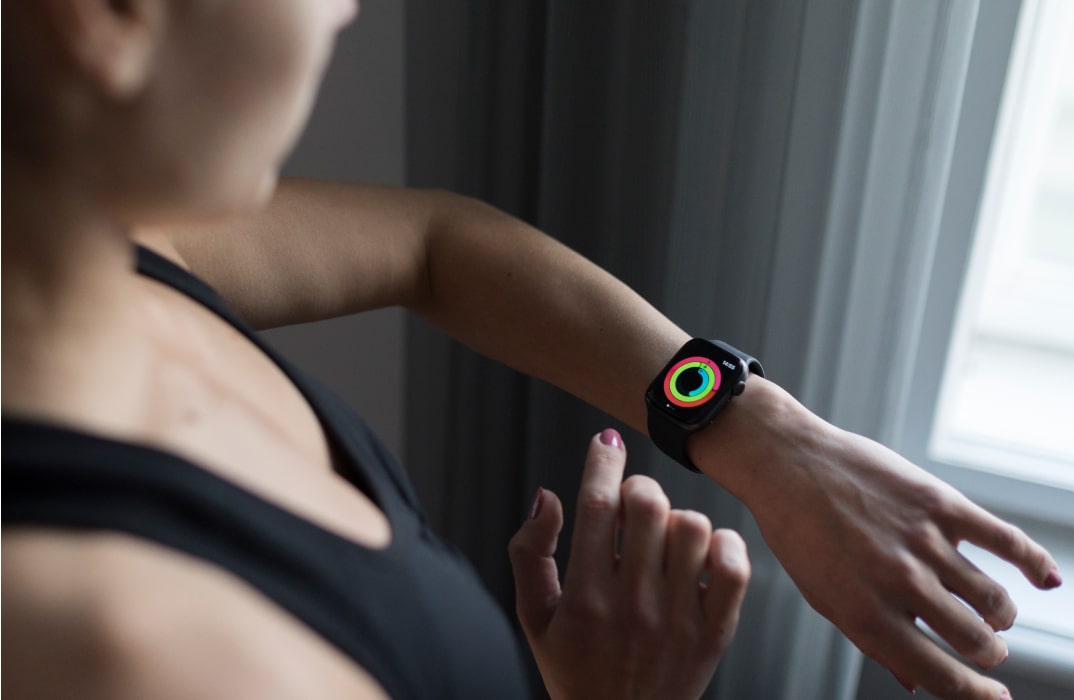
VR fitness can spike your heart rate quickly due to adrenaline and immersion. Check your wearable device or simply pause to assess your breathing. If you are gasping, reduce the intensity or take a short break. Maintaining a conversational pace ensures you build endurance without overexertion.
Focus on extending your arms fully and keeping your core engaged. Avoid hunching your shoulders or leaning forward excessively, which can cause neck strain. Use the game's feedback or a mirror if available to correct your posture. Good form maximizes muscle engagement and reduces the risk of injury.
Common VR fitness mistakes
Beginners often treat VR fitness like a video game rather than a physical workout, leading to preventable injuries or stalled progress. The most frequent error is overestimating calorie expenditure. While a 20-minute VR session can burn roughly as many calories as a 20-minute exercise bike routine, relying on headset estimates often leads to poor recovery planning and overtraining.
Another common pitfall is ignoring proper form. Players tend to "arm wrestle" the virtual world, using only their shoulders instead of engaging their core and legs. This isolates small muscle groups and increases the risk of shoulder strain. Additionally, many users skip the warm-up, assuming the immersive nature of the game provides sufficient preparation. VR-specific mechanics require dynamic stretching to prepare joints for repetitive, multi-directional movements.
How to fix these errors
- Verify intensity manually: Use a heart rate monitor or perceived exertion scale instead of trusting headset calorie counters.
- Engage your lower body: Consciously bend your knees and shift your weight during boxing or rhythm games to engage your legs.
- Warm up specifically: Perform 5 minutes of dynamic stretches focusing on shoulders, hips, and wrists before putting on the headset.
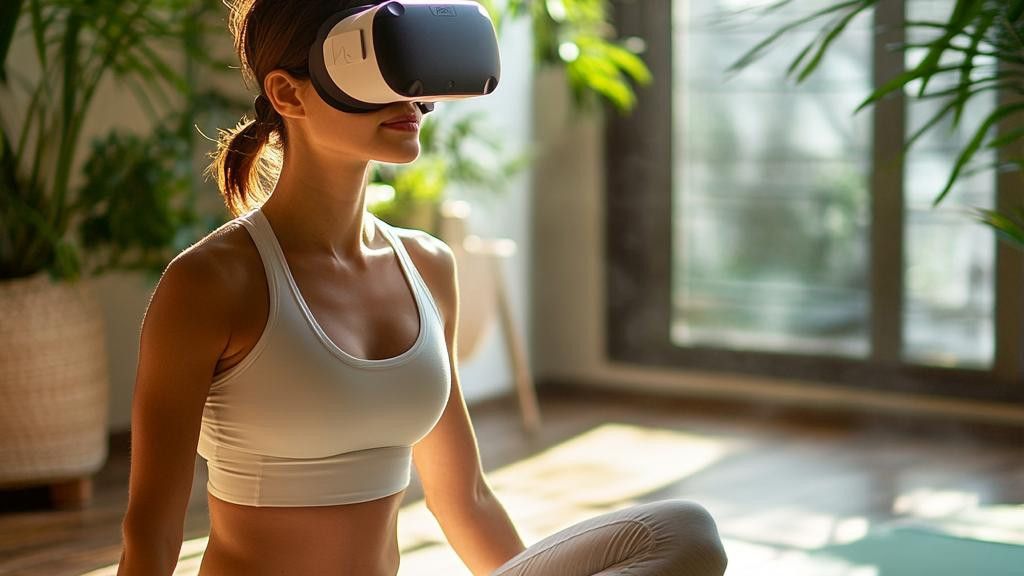
Remove all obstacles within a 6x6 foot radius. Use the headset's guardian boundary to ensure you stay within safe limits.
Stand with knees slightly bent. Engage your core before swinging your arms to prevent shoulder strain and maximize calorie burn.
Wear a chest strap or wrist monitor. Aim for 60-80% of your max heart rate to ensure you are working hard enough without overexerting.
Track your fitness progress
Consistent tracking turns VR workouts from casual play into measurable health improvements. Most VR headsets include built-in dashboards that log calories, distance, and session duration automatically. Use these native metrics to establish a baseline for your current fitness level.
To get a clearer picture, sync your VR data with a dedicated fitness app like Strava or Apple Health. This integration allows you to compare VR exertion against traditional cardio metrics, ensuring you are hitting target heart rate zones. The VR Health Institute notes that consistent data logging helps users adjust intensity to match specific health goals.
Review your weekly stats every Sunday to spot trends. If your calorie burn is plateauing despite increased playtime, consider adding resistance bands or increasing the game's difficulty setting. This simple audit keeps your routine challenging and effective.
No comments yet. Be the first to share your thoughts!