Get VR Fitness Right
Virtual reality workouts deliver results, but only if your setup handles the physical demands. A cramped room or a headset that slides during cardio turns a workout into a hazard. Before you download Supernatural or Les Mills Bodycombat, secure your space and hardware. This section covers the non-negotiable checks that keep your sessions safe and effective.
Clear Your Play Space
Meta recommends a minimum 2x2 meter (6.5x6.5 feet) clear area. This isn't just for safety; it's for range of motion. If you're doing Rumble Boxing or Club Pilates, you need full arm extension without hitting walls or furniture. Remove low coffee tables, rugs with thick edges, and any pets or children from the zone. Use the Guardian or Chaperone system to set a hard boundary. If you feel restricted, you'll subconsciously hold back, reducing the intensity and calorie burn.
Secure Your Hardware
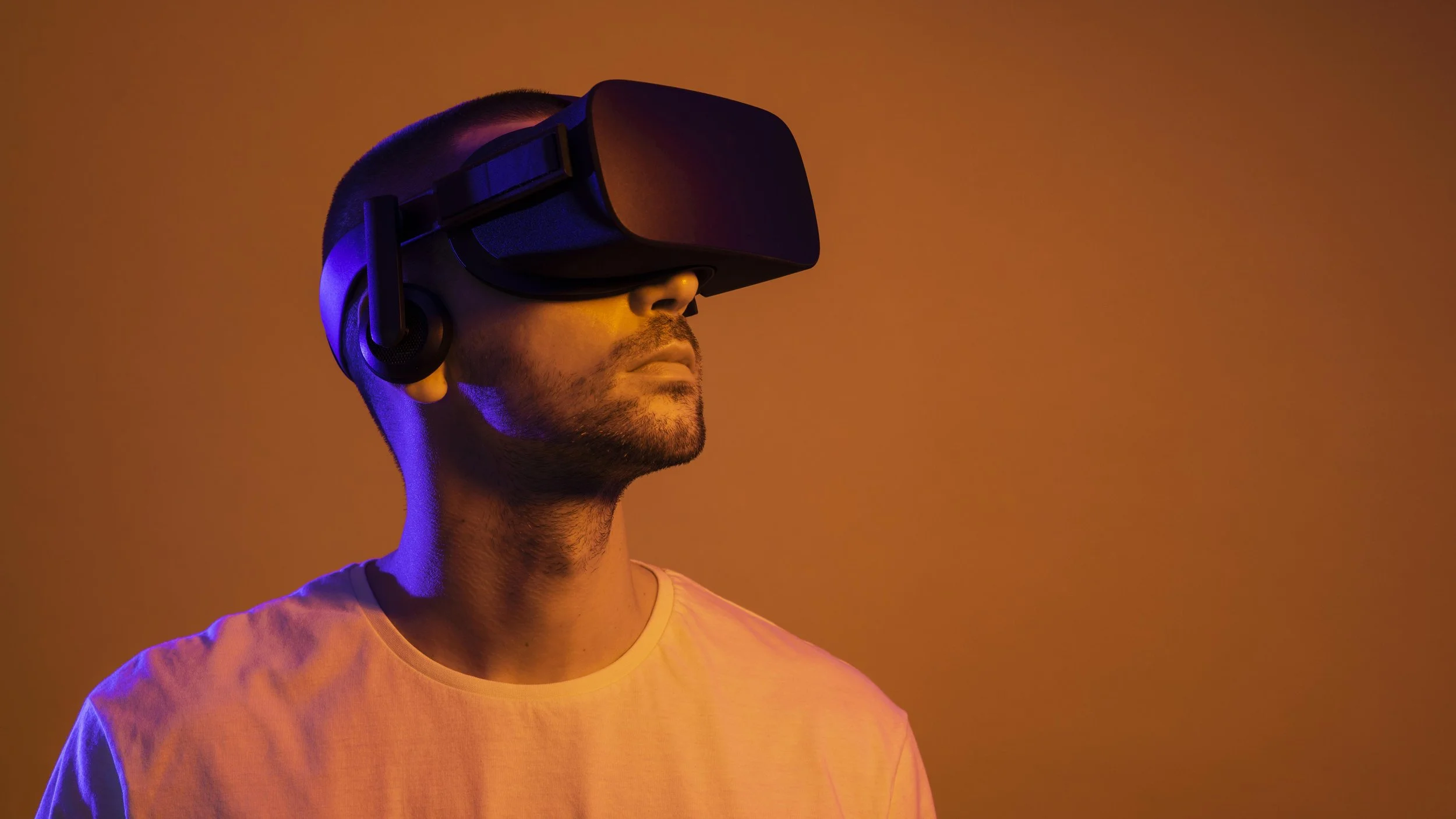
A loose headset ruins immersion and safety. Use a third-party strap like the Meta Quest Elite Strap with Battery or a dedicated fitness strap that distributes weight evenly. Regular head straps dig into the top of your head during movement, causing discomfort. Ensure the lenses are clean and the IPD (interpupillary distance) is calibrated to your eyes. Blurry vision forces you to squint or lean forward, straining your neck and reducing workout quality. Test the fit with a quick 30-second jump; if the headset shifts, tighten the straps before starting.
Check Your Health Baseline
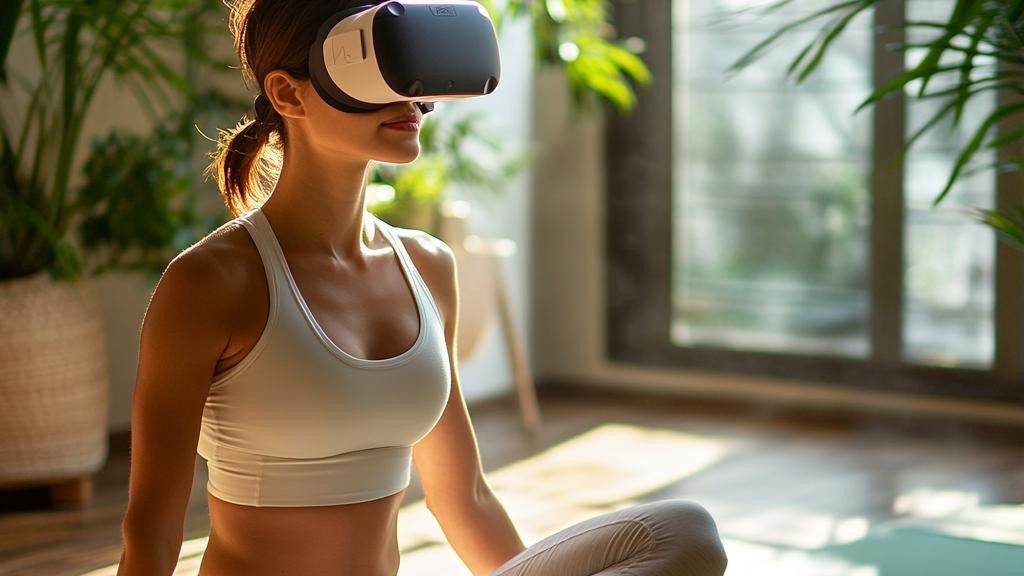
VR fitness is high-intensity. Your heart rate will spike faster than in traditional cardio because the visual immersion tricks your brain into exerting more effort. If you have a history of heart issues, vertigo, or motion sickness, consult a physician first. Start with 10-minute sessions to gauge your tolerance. Hydrate before you start; you'll sweat more than you expect because the heat from the headset and the intensity of the movement compound. Keep a towel and water bottle within arm's reach inside your play space.
Work through the steps
Virtual reality fitness removes the friction of a gym commute, but it introduces new variables for setup and safety. To get the most out of a VR workout, you need to prepare your space, calibrate your headset, and choose the right software. This sequence walks you through the essential steps to transform your living room into a safe, effective training zone.
Common mistakes to avoid
Many beginners make the same errors that lead to injury or a poor experience. First, ignore the "guardian" boundary at your own risk; hitting a wall or furniture is painful and damaging. Second, don't skip the IPD adjustment—blurry visuals cause headaches and fatigue faster than the workout itself. Third, avoid wearing loose clothing that might get caught in controllers or straps during vigorous movement.
Proof checks
After your session, check the health stats in your Quest dashboard. If your calorie burn seems significantly lower than expected, ensure your heart rate monitor (if used) is positioned correctly on your wrist. Verify that your play space was large enough by reviewing the boundary logs. If you felt motion sickness, reduce the locomotion settings in the app or take more frequent breaks.
Fix common mistakes in VR fitness setup
Most people treat virtual reality workouts like casual gaming, which leads to frustration or injury. The hardware is capable of intense cardio and strength work, but only if you set it up correctly. These are the three errors that derail progress and how to fix them.
Ignoring room boundaries
The most dangerous mistake is skipping the guardian setup. If your play space isn’t mapped, you will swing your arms into walls or furniture. This breaks immersion instantly and risks property damage.
The fix: Always run the room scan before putting on the headset. Stand in the center and walk the perimeter slowly. Ensure there is a clear two-meter radius. If you have pets or small children in the house, lock the boundary or clear the room entirely.
Wearing the headset too loose
A loose headset slides during squats or burpees. This causes eye strain and motion sickness because the focal distance shifts. It also creates gaps where light leaks in, breaking the virtual environment.
The fix: Adjust the strap until the headset sits snugly against your face, but not so tight that it causes headaches. The lenses should be centered directly over your eyes. If you wear glasses, use a spacer or prescription lens inserts designed for your specific VR model to avoid scratching the lenses.
Choosing the wrong intensity
Many users start with high-intensity interval training (HIIT) games on day one. This is a recipe for burnout. VR feels different because you are moving your whole body, not just lifting weights. Your heart rate spikes faster than on a treadmill.
The fix: Start with rhythm games or light boxing for 15 minutes. Focus on form, not speed. Gradually increase the duration before increasing the intensity. Listen to your body; if you feel dizzy, stop immediately. Consistency matters more than intensity in the first month.
Vr fitness: what to check next
Before committing to a headset, it helps to separate the hype from the actual calorie burn and muscle engagement. Virtual reality workouts are not just novelty games; they can deliver serious cardiovascular stress and resistance training when chosen correctly.
Here are the practical answers to the most common concerns about starting a VR fitness routine.
No comments yet. Be the first to share your thoughts!