
Clear your workout space
Before you strap on your headset, you need to prepare the physical environment. Virtual reality fitness removes visual distractions, which means you cannot rely on sight to avoid obstacles. A cluttered room turns a simple boxing session into a safety hazard. Clearing your space is the first step in ensuring your virtual reality fitness workouts are safe.
Start by removing any fragile items, such as vases, electronics, or decorative objects, from your play area. Move furniture like coffee tables, chairs, and ottomans to the other side of the room. You need a clear perimeter that matches or exceeds the tracking boundaries of your headset. Meta and other VR manufacturers recommend a minimum clear space of 20 by 20 feet for full-body tracking, though a 6 by 6-foot area is often sufficient for seated or standing-only exercises.
Use tape or a physical rope to mark the boundaries of your safe zone on the floor. This visual cue helps your brain understand where the edge of the virtual world ends and the real world begins. Keep pets and children out of the area while you are wearing the headset to prevent accidental collisions. Ensure your floor is not slippery; a smooth hardwood or tile floor may require caution, while a carpeted area provides better traction for lunges and squats.
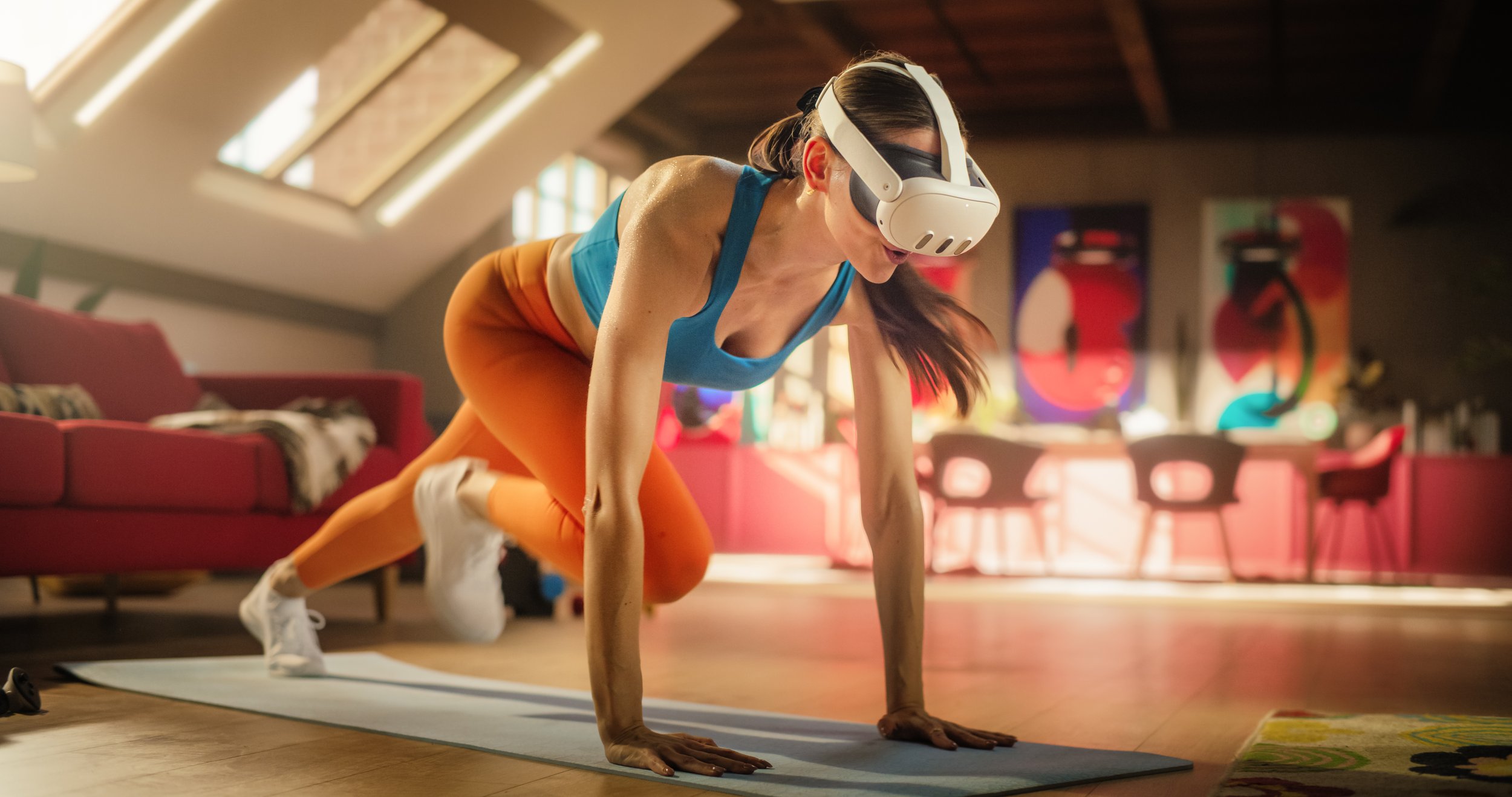
Walk through your designated play area and pick up anything that could break if hit or knocked over. This includes lamps, picture frames, remote controls, and loose cables on the floor. Place these items in another room or on high shelves outside your reach.
Push bulky furniture like sofas and bookshelves against the walls. You want a central open space where you can swing your arms and move your legs without restriction. Ensure there is at least a few feet of clearance between you and any remaining walls or corners.
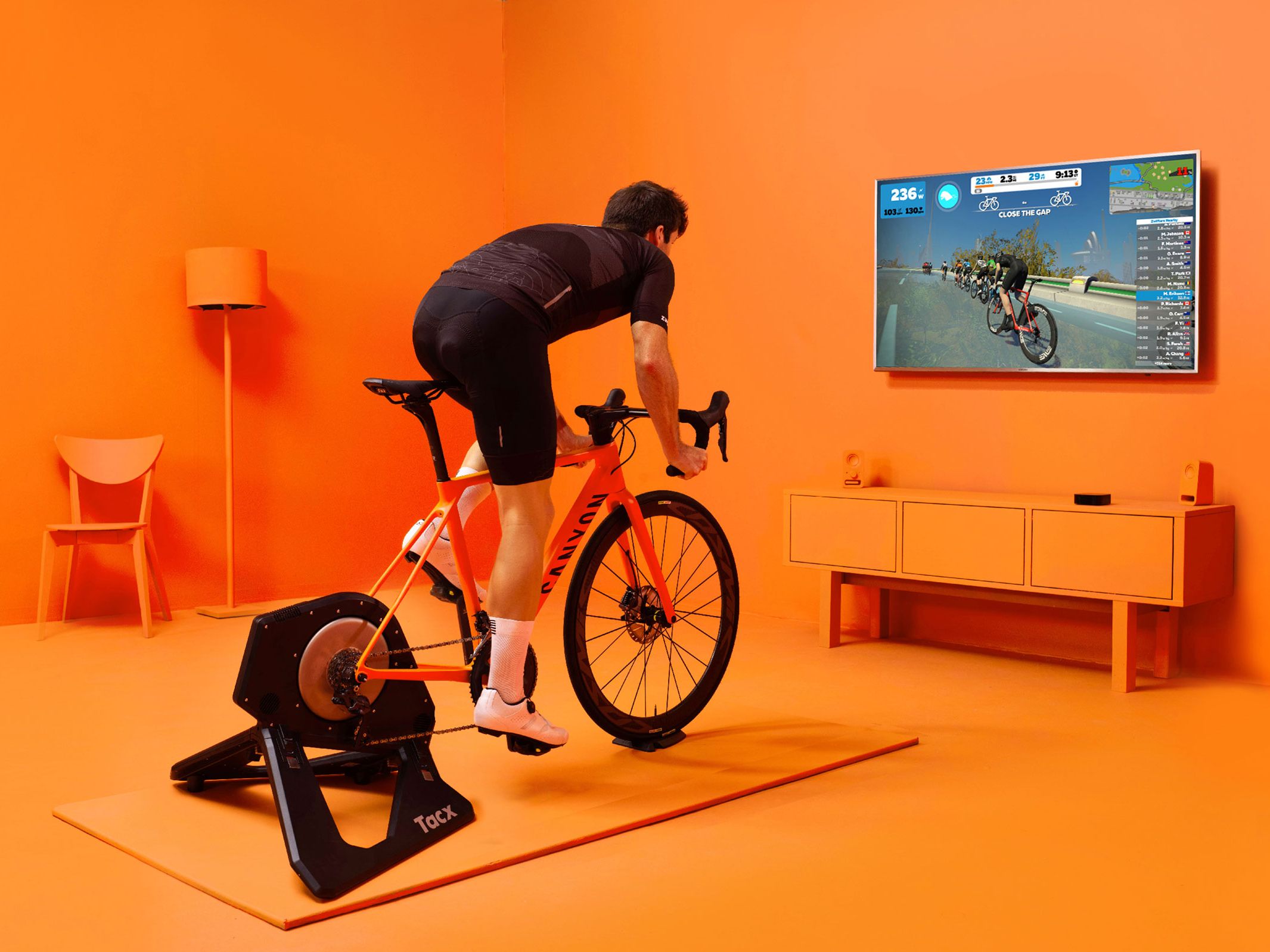
Use painter’s tape to create a visible square or circle on the floor that defines your play area. This boundary serves as a physical reminder to stay within the safe zone. If you are using a standing desk or seated workout, ensure your chair is stable and positioned correctly within this marked area.
Choose the right fitness app
Your virtual reality fitness app should match your specific goals. Cardio-focused titles burn calories through constant movement, while strength or hybrid apps integrate resistance and structured routines. Selecting the wrong category can lead to frustration or plateaus.
Start by identifying whether you want high-intensity interval training (HIIT), steady-state cardio, or a mix. Apps like Supernatural and FitXR excel at guided cardio, while Les Mills Bodycombat offers structured combat-style workouts. For pure rhythm-based cardio, Beat Saber is a staple. Thrill of the Fight 2 provides intense, boxing-specific cardio that demands agility.
| App Name | Primary Focus | Calorie Burn (Est.) | Subscription Model |
|---|---|---|---|
| Supernatural | Cardio / HIIT | High (~15-20/min) | Monthly/Yearly |
| FitXR | Cardio / Strength | High (~15-20/min) | Monthly/Yearly |
| Beat Saber | Rhythm/Cardio | Medium-High (~10-15/min) | One-time Purchase |
| Les Mills Bodycombat | Strength/Cardio | High (~15-20/min) | Monthly/Yearly |
| Thrill of the Fight 2 | Boxing/Cardio | Very High (~15-25/min) | One-time Purchase |
| App | Focus | Burn | Cost |
|---|---|---|---|
| Supernatural | Cardio/HIIT | High | Subscription |
| FitXR | Cardio/Strength | High | Subscription |
| Beat Saber | Rhythm | Medium-High | One-time |
| Les Mills | Strength/Cardio | High | Subscription |
| Thrill of the Fight 2 | Boxing | Very High | One-time |
If you are new to VR fitness, start with a subscription-based app that offers guided classes. This structure helps you maintain form and intensity without guessing the next move. Once you are comfortable, you can experiment with one-time purchase titles like Beat Saber for variety.
NPR notes that a 20-minute VR workout can burn roughly as many calories as a 20-minute exercise bike routine, depending on intensity. This makes choosing the right app critical for achieving your fitness goals efficiently.
Calibrate your headset settings
Accurate motion tracking and proper comfort are the foundation of safe virtual reality fitness. If your headset is misaligned, your movements will lag or drift, increasing the risk of injury or a poor workout experience. This section covers the essential technical adjustments to ensure your Meta Quest or similar VR headset tracks your body correctly.
Before putting on the headset, define your play area. Use the Guardian system to draw a safe boundary around your physical space. Ensure there are no obstacles within this zone. This step prevents you from walking into furniture or walls during intense workouts.
Comfort is critical for safety. Adjust the head strap so the headset sits snugly but not tightly on your face. Move the lens distance slider until the images are sharp and clear. A blurry display causes eye strain and disorientation, which can lead to falls or nausea.
Set the Interpupillary Distance (IPD) to match the distance between your eyes. This ensures the screen appears in focus without forcing your eyes to converge unnaturally. If your headset supports eye tracking, complete the calibration process to improve tracking accuracy and reduce motion sickness.
Follow the on-screen prompts to calibrate hand tracking. Hold your hands in the specified positions to map your reach and movement range. For body tracking, ensure your controllers or sensors are charged and placed correctly. Accurate hand tracking ensures your virtual movements match your physical actions, preventing awkward or unsafe postures.
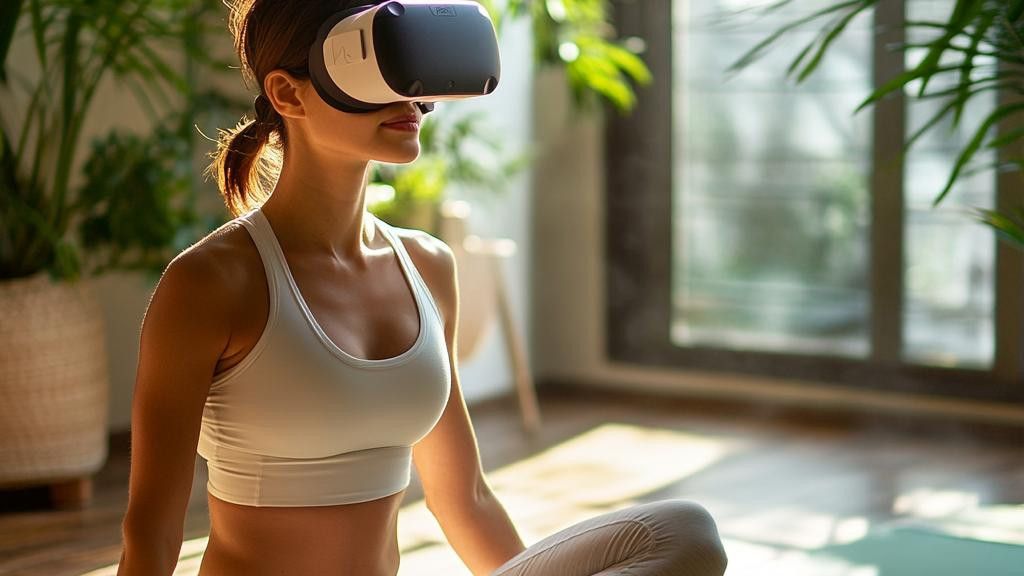
Before starting a full workout, perform a quick test. Swing your arms in all directions and take a few steps. Check if the virtual hands follow your movements smoothly. If there is lag or drift, return to the previous steps to adjust your setup. This final check ensures a smooth and safe fitness session.
Maintain proper exercise form
Your virtual environment might be a fantasy world, but your joints are real. Without proper form, VR fitness can lead to overuse injuries, particularly in the shoulders, knees, and lower back. The goal is to translate real-world biomechanics into your virtual movements, not to mimic exaggerated cartoon physics.
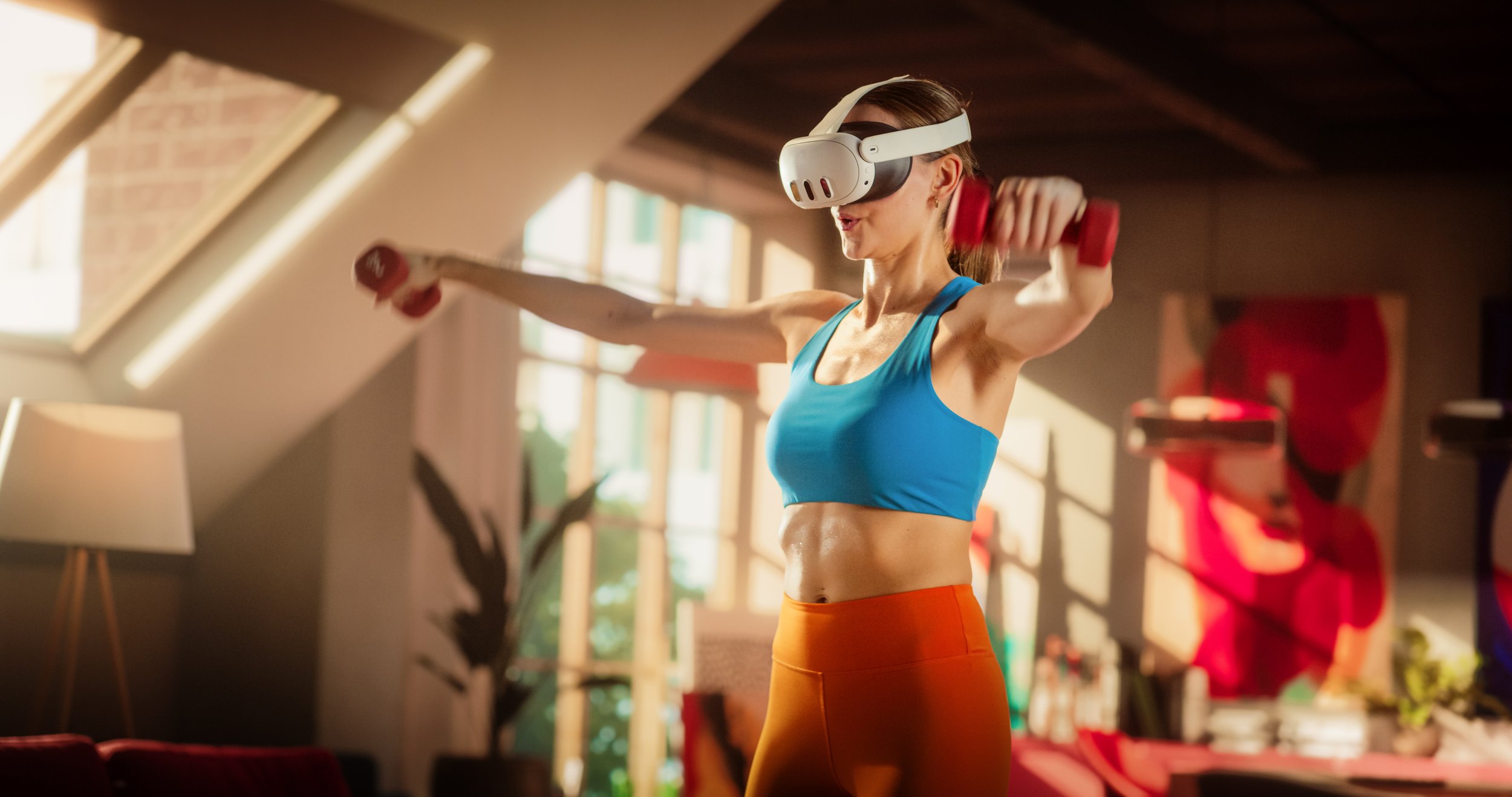
Before swinging a virtual racket or punching, brace your abdominal muscles as if you were about to be tapped in the stomach. This stabilizes your spine and prevents you from leaning too far forward or backward, which is a common cause of lower back pain in VR.
Whether you are squatting to dodge or landing from a jump, never lock your knees. A slight bend acts as a shock absorber, protecting your joint cartilage from the repetitive impact of virtual landings. This is especially important if you are playing high-intensity rhythm games that require constant jumping.
Keep your chin parallel to the floor. Many players instinctively look down at their virtual hands or feet, which strains the neck. If you need to check your form, pause the game and look in a mirror, or use the virtual mirror feature if your app supports it. This habit prevents long-term cervical strain.
Do not force your limbs into extreme positions just to hit a virtual target. If a movement requires you to twist your torso beyond a comfortable 90 degrees, step back or adjust your stance. Forcing a stretch in a high-speed game can lead to muscle tears or shoulder impingement.
Speed is not the only metric for a good workout. Swinging a virtual sword or boxing glove at maximum velocity without control can strain the rotator cuff. Focus on smooth, deliberate motions that engage the correct muscle groups without jerking your body out of alignment.
VR fitness apps often encourage high scores through exaggerated movements, but your body has physical limits. Treat the virtual environment as a guide, not a master. If a movement feels unnatural or painful, stop immediately and adjust your posture. Consistency with correct form yields better long-term results than pushing through discomfort.
Track your fitness progress
Data turns virtual movement into real-world results. Without tracking, it is easy to lose motivation or miss signs of overtraining. Use your VR headset’s built-in dashboard to log calories, heart rate, and session duration immediately after each workout.
Consistency matters more than intensity. Log your stats daily to spot trends. If your average heart rate drops while your workout feels harder, your cardiovascular fitness is improving. If progress stalls, increase the resistance or duration by ten percent.
The Virtual Reality Institute of Health and Exercise notes that accurately tracking calories in VR remains a technical challenge. Rely on the device’s relative metrics for consistency rather than absolute calorie counts. Your primary goal is maintaining a steady upward trajectory in effort and endurance.
Common VR fitness mistakes
Beginners often treat virtual reality fitness like casual gaming, which leads to frustration and injury. The headset limits your peripheral vision, making spatial awareness difficult. To avoid these pitfalls, follow this sequence to correct your setup and movement before each session.
Remove all furniture, rugs, and obstacles from a 2x2 meter zone. VR headsets block your view of the real world, so a clear space prevents collisions with walls or objects.
Ensure the straps are tight enough to prevent slippage during movement, but loose enough to avoid headaches. A shifting headset causes motion sickness and breaks immersion, forcing you to stop mid-workout.

Begin with 5-10 minute sessions at low resistance. VR engages muscles differently than traditional exercise, and jumping into high-intensity routines too quickly often leads to premature fatigue or form breakdown.
No comments yet. Be the first to share your thoughts!