
Get Virtual Reality Fitness Right
Before you strap on a headset and start swinging, you need to set up your physical space correctly. Virtual reality fitness works because it tricks your brain into thinking you’re running or boxing, but it doesn’t change the laws of physics. If you don’t clear your room, you’ll end up hitting a wall instead of a virtual opponent.
Start by defining a safe play area. Meta Quest recommends at least 20 square feet for stationary workouts and a larger boundary for movement-based games like Supernatural. Clear away coffee tables, rugs with thick edges, and any breakables. Mark the boundaries of your safe zone with tape if you’re using a room-scale setup. This isn’t just about protecting your gear; it’s about preventing injury.
Next, check your hardware fit and hygiene. Adjust the headset straps so it sits snugly but comfortably. If it slips during a burpee, you’ll lose immersion and potentially hurt your neck. Use a clean, absorbent headband or towel to manage sweat. VR headsets are expensive and sensitive to moisture; sweat can damage the lenses and sensors, leading to blurry vision and expensive repairs. Wipe down the headset with a microfiber cloth after every session.
Finally, consider your physical readiness. VR workouts can be surprisingly intense, often burning as many calories as traditional cardio. Start with short, 10-15 minute sessions to gauge your heart rate and balance. If you’re prone to motion sickness, begin with seated exercises and gradually increase movement. Listen to your body—if you feel dizzy or nauseous, stop immediately. Virtual reality fitness is effective, but only if you build a sustainable, safe foundation.
Work through the steps
Setting up virtual reality fitness requires more than just putting on a headset. You need to create a safe physical space, calibrate your tracking, and choose software that matches your current fitness level. Follow this sequence to ensure your first session is effective and injury-free.
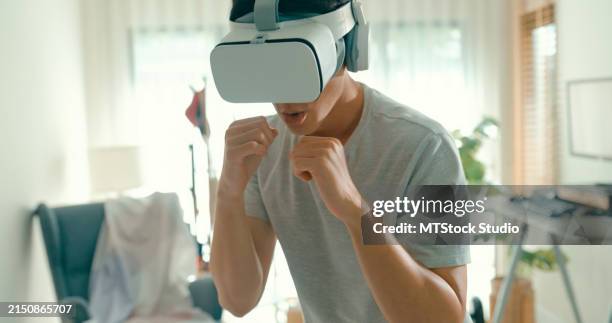
Clear a minimum 6.5 by 6.5 foot area. Remove furniture, rugs with edges, and pets from this zone. The Meta Quest 3 requires this clear boundary to track your movements without collision. Mark the edges with tape if your floor is smooth to create a visual boundary. This physical safety net allows you to move freely without fear of hitting objects.
Remove all obstacles from a 6.5x6.5 foot area. Ensure your ceiling fan is off and no one enters the room while you are wearing the headset.
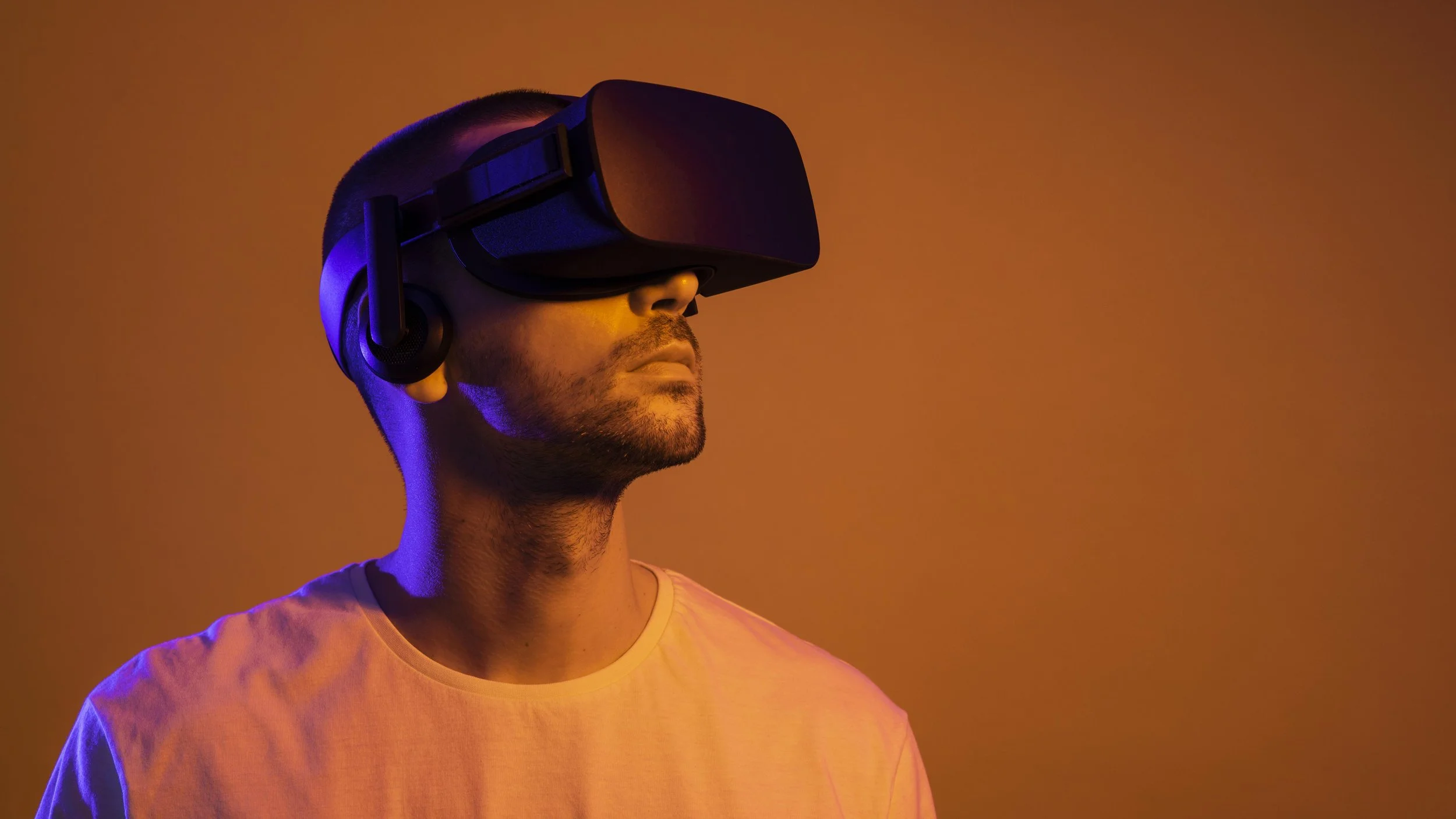
Adjust the head strap so the lens sits flush against your face. The IPD (interpupillary distance) dial should align with your eye width for a sharp image. Poor focus causes eye strain and reduces tracking accuracy. Connect the headset to your Wi-Fi network and log in to your account. Enable guardian boundaries in the settings menu before starting any activity. This digital fence prevents you from walking into walls.
Adjust the head strap for comfort and use the IPD dial to match your eye width. Log in and set up your guardian boundary in the settings menu.
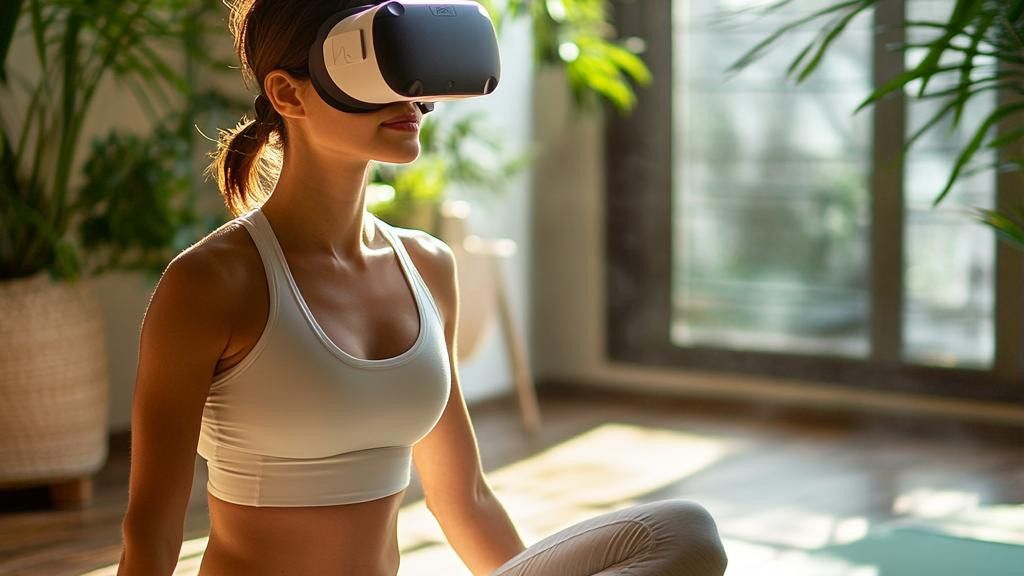
Start with a beginner-friendly app like Supernatural or FitXR. These apps guide you through warm-ups and offer adjustable resistance. Avoid high-intensity interval training (HIIT) apps until you have built basic stamina. VR fitness burns more calories than you expect because your body works harder to maintain balance. Choose a workout duration of 15 to 20 minutes for your first session.
Download a beginner app like Supernatural. Start with 15-minute sessions to gauge your physical response to immersive exercise.
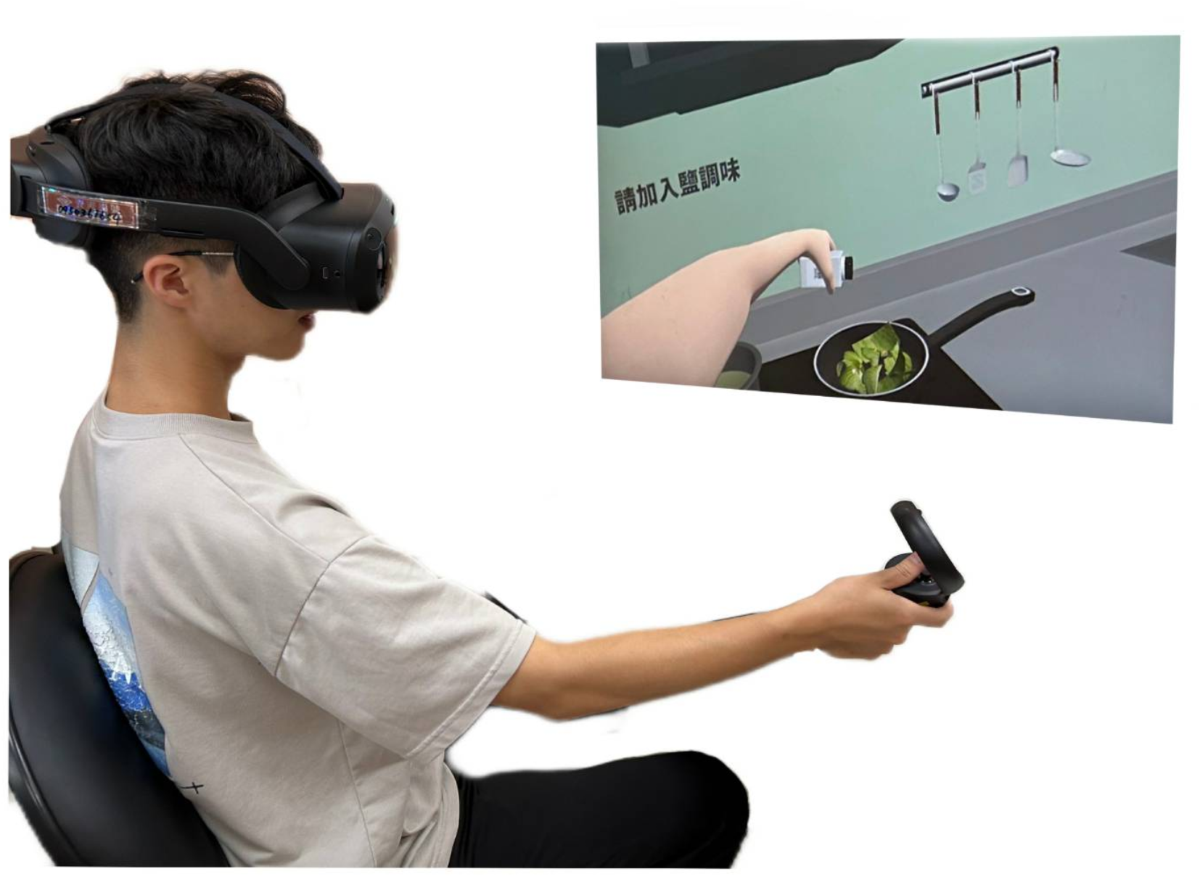
Begin with a five-minute warm-up of light arm circles and leg swings. Follow the app’s on-screen cues for the main routine. Keep your core engaged to maintain balance during virtual movements. Drink water every 10 minutes. VR can mask physical fatigue, so rely on your heart rate monitor or perceived exertion rather than just the game metrics. Stop immediately if you feel dizzy or nauseous.
Complete a 15-20 minute session. Take regular water breaks and monitor your heart rate to avoid overexertion.
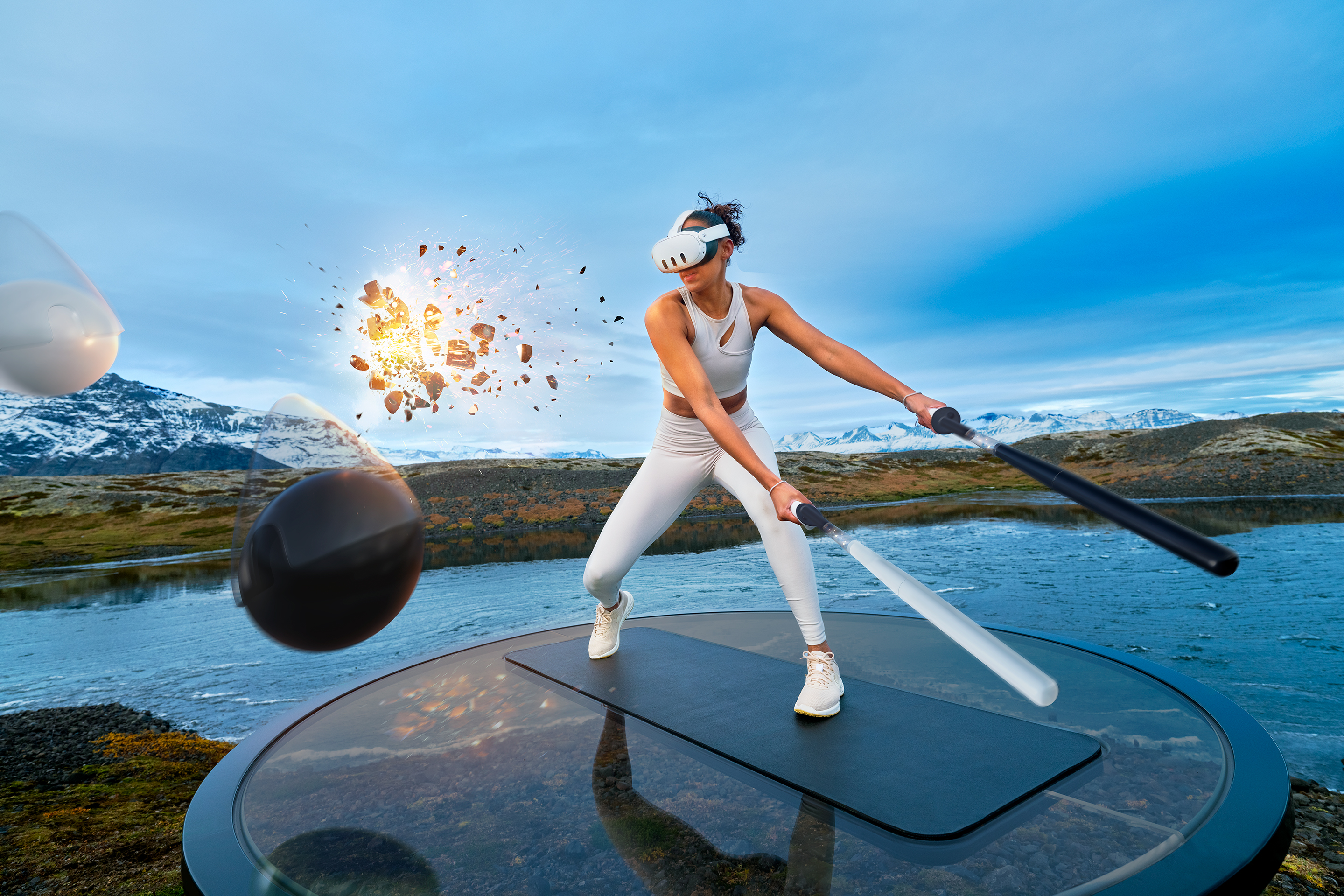
Spend five minutes stretching your arms, shoulders, and legs. Remove the headset and hydrate. Log your workout in the app’s journal or a separate fitness tracker. Consistency is key to seeing results from VR fitness. Review your stats to identify which exercises you enjoyed most and which need more practice.
Stretch for five minutes. Hydrate and log your session to track long-term progress and consistency.
Fix Common Mistakes
Even with the best VR fitness apps, poor habits can turn a promising workout into a wasted effort or, worse, an injury. The hardware is capable, but the user experience depends entirely on how you set it up and move within it. Avoid these three common pitfalls to ensure your VR fitness routine actually delivers results.
Ignoring Play Space Safety
VR workouts demand more physical movement than casual gaming. Swinging a boxing glove or stepping side-to-side requires a clear, hazard-free zone. Many users underestimate the space needed, leading to collisions with furniture, walls, or pets. Before starting, clear at least a 2x2 meter area. Use boundary guards or chaperone systems to define your limits. If you are using a treadmill like the Virtuix Omni, ensure the harness is secure and the floor is level. A cluttered space breaks immersion and increases injury risk significantly.
Skipping Warm-Ups and Cool-Downs
VR fitness apps often feel like games, which tricks your brain into ignoring physical limits. You might swing at high speed for twenty minutes without realizing your heart rate is spiking or your muscles are tightening. Jumping straight into intense cardio without warming up can lead to strains, especially in the shoulders and hips. Start with five minutes of light movement—arm circles, gentle squats, or walking in place. After the session, do not just rip off the headset. Spend three minutes cooling down with static stretches to prevent post-workout stiffness and dizziness.
Neglecting Hygiene and Equipment Care
Sweat is the enemy of VR hardware. The facial interface of headsets like the Meta Quest 3 absorbs moisture quickly, creating a breeding ground for bacteria and causing skin irritation. Wipe down the controller grips and headset seals with alcohol-free wipes after every session. Use a washable, absorbent head strap liner to manage sweat. Additionally, check your controllers for loose buttons or drifting joysticks, which can disrupt tracking during fast-paced workouts. Proper maintenance extends the life of your gear and keeps your workouts safe and comfortable.
Virtual reality fitness: what to check next
Before committing to a VR fitness routine, it helps to clear up the practical doubts that usually come up. Here are the answers to the most common questions readers ask about getting started.
No comments yet. Be the first to share your thoughts!