
Choose your VR headset for fitness
Selecting the right hardware is the first step in building a sustainable virtual reality fitness routine. Your choice largely depends on your budget, the space you have available, and whether you prioritize convenience or graphical power. Most home fitness users find that standalone headsets offer the best balance of ease of use and effectiveness.
Standalone devices like the Meta Quest series are designed specifically for wireless freedom. They do not require a PC or external sensors to function, allowing you to move freely around your living room without tangled cables. This simplicity reduces setup friction, making it easier to stick to a regular workout schedule. Meta positions these devices as tools to "immerse yourself in fitness and wellness like never before" by turning your room into a virtual gym.
For those seeking higher fidelity graphics or access to a broader library of PC VR titles, PC-tethered headsets are an option. These require a powerful computer and often additional sensors for room tracking, adding complexity and cost. Unless you are already invested in a high-end PC gaming setup, the standalone route is generally more practical for fitness goals.
| Feature | Standalone VR Headset | PC-Tethered VR Headset |
|---|---|---|
| Setup Complexity | Low (Wireless, self-contained) | High (Requires PC, cables, sensors) |
| Cost | $300 - $500 | $300+ headset + $1,000+ PC |
| Fitness App Library | Extensive (Beat Saber, Supernatural) | Large (VRChat, PC VR ports) |
| Mobility | Full 360-degree freedom | Limited by cable length |
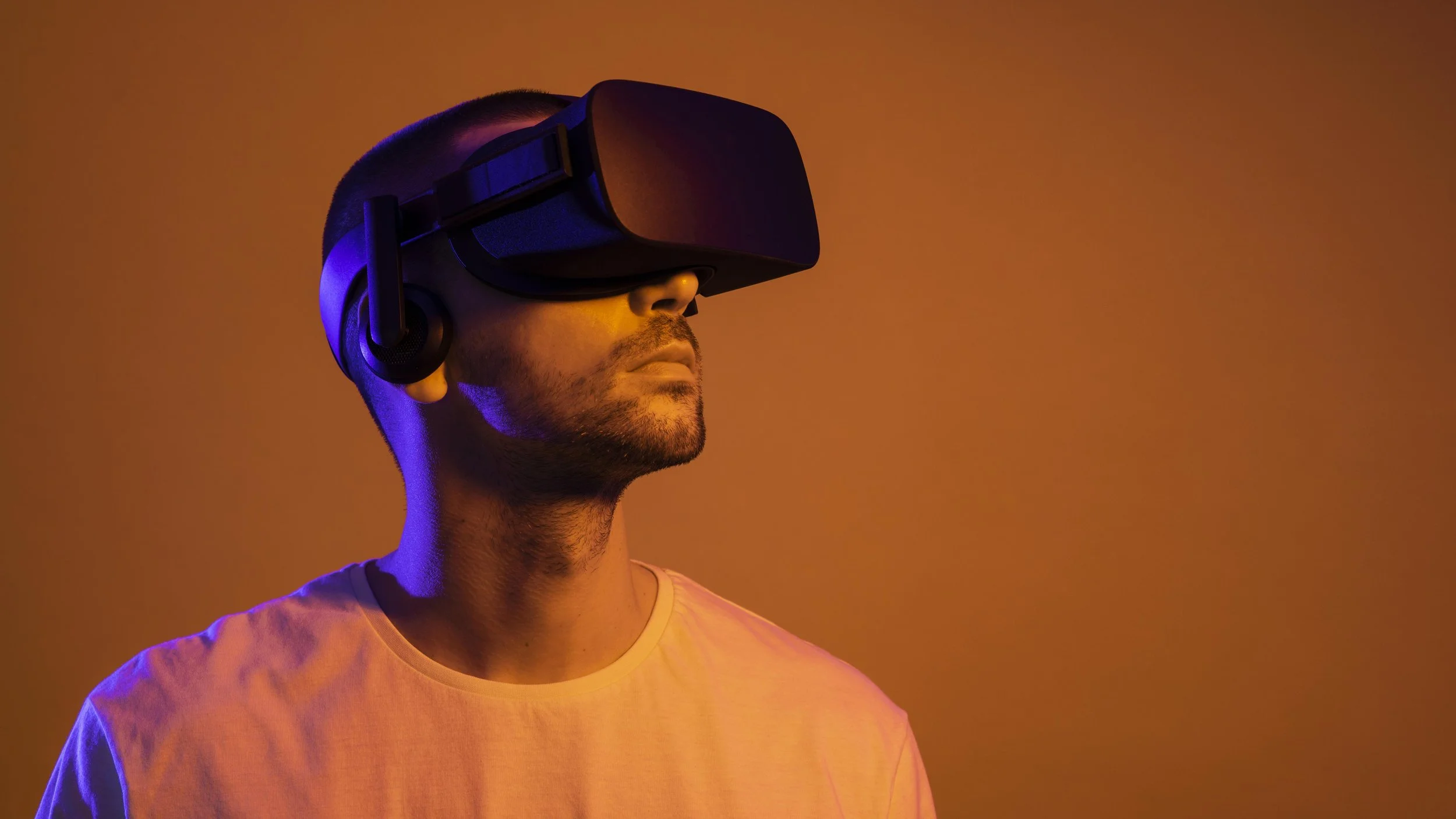
An image showing a user wearing a headset provides a clear reference for the equipment involved in this process.
Clear and measure your play space
Before you strap on your headset, you need to define your physical boundaries. VR fitness involves dynamic movement, and a cluttered room turns a simple squat into a trip hazard. Start by clearing a minimum 6.5 by 6.5 foot area free of furniture, pets, and loose rugs. Meta recommends this square footage to ensure you have enough room for full-range motion without hitting walls or objects. If your space is smaller, you may need to adapt your routine to seated or standing exercises with limited lateral movement.
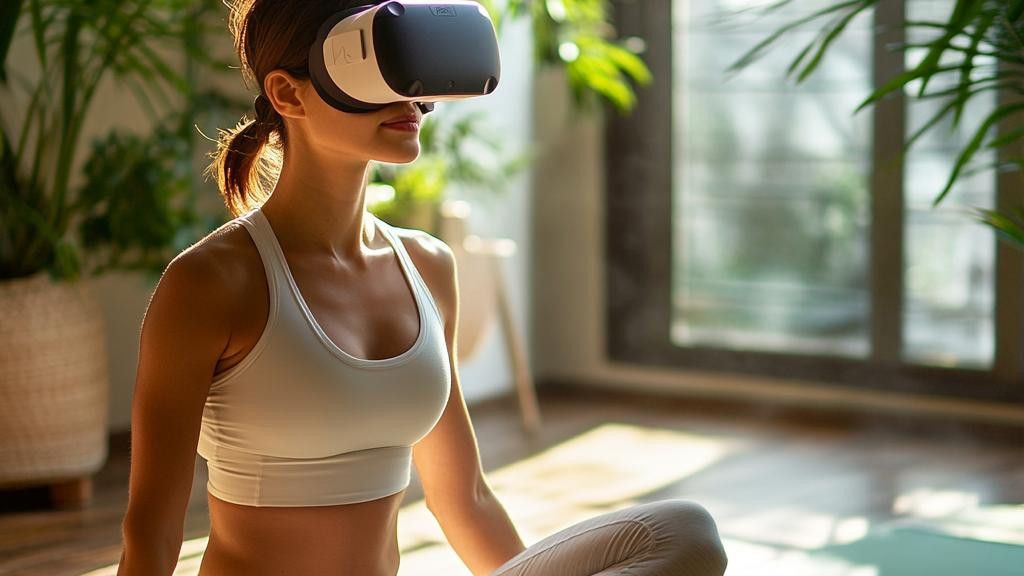
Clear the designated zone of any movable objects. Check the floor surface; smooth wood or tile is ideal, while thick carpets can hinder tracking sensors. Ensure you have at least two feet of clearance above your head for jumping or arm-raising movements.
Power on your headset and open the Guardian system. Use the controllers to draw a safe boundary around your cleared space. For VR fitness, choose the "Standing" or "Seated" boundary type depending on your workout intensity. Avoid the "Room-scale" option if you have limited space, as it may not track large movements accurately.
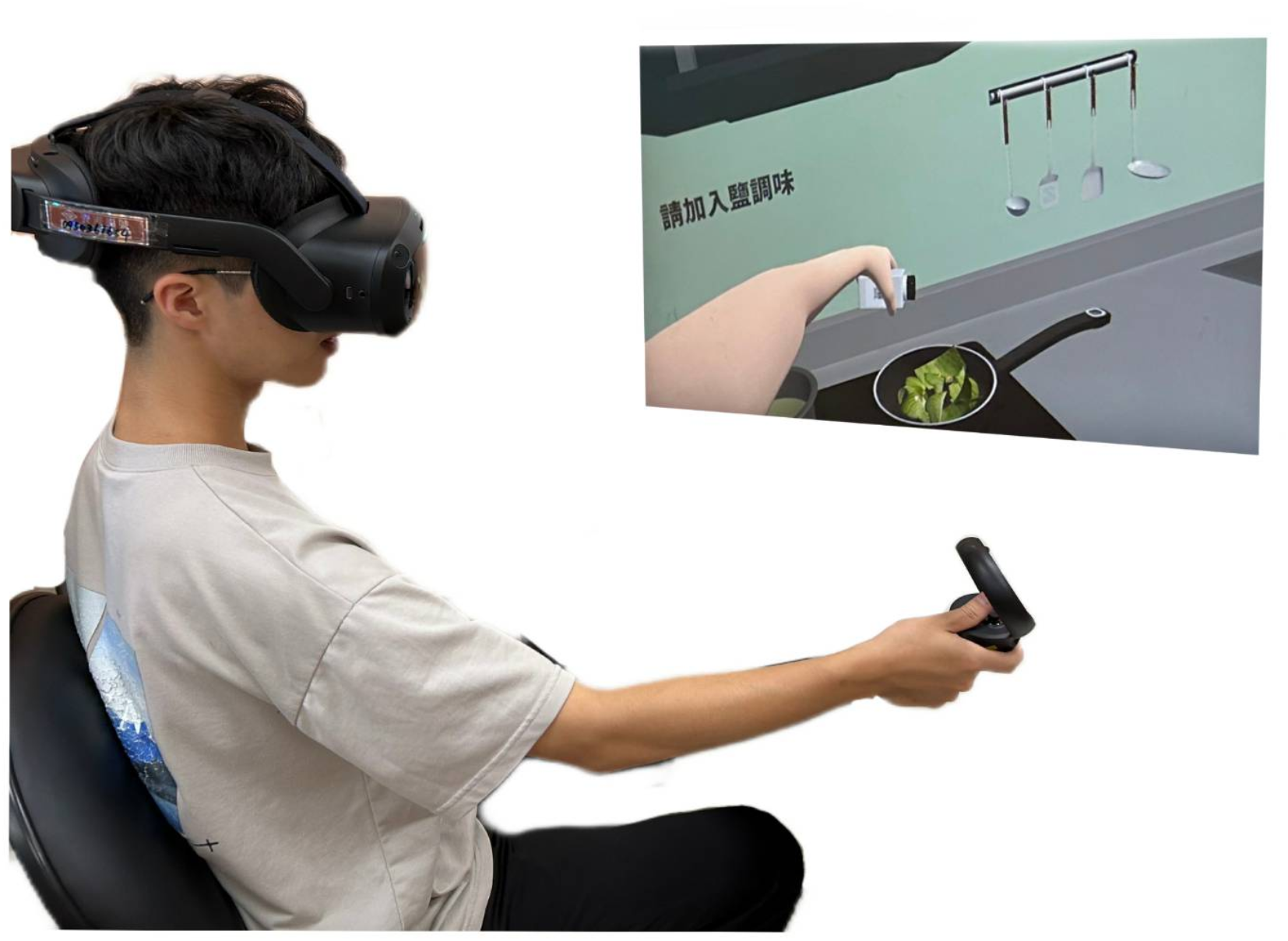
Adjust the headset strap so the lenses align with your eyes. Use the calibration tool to set your height and arm reach. Accurate calibration ensures that virtual objects appear at the correct distance, reducing eye strain and preventing awkward postures during exercise.
Once your boundaries are set, test them by moving slowly within the zone. If you feel any resistance or see the boundary grid, shrink your safe area slightly. This precaution prevents accidental collisions during high-intensity workouts. For more detailed setup guidance, refer to Meta’s official VR Fitness page, which outlines best practices for safe immersion.
Pick apps that match your fitness goals
Choosing the right virtual reality fitness applications depends on whether you want to burn calories through cardio or build muscle through resistance. The best VR fitness apps for home workouts offer distinct mechanics: some focus on high-intensity interval training and rhythm-based movement, while others simulate strength training with virtual weights.
Match your primary goal to the app’s design. If weight loss is the priority, look for apps that keep your heart rate elevated through continuous movement. If muscle engagement is the goal, prioritize titles that offer resistance mechanics or allow you to track progressive overload.
Prioritize cardio apps for weight loss
Cardio-focused VR apps are designed to keep you moving. These titles often use rhythm, speed, or endurance challenges to maintain an elevated heart rate. A 20-minute VR workout can burn roughly as many calories as a 20-minute exercise bike routine, according to testing by fitness reviewers.
Apps like Supernatural and FitXR excel here. They combine high-energy music with boxing or dance moves that require constant motion. The key is consistency; these apps make it easier to stick to a daily routine because the gamified elements reduce the perception of effort.
Choose strength apps for muscle engagement
Strength-focused VR apps simulate resistance training. While they cannot replace heavy iron plates, they offer sufficient resistance for muscle endurance and toning. Look for apps that allow you to adjust weight settings or offer progressive difficulty levels.
Les Mills Bodycombat or FitXR’s strength classes are good starting points. These programs often incorporate squats, lunges, and upper-body resistance movements. Ensure your controller tracking is accurate to maintain proper form and avoid strain.
Manage sweat and hygiene
VR fitness generates significant heat and sweat, which can damage expensive headsets and cause skin irritation if not managed correctly. Treating your equipment with the same respect as a gym membership ensures longevity and keeps your routine sustainable.
Always remove the headset immediately after a session. Let the lenses and face interface dry out completely in a well-ventilated area. This simple habit prevents fogging and stops bacterial growth on the foam padding, which is a common complaint among regular users.
Wipe down the headset with a microfiber cloth designed for optics after every use. Avoid harsh chemicals or alcohol-based cleaners that can degrade the lens coatings. For the face interface, use a removable, washable cover or a dedicated VR hygiene mask that absorbs sweat before it reaches the foam.
Wear a moisture-wicking headband or a thin, breathable cap under the headset. This layer protects the foam from direct contact with sweat and hair oils. Replace these liners regularly to maintain hygiene and comfort during intense workouts.
Track progress and adjust intensity
VR fitness apps turn exercise into data. You can see your heart rate, calorie burn, and movement speed in real time. This feedback loop helps you push harder when needed and rest when your body signals fatigue. Without tracking, you are guessing whether you are building muscle or losing weight.
Start by checking your in-game stats after every session. Most VR fitness platforms like Meta Quest or Black Box VR log your total activity time and average intensity. Compare these numbers week over week. If your average heart rate stays flat while your workout duration increases, your body is adapting. This is a sign to raise the difficulty setting or add resistance.
Monitor heart rate zones
Heart rate is the most reliable metric for VR workouts. It tells you if you are in the fat-burning zone (60-70% of max) or the cardio zone (70-80%). Use a chest strap or a smartwatch that syncs with your headset. If your heart rate drops too low during high-intensity games, take shorter breaks or switch to more vigorous movements. Do not rely solely on the game’s score; your biological data is the truth.
Adjust resistance and speed
VR games adapt to your fitness level, but you must drive the adaptation. If you complete a level easily, increase the resistance settings or play with heavier virtual objects. For muscle building, focus on slow, controlled movements rather than fast reflexes. For weight loss, keep the pace high and minimize idle time between rounds. Record your baseline metrics now so you have a clear reference point for future adjustments.
Connect your heart rate monitor or smartwatch to the VR app. Ensure the Bluetooth connection is stable before starting. This provides the continuous data stream needed for accurate intensity tracking.
After your workout, open the activity summary. Note your average heart rate, total calories, and active time. Write these numbers down or save a screenshot for your weekly log.
Based on your metrics, adjust the game difficulty. If you were under 60% of your max heart rate, increase the enemy speed or resistance. If you were consistently over 85%, lower the intensity to avoid overtraining.
Common VR fitness mistakes to avoid
Even with the best gear, poor habits can turn a VR workout into a injury risk. You don't need to master every game to stay safe; you just need to respect the physical limits of your space and your body.
Skip the warm-up
Jumping straight into high-intensity games like Supernatural or Les Mills Bodycombat shocks your muscles. Treat VR like any other sport: spend five minutes doing light cardio or dynamic stretching first. This prepares your joints for the sudden, multi-directional movements that virtual environments demand.
Ignore the safety boundary
Virtual worlds don't have physical walls. If you don't set up your Guardian or Chaperone system correctly, you risk hitting furniture or slipping. Always clear a minimum 6x6-foot area and keep the boundary visible until you are fully immersed. Test your movement before starting the main routine.
Ignore form for points
VR games reward speed and combos, which encourages sloppy form. Relying on momentum instead of muscle engagement leads to back strain and shoulder injuries. Focus on controlled movements. If you are swinging a sword or punching, keep your core tight and your knees slightly bent to protect your lower back.
No comments yet. Be the first to share your thoughts!