
Prepare your space for vr workouts
Before putting on the headset, clear a dedicated area for movement. VR fitness requires significant physical space, and obstacles like coffee tables, rugs with raised edges, or low furniture can cause injuries. Aim for a minimum clear zone of 2 meters by 2 meters (roughly 6.5 by 6.5 feet) to allow for full arm swings and step movements without hitting walls or objects.
Define your boundaries using the Guardian system or similar boundary tools provided by your VR platform. These tools create a visible grid or wall that alerts you when you approach the edge of your safe play area. If you have a VR-ready room, ensure the floor is hard and non-slip. Avoid playing on thick carpets or slippery hardwood without proper footwear; most VR fitness titles perform best on flat, stable surfaces.
Remove loose items from the play area. This includes pet toys, charging cables, and small decor pieces. Secure your headset’s tracking cameras or sensors so they are not obstructed by furniture or bright light sources, which can interfere with spatial awareness. A clean, uncluttered space not only prevents accidents but also improves immersion, allowing you to focus entirely on the workout.
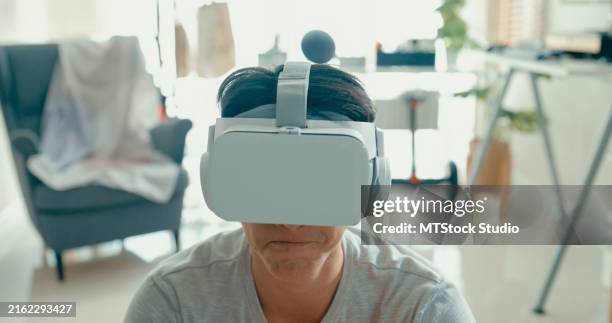
Remove all furniture, rugs, and obstacles from a 2x2 meter zone. Ensure the floor is flat and free of tripping hazards.
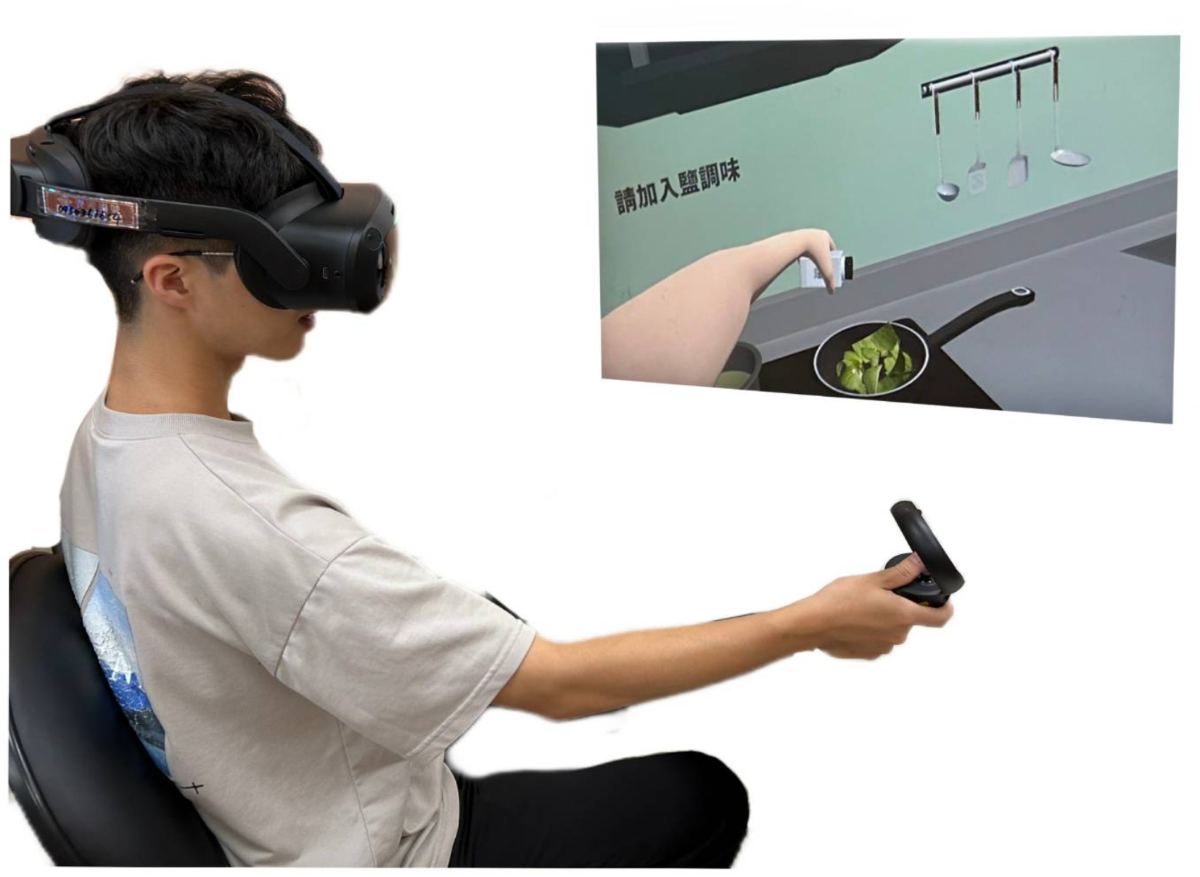
Activate the Guardian or Chaperone system in your headset settings. Adjust the boundary rectangle to fit your cleared space, ensuring the visible grid matches your physical limits.
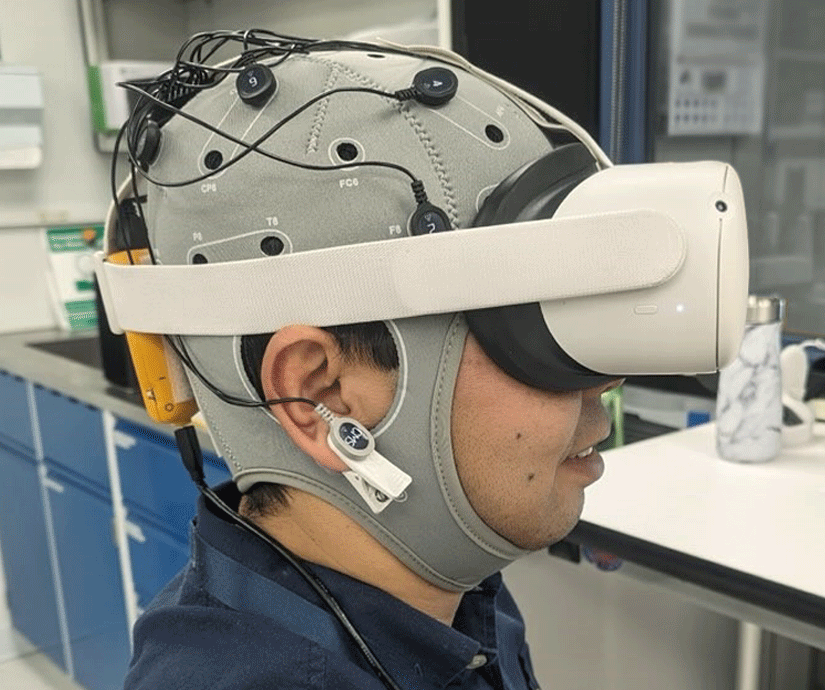
Ensure tracking cameras or internal sensors have clear lines of sight. Avoid direct sunlight or bright lamps that can wash out tracking data.
Choose the right vr fitness app
Selecting a virtual reality fitness app depends on your primary goal—cardio, strength, or rhythm—and your hardware. The Meta Quest 2 and 3 are the most compatible platforms, but not every app supports every motion control scheme. Start by identifying whether you want structured classes, gamified combat, or immersive sports simulation.
| App | Focus | Calories/Hr | Cost |
|---|---|---|---|
| Supernatural | Cardio & Strength | 600-800 | $19.99/mo |
| FitXR | Cardio & Rhythm | 500-700 | $14.99/mo |
| Black Box VR | Strength & Agility | 400-600 | $14.99/mo |
| Beat Saber | Rhythm & Cardio | 400-600 | $29.99 one-time |
| HOLOFIT | Cycling & Rowing | 500-700 | $19.99/mo |
The table above breaks down the leading options by workout type and subscription model. Supernatural and FitXR offer structured, instructor-led sessions that feel like live classes. Black Box VR uses gamified combat to target specific muscle groups, making it ideal for strength without weights. Beat Saber remains the most accessible entry point for rhythm-based cardio, requiring no subscription after the initial purchase.
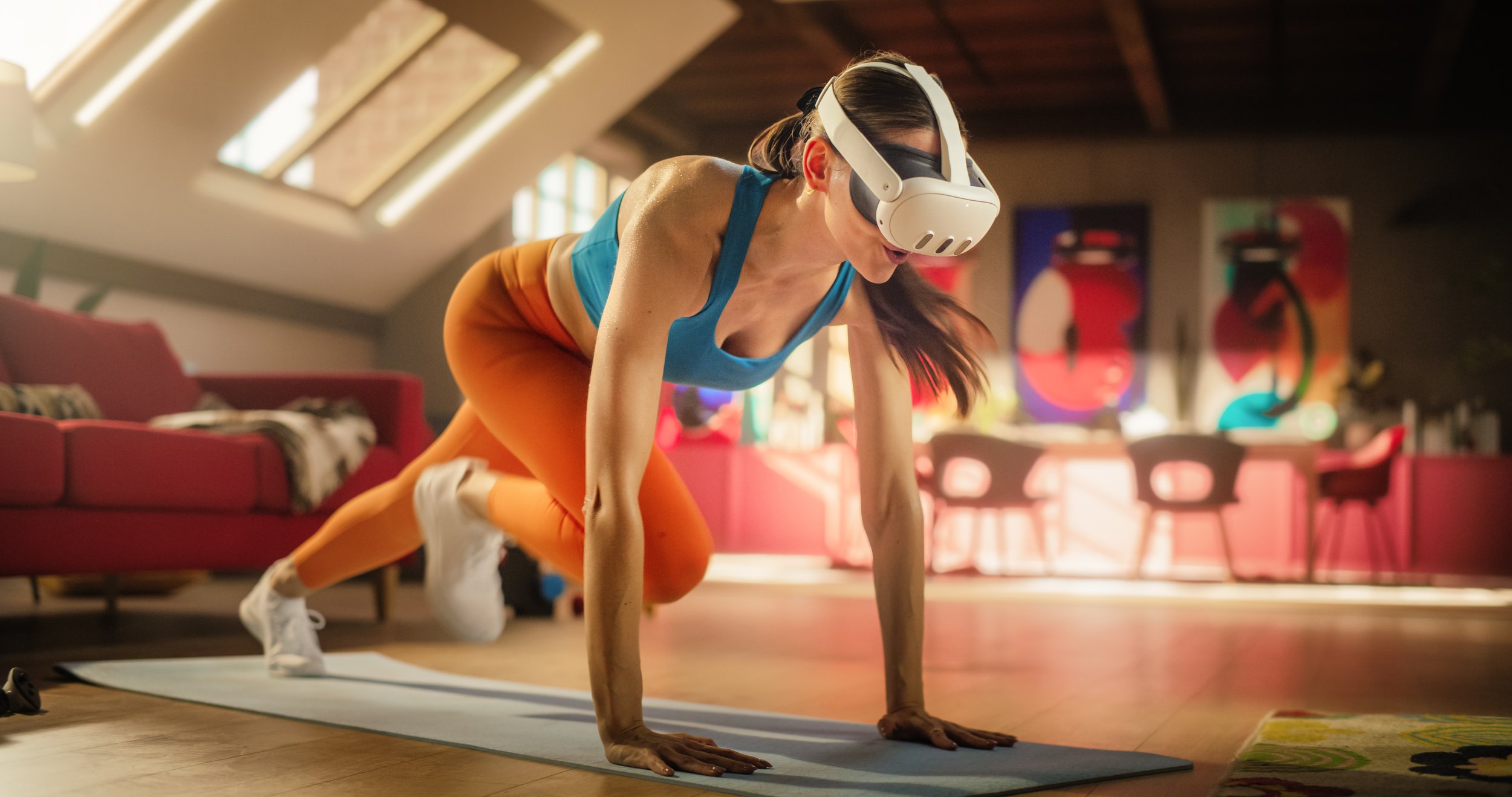
Calorie estimates vary based on intensity and individual physiology, but these ranges reflect typical user data from official app documentation. HOLOFIT integrates with physical exercise bikes and rowers, offering a hybrid experience for those who prefer traditional equipment with virtual scenery. If you are new to VR, start with a free trial or a one-time purchase app to gauge your comfort with motion sickness and physical exertion.
Set up your vr headset for exercise
Getting a VR headset right isn't just about comfort—it's about safety and tracking accuracy. A poorly adjusted headset can slip during vigorous movement, breaking immersion or causing you to miss a punch in Beat Saber. Follow this sequence to dial in your fit and boundary before your first sweat session.
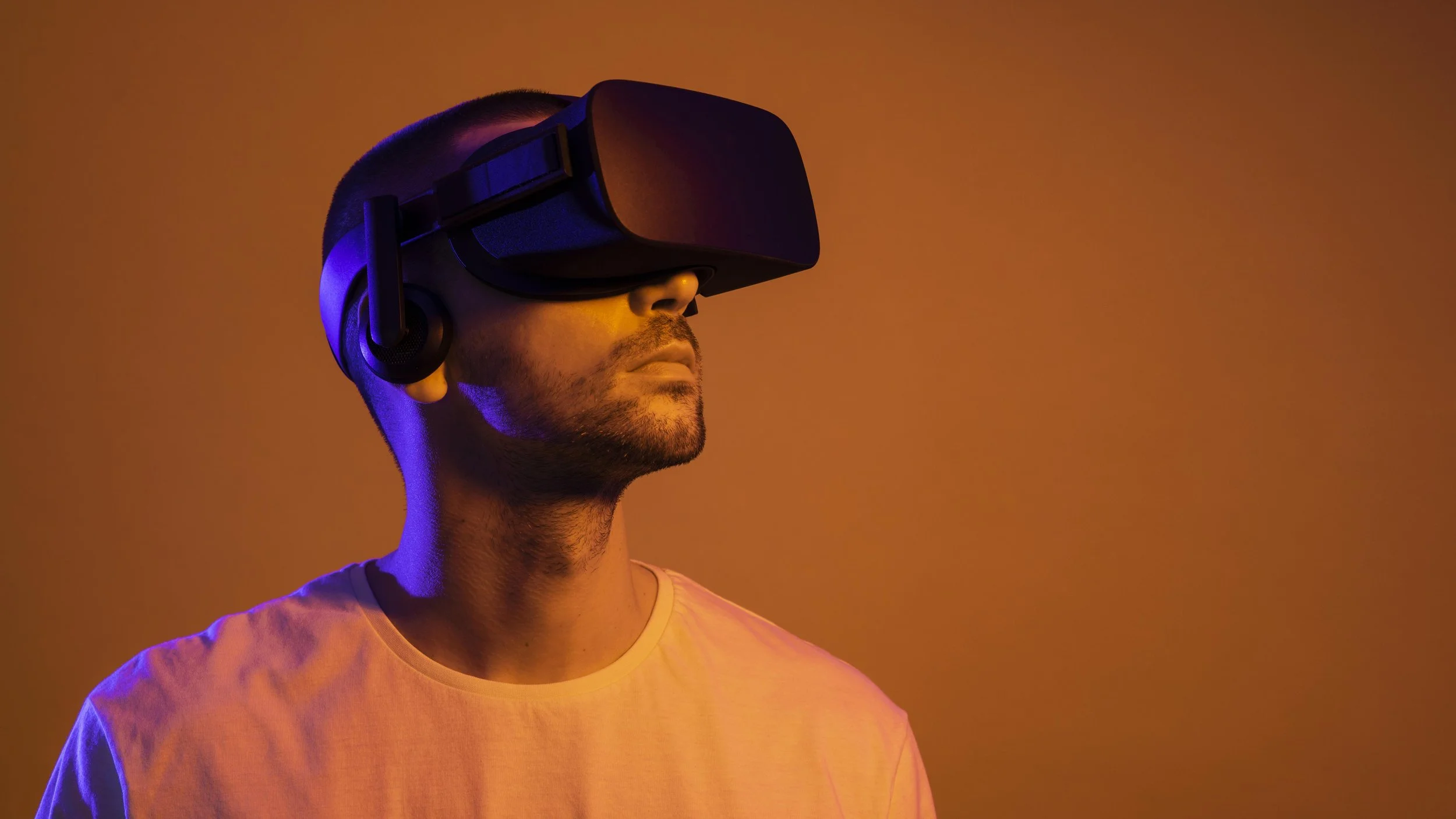
Start by loosening the head strap. Put the headset on and slide it down to your nose bridge, then tighten the rear knob. The lenses should sit directly in front of your eyes. If you see black edges or blurry text, adjust the IPD (interpupillary distance) dial on the front of the device until everything snaps into sharp focus.
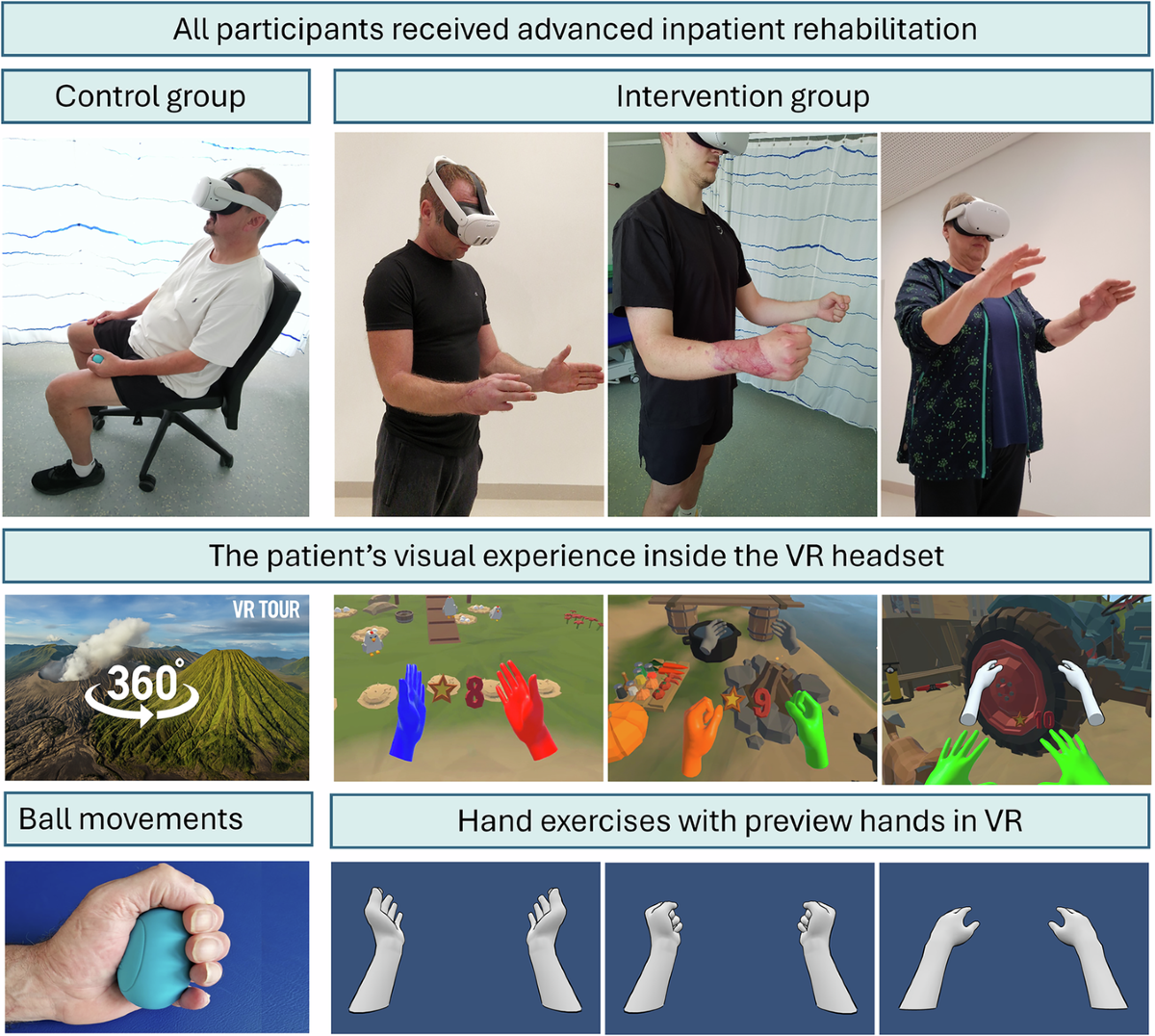
VR fitness involves rapid head turns. Secure long hair tightly to keep it out of the lens area. Wear breathable, loose-fitting clothes that allow for full arm extension. Avoid restrictive fabrics that might pull against the headset strap when you raise your arms overhead.
Open your Meta Quest settings and select "Guardian." Stand in your center and map the safe play zone. For fitness, choose "Standing" if space is tight, or "Seated" if you're doing upper-body routines. Ensure the boundary is at least three feet away from walls, furniture, and pets. The system will warn you if you get too close, but it won't stop you physically.
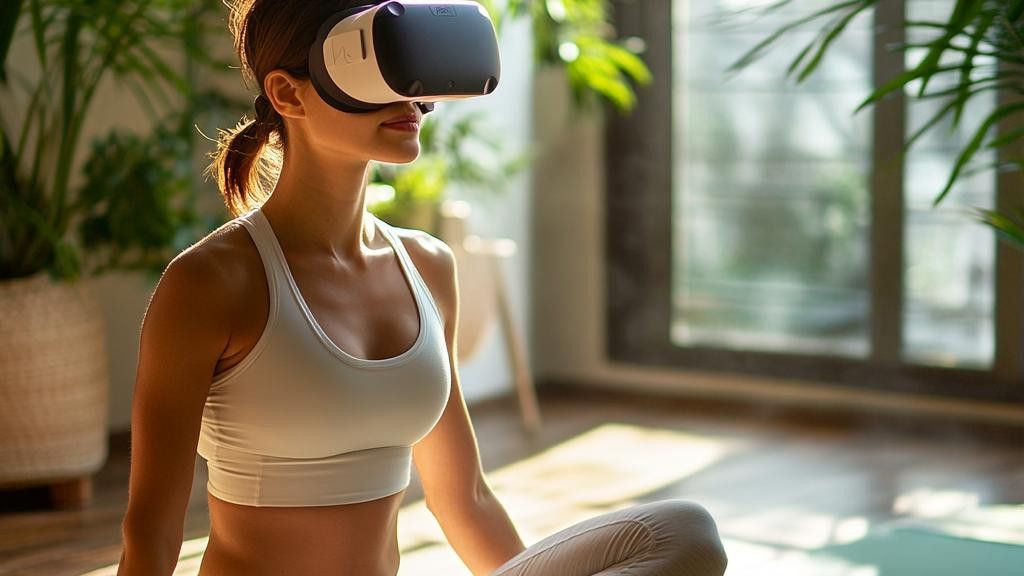
Before launching a game, do a quick calibration. Swing your arms in large circles and bend your knees. Watch your virtual hands on the screen. If they lag or disappear, check for light sources behind you or reposition the headset cameras. Proper tracking is essential for accurate motion capture during exercise.
Once your boundary is set, you're ready to move. Meta Quest offers built-in fitness tracking that logs calories and movement, turning your living room into a personal gym Meta Quest Fitness. Remember to take breaks every 20 minutes to prevent eye strain.
Follow proper form in virtual reality
Maintaining correct posture in VR is not just about looking good; it is a safety requirement. Without the physical feedback of a traditional gym, it is easy to slump, overextend, or twist awkwardly. Poor form leads to strain, reduces calorie burn, and can cause you to miss objects in your virtual environment, breaking immersion.
Think of your real body as the anchor for your virtual avatar. If your spine is curved or your knees are locked, your movements in the game will feel disconnected and inefficient. You must actively engage your core and keep your weight balanced to ensure every swing, punch, or squat translates effectively.
1. Establish a stable base
Start every workout with a wide, athletic stance. Keep your feet shoulder-width apart and your knees slightly bent. This lowers your center of gravity and prevents you from losing balance during high-intensity movements. Avoid standing with your legs straight, which puts unnecessary stress on your joints.
Keep your knees soft and aligned over your toes. This position absorbs impact and allows for quick lateral movements without risking injury.
Pull your belly button toward your spine. A tight core stabilizes your upper body, ensuring that arm movements come from your shoulders and back, not your lower back.
Look straight ahead at the horizon line of your VR environment. Tucking your chin or craning your neck to see the screen can cause neck strain and headaches over time.
2. Control your range of motion
VR games often encourage exaggerated movements to register hits or scores. Resist the urge to flail. Perform each action with deliberate control. For example, when boxing, fully extend your arm but stop short of locking your elbow. This maintains muscle tension and protects your joints.
3. Monitor your physical space
Proper form includes awareness of your surroundings. Ensure you have a clear play area free of obstacles. If you feel yourself drifting toward a wall or furniture, take a step back to reset your position. Consistent spatial awareness prevents accidents and allows you to focus on the workout.
4. Take regular breaks
Fatigue leads to sloppy form. Schedule short pauses every 15–20 minutes to stretch and reassess your posture. Use this time to hydrate and check that you are still standing correctly. Resting when needed is more effective than pushing through fatigue and risking injury.
Track progress and stay consistent
VR fitness apps generate a lot of data, but raw numbers don’t build habits. To turn virtual workouts into a sustainable routine, you need to track the right metrics and review them weekly.
1. Log your session duration and intensity
Most VR fitness platforms track play time automatically, but not all track heart rate or calorie burn accurately. Focus on consistency over intensity in the first month. Aim for three sessions a week, keeping each session between 20 and 30 minutes. This duration is enough to raise your heart rate without causing excessive fatigue or form breakdown.
2. Review your stats weekly
Don’t check your stats every day. Daily fluctuations can be misleading and demotivating. Instead, set aside 10 minutes every Sunday to review your weekly totals. Look for trends in your play time and average heart rate. If your numbers are dropping, it might be a sign that you’re overtraining or that the current game isn’t engaging enough to keep you motivated.
3. Adjust your routine based on feedback
Use your data to tweak your schedule. If you’re consistently hitting your targets, try adding a second session or increasing the difficulty setting in your chosen game. If you’re missing sessions, shorten the duration but keep the frequency. The goal is to build a rhythm that fits your life, not to chase perfect numbers.
4. Stay hydrated and recover
VR workouts can be surprisingly intense. Dehydration is a common cause of fatigue and poor performance. Keep a water bottle nearby and take short breaks between rounds. Listen to your body. If you feel dizzy or overly tired, skip the next session. Recovery is just as important as the workout itself.
Common VR fitness mistakes to avoid
Even the most enthusiastic VR fitness routine can lead to injury or frustration if you skip the basics. The biggest errors usually stem from treating the headset like a standard game controller rather than a full-body motion sensor.
Wearing the headset too loosely is the most frequent error. If the headset slides down during a high-intensity interval, you lose tracking and immersion, often leading to awkward movements that strain your neck or back. Ensure the straps are tight enough to stay secure during jumps and squats, but not so tight that they cause headaches.
Ignoring your play space is another major risk. VR games often encourage wide, sweeping arm motions. If you leave your desk, coffee table, or wall within arm's reach, you risk breaking the headset or hurting yourself. Clear a minimum 6x6 foot area of all obstacles before you start.
Skipping the warm-up leads to immediate fatigue and potential muscle strain. VR fitness can be surprisingly intense, but your body still needs time to adjust to the new range of motion. Spend five minutes stretching your shoulders, hips, and wrists before diving into high-energy games.
Ensure the headset is snug and centered on your eyes. Loose straps cause tracking loss and neck strain during movement.
Remove all furniture and obstacles from a 6x6 foot zone. VR requires wide arm swings and full-body motion.
Stretch your shoulders, hips, and wrists for five minutes. This prepares your muscles for the unique demands of VR movement.
Frequently asked questions about vr fitness
Is virtual reality fitness effective for losing weight?
Research suggests that a 20-minute VR workout can burn roughly as many calories as a 20-minute stationary bike routine, according to NPR. This equivalence holds true for high-intensity titles that keep your heart rate elevated. However, effectiveness depends on consistency. Using apps like Supernatural or FitXR regularly can help you meet standard aerobic guidelines without the monotony of traditional cardio.
Can I get a full-body workout in VR?
Most dedicated VR fitness games require significant movement, engaging your legs, core, and arms simultaneously. Titles like Les Mills Bodycombat or Thrill of the Fight 2 demand full-body engagement to track punches, dodges, and footwork accurately. While upper-body focus is common, selecting games that require lower-body movement ensures a balanced workout. You may still need to supplement with strength training for isolated muscle groups.
Is VR fitness safe for beginners?
Safety starts with clearing your play space. Always use Guardian or Chaperone boundaries to ensure you don’t hit walls or furniture. Start with low-intensity games to avoid motion sickness, which is common for new users. If you feel dizzy, stop immediately and rest. Wearing a comfortable, secure headset strap also prevents the device from slipping during vigorous movement, reducing the risk of facial injury.
No comments yet. Be the first to share your thoughts!