Get virtual reality fitness right
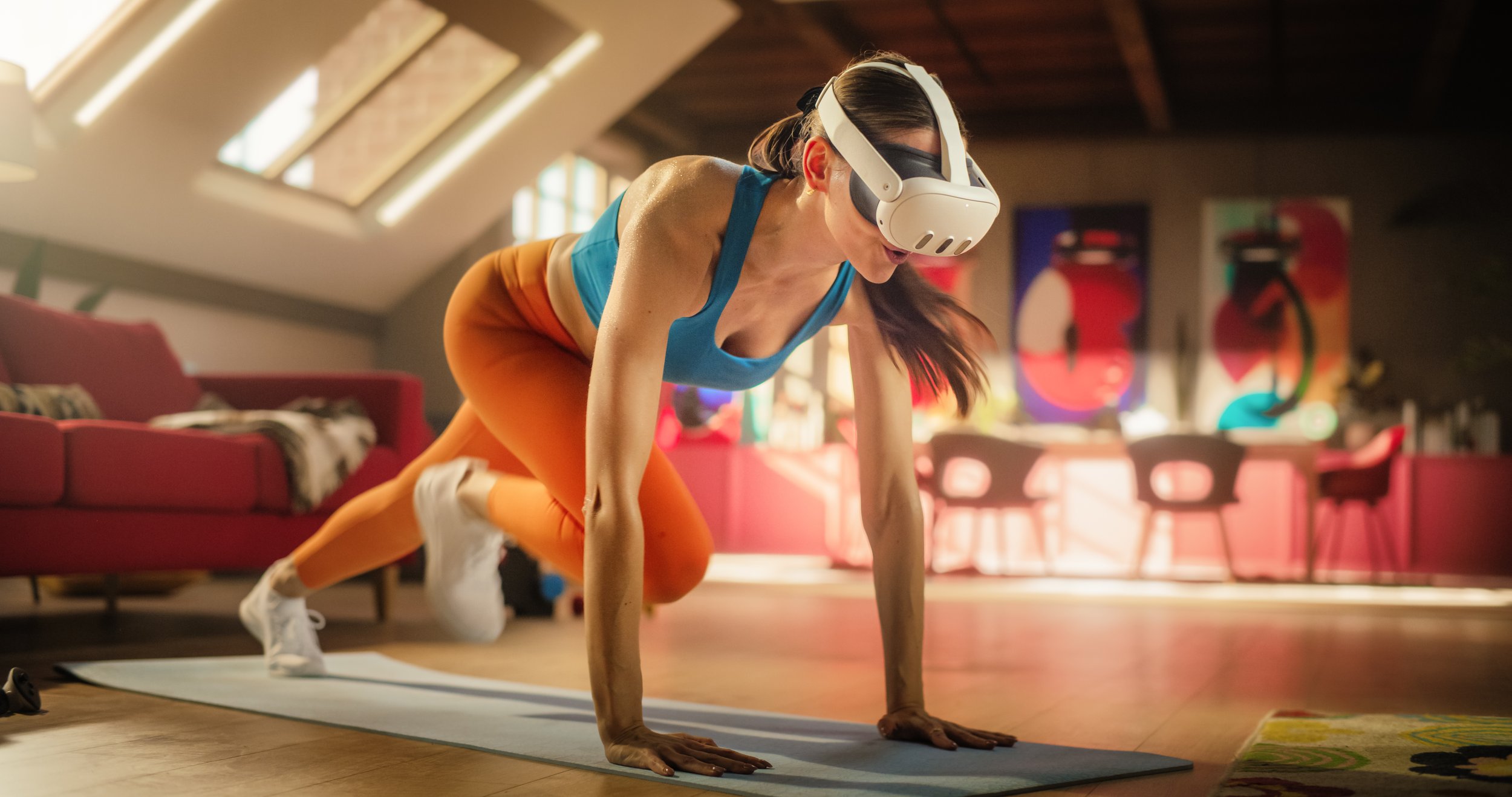
Before you start swinging at virtual targets, clear your space and check your hardware. VR fitness is intense physical activity, not passive entertainment. A cramped room or loose headset turns a workout into a hazard. You need a dedicated "guardian" or "chaperone" boundary that accounts for your full arm span, not just your standing width.
Clear at least 2x2 meters of floor space. Remove rugs that might slip and objects you could kick. If you wear glasses, consider prescription inserts or a comfortable headset strap that doesn't press frames into your face. Sweat is inevitable; use a sweatband and ensure your controller grips are dry to prevent accidental throws.
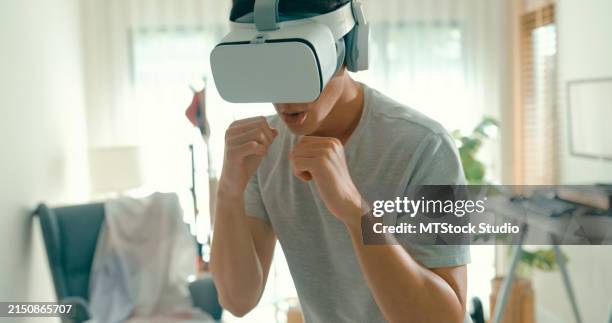
Many beginners skip the warm-up, assuming the game will do it for them. This is a mistake. VR games often require sudden, awkward movements that can strain wrists or shoulders if muscles are cold. Spend five minutes doing light cardio or dynamic stretching before putting on the headset. Your body needs to adjust to the disconnect between what you see and what you feel.
Also, consider your health history. If you have a history of vertigo, seizures, or heart conditions, consult a doctor before starting. VR fitness is real exercise, and the visual immersion can sometimes override your body's natural warning signals. Listen to your body, not just the game's score.
Work through the steps
Setting up VR fitness requires more than just putting on a headset. It involves preparing your physical space, configuring safety boundaries, and selecting software that matches your fitness goals. Follow this sequence to ensure a safe and effective workout environment.
Fix common mistakes
Even with the best hardware, VR fitness fails when setup and technique are ignored. These errors drain your workout efficiency and can lead to injury. Correcting them turns a gimmick into a reliable training tool.
Ignoring play space boundaries. VR headsets track your immediate surroundings, but they cannot predict every obstacle. If you swing a virtual hammer into a coffee table, you break the table and the immersion. Clear a dedicated zone of at least 2 meters by 2 meters. Remove rugs, chairs, and loose cables before starting.
Skipping the calibration. Headsets rely on accurate hand and head tracking. Wearing thick gloves or having poor lighting confuses the sensors, causing your virtual arms to lag or drift. Ensure your room is well-lit but free of direct sunlight hitting the sensors. Perform the official hand-tracking calibration in the settings menu before launching your first session.
Chasing high scores over form. Gamified apps like Supernatural or Black Box VR encourage you to hit targets quickly. This often leads to jerky movements and poor posture. Treat the game as a timer, not a coach. Focus on controlled, full-range movements. If you feel your balance waver, slow down. Consistency beats intensity in the early stages of VR training.
Virtual reality fitness: what to check next
Before investing in VR gear for weight loss or muscle building, it helps to clear up common misconceptions about the technology and its practical limits. Here are the most frequent questions from readers considering a virtual gym.
What is virtual reality fitness?
VR fitness uses headsets and motion controllers to turn exercise into an interactive game. Instead of staring at a wall while running or lifting, you step into virtual environments where you box, dance, or complete obstacle courses. This immersion keeps heart rates up while making the effort feel less like a chore. Apps like FitXR and Black Box VR track your movements, offering a gamified alternative to traditional cardio or strength training.
What is the best VR for exercise?
For most home users, the Meta Quest 3 is the top choice for VR exercise. It offers standalone wireless freedom, a high-resolution display, and access to the largest library of fitness apps, including Supernatural and Les Mills Bodycombat. Its inside-out tracking is accurate enough for most high-intensity movements without needing external sensors. While PC VR headsets offer higher fidelity, the Quest 3 provides the best balance of ease of use, app variety, and price for dedicated fitness routines.
What are the downsides of VR training?
The main drawbacks are setup space and potential motion sickness. You need a clear, open area to move safely, which can be challenging in small apartments. Some users also experience discomfort or nausea during intense, fast-paced sessions, though this usually improves with practice. Additionally, the initial cost of a headset and subscription apps can add up, and the lack of social interaction with a live trainer may not suit everyone’s motivation style.
Why is VR no longer popular?
VR hasn’t declined in popularity; it has simply stabilized after its initial hype cycle. Sales remain strong, particularly in the fitness and gaming sectors. The perception of decline often stems from the broader consumer VR market cooling off, but niche communities like VR fitness are growing. Newer headsets offer better comfort and graphics, keeping early adopters engaged and attracting new users looking for novel workout experiences.
No comments yet. Be the first to share your thoughts!