
Get VR fitness right
Before you strap on a headset for your first session, a few practical checks prevent wasted money and injury. VR fitness works because the hardware tracks movement precisely, but it only works if your environment and expectations are set up correctly.
Clear a physical space first. You need at least 2m by 2m of empty floor with no furniture or pets nearby. If your living room is cluttered, move a coffee table or use a smaller app like Supernatural that requires less room. The Meta Quest official site recommends setting up boundary walls before starting any workout to prevent collisions.
Check your headset fit and hygiene. Wipe the lenses with a microfiber cloth and ensure the face cushion is clean. If you wear glasses, use a prescription insert or a VR-safe glasses spacer; regular glasses can scratch the lenses or cause discomfort during intense movement. Adjust the IPD (interpupillary distance) until the text and menus are sharp.
Start with a proper warm-up. VR fitness is physically demanding. Your heart rate spikes faster because you are immersed, but your body temperature may not rise as quickly as in a real gym. Spend five minutes stretching your wrists, shoulders, and ankles before launching any high-intensity game.
Work through the steps
Setting up a VR fitness routine requires more than just putting on a headset. You need to prepare your physical space, calibrate your equipment, and choose software that matches your fitness goals. Following this sequence ensures safety, comfort, and effective workouts.
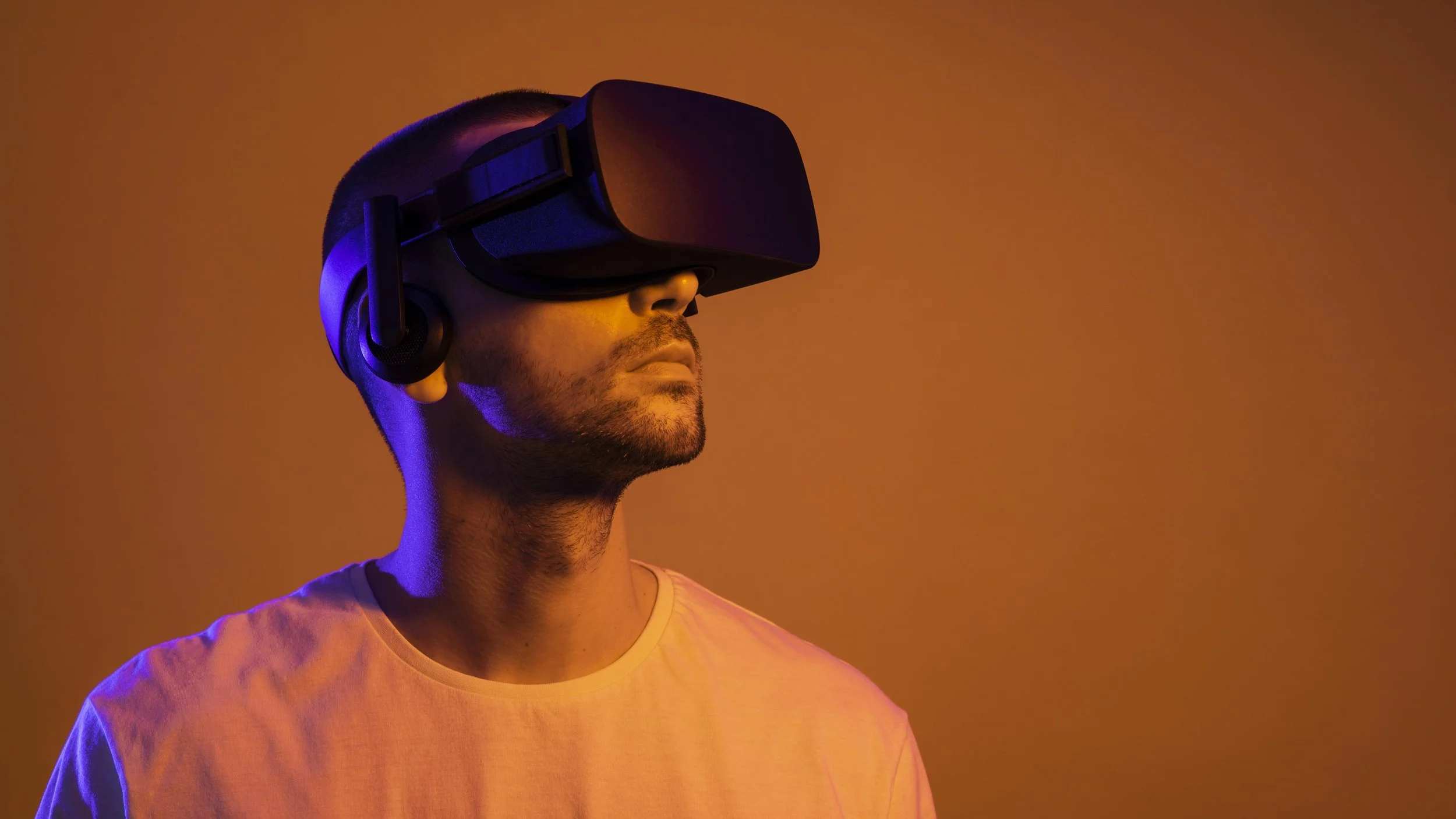
Remove all furniture, rugs, and obstacles from a 2x2 meter area. Mark the boundaries with tape on the floor so you know exactly where your safe zone ends. This prevents accidental hits during high-intensity movements like boxing or dancing. Check your ceiling height to ensure you won’t swing your arms into lights or fans.
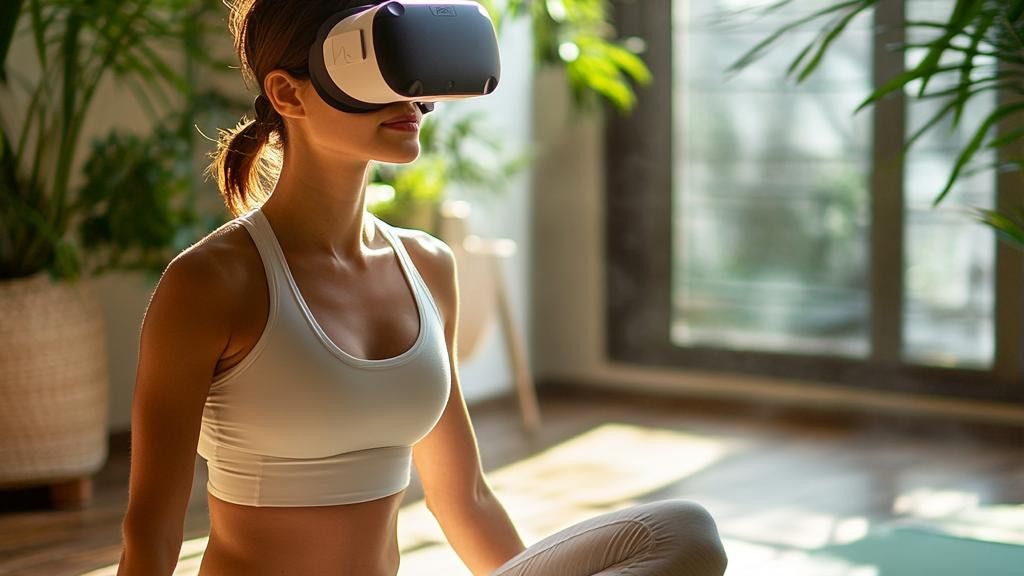
Put on the headset and follow the on-screen prompts to set your IPD (interpupillary distance) for clear vision. Use the Guardian or Chaperone system to draw your boundary walls. Ensure the controllers are fully charged and the tracking cameras have a clear line of sight to your play area. Proper calibration reduces motion sickness and improves tracking accuracy.
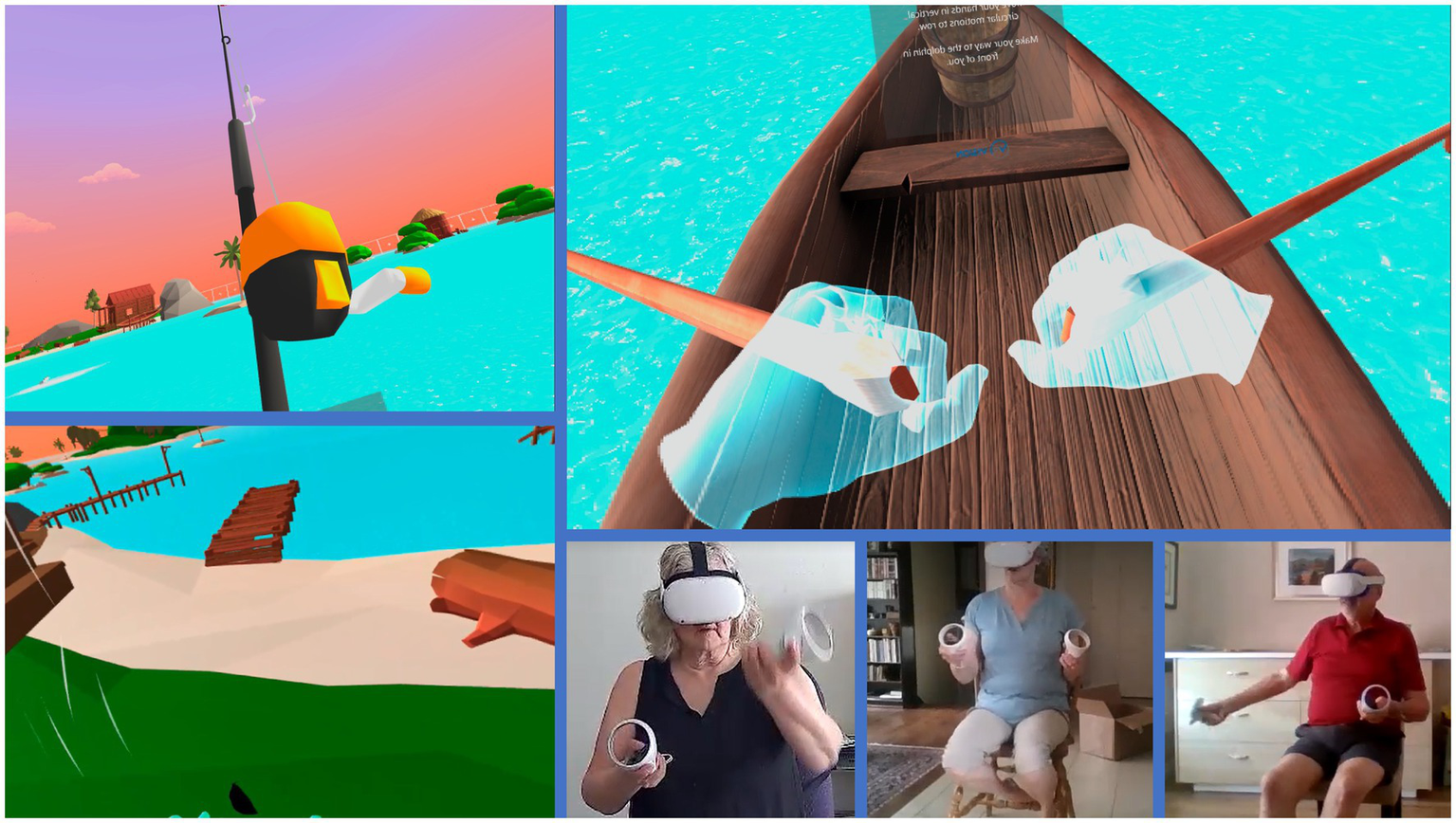
Select an app that aligns with your goals. Supernatural offers guided cardio workouts with music. Les Mills BodyCombat and Rumble Boxing focus on strength and combat training. If you prefer lower impact, try VR Pilates apps. Most apps require a subscription, but some offer one-time purchases. Test the free trials to see which interface feels natural for your body type.
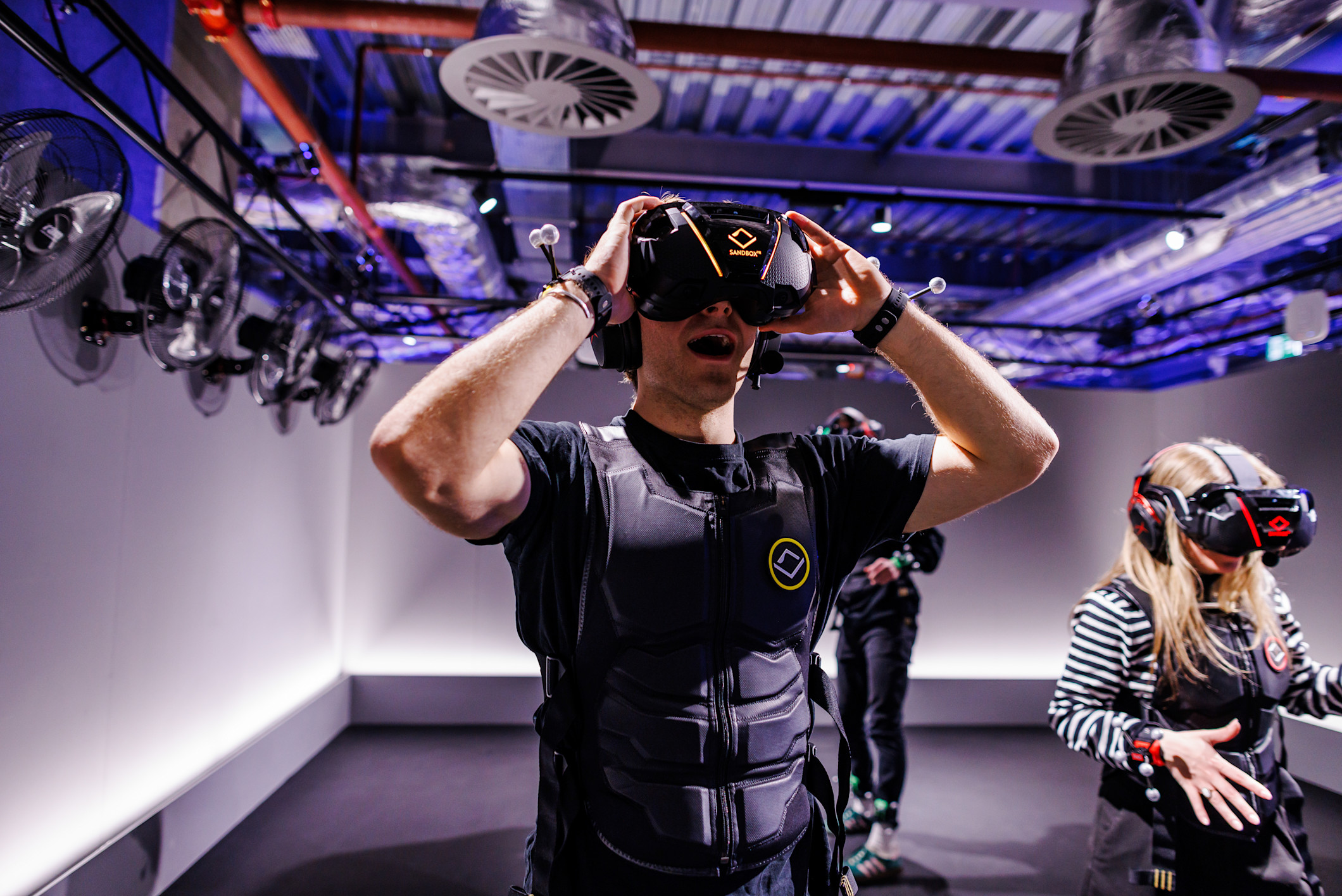
Wear breathable clothing and supportive athletic shoes. Use a sweatband or towel to manage perspiration, as sweat can fog lenses and slip controllers. Hydrate before you start. Adjust the headset strap so it sits snugly but comfortably, preventing it from slipping during vigorous movement. This step is critical for maintaining focus and preventing injury.
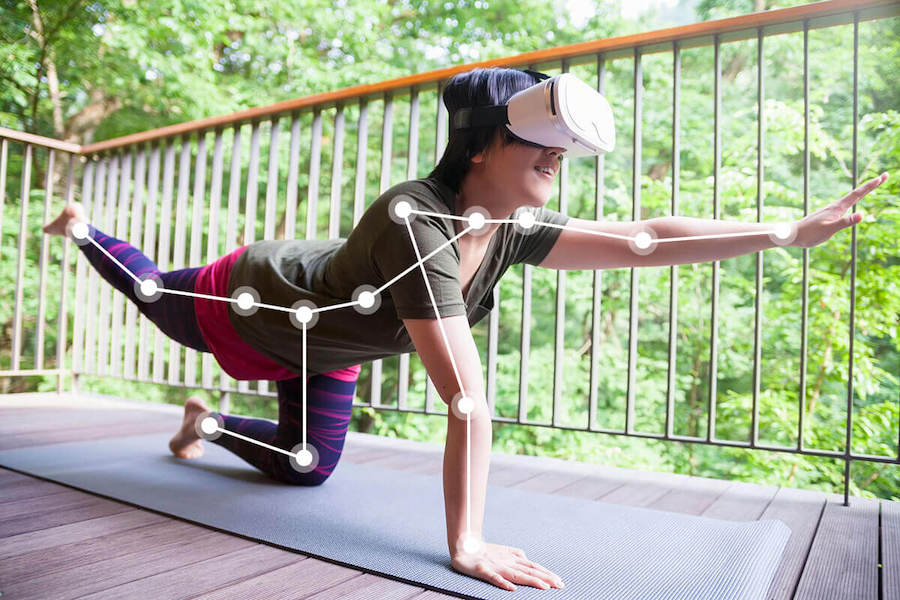
Never jump straight into high-intensity intervals. Most VR fitness apps include a five-minute warm-up routine. Follow these movements carefully to raise your heart rate gradually and loosen your joints. Pay attention to your form in the virtual mirror. This prepares your muscles for the workout and reduces the risk of strain or soreness.
Fix common mistakes
Even with the right headset, VR fitness can fail if you treat it like a standard gym routine. The virtual environment removes external cues, which leads to specific errors that stall progress or cause injury. Correcting these habits is the difference between a sustainable workout and a short-lived novelty.
Ignoring the clear zone
VR headsets track your head and controllers, but they do not see your feet or peripheral body movements. Users often swing arms or step too wide, hitting furniture or walls. This forces the system to pause the session or, worse, causes physical injury.
Before starting, clear a 6x6 foot area. Use guardian or boundary systems to set strict limits. If you are doing high-intensity interval training (HIIT), stay centered. Imagine a small circle around you; if you step outside, stop immediately. This discipline prevents collisions and keeps the focus on the exercise form.
Skipping the warm-up
In a real gym, you feel the room temperature and your body waking up. In VR, the immersive visuals can trick you into thinking you are already engaged. Many users jump straight into heavy boxing or dancing, leading to strained muscles or dizziness. The brain is engaged, but the tendons and joints are not.
Spend the first three minutes of every session on low-intensity movement. March in place, do gentle arm circles, or perform light stretches. This physical preparation aligns with the mental immersion. It raises your heart rate gradually and lubricates the joints, making the subsequent high-effort segments safer and more effective.
Neglecting hydration and form
VR workouts are often more intense than they appear because the cognitive load of tracking virtual objects increases perceived exertion. You sweat more without realizing it until the headset fogs up. Dehydration sets in faster, leading to fatigue and poor form. Additionally, the lack of a mirror means you cannot check your posture. You might slouch or overextend without knowing.
Keep a water bottle within arm's reach of your play area. Take short breaks to sip water and reset your stance. Focus on quality over quantity. If your form breaks down, lower the resistance or intensity. Proper technique in VR builds muscle efficiently; sloppy form just burns calories without the structural benefit.
Vr fitness: what to check next
Here are answers to the most common questions about using virtual reality for weight loss and muscle building.

No comments yet. Be the first to share your thoughts!