
Get virtual reality fitness right
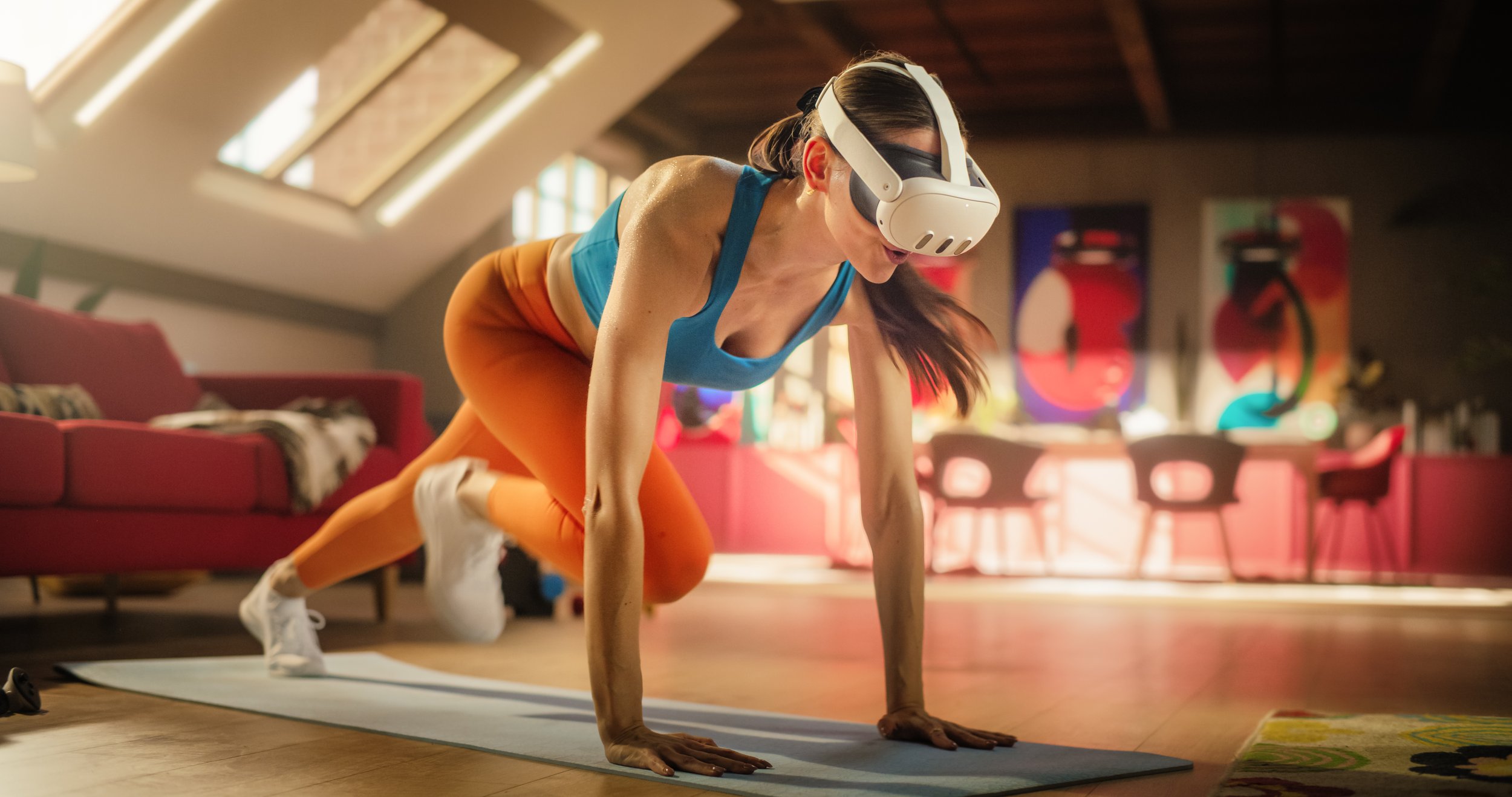
Before you strap on a headset, treat your setup like a gym floor. A cramped or poorly lit room turns a high-intensity session into a hazard. The difference between a productive workout and a bruised shin comes down to three physical checks: space, lighting, and hardware readiness.
Clear a 2x2 meter safety zone
Most VR fitness titles use 6DoF (six degrees of freedom) tracking, meaning you can walk, duck, and swing freely. You need at least a 2x2 meter (6.5x6.5 feet) clear area. Remove rugs, coffee tables, and loose cables. If you live in a small apartment, use the "guardian" or "chaperone" boundary system to define your safe play area. Never exercise within arm's reach of walls or furniture.
Check your lighting and reflections
VR headsets rely on external sensors or inside-out cameras to track your hands and body. Direct sunlight or very dark rooms can confuse these sensors, causing your virtual arms to lag or disappear. Aim for consistent, diffused lighting. Avoid placing the headset near mirrors or glossy surfaces that might reflect IR light back into the cameras, which can break tracking mid-set.
Verify hardware and hygiene
Ensure your headset battery is charged and your controllers are synced. For fitness, replace the standard foam face interface with a silicone cover or a breathable cloth mask. Standard foam absorbs sweat rapidly, creating a breeding ground for bacteria and causing discomfort during cardio sessions. Wipe down the headset with an alcohol-free disinfectant wipe before and after every use.
Work through the steps
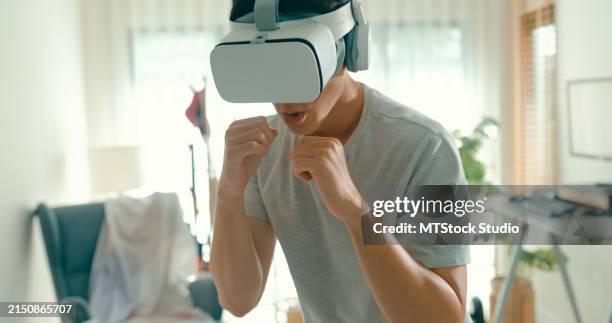
Setting up your VR fitness routine requires more than just putting on a headset. You need to create a safe physical space, calibrate your equipment, and choose software that matches your actual fitness level. Skipping these basics leads to broken lamps, motion sickness, and abandoned subscriptions.
Follow this sequence to build a sustainable VR workout habit.
Fix common mistakes
Most VR fitness sessions fail not because the hardware is lacking, but because the user ignores basic ergonomic and spatial requirements. When you treat a VR workout like a casual game, you risk injury and poor form. Correcting these habits early ensures your virtual reps translate to real-world strength.
Misjudging your play space
The most frequent error is underestimating the physical area needed. A "safe zone" requires at least six feet of clearance in all directions, but many users squeeze into cramped corners. This leads to controller collisions with walls, furniture, or even other people.
The Fix: Before launching any app, perform a physical sweep. Move lightweight objects out of the way. If you have pets or children, ensure they are not in the room. Use the headset’s boundary system to draw a clear rectangle. Treat the boundary line as a hard limit, not a suggestion.
Ignoring controller grip and stance
Swinging a virtual boxing glove or sword with a loose grip causes wrist strain and inaccurate tracking. Similarly, standing flat-footed reduces stability during high-intensity intervals. Poor posture in VR often mirrors poor posture in reality, reinforcing bad habits.
The Fix: Keep your wrists neutral and your grip firm but not tense. Adopt a slight athletic stance with knees bent and feet shoulder-width apart. This lowers your center of gravity and protects your joints during sudden movements. Check your form in a mirror if the app allows passthrough video.
Overlooking hygiene and equipment maintenance
Sweat is the enemy of VR hardware. It seeps into the face interface, degrading foam padding and attracting bacteria. It also damages the lenses if it evaporates and leaves residue. Many users skip cleaning, leading to skin irritation and blurry visuals that cause eye strain.
The Fix: Use a dedicated microfiber cloth for the lenses after every session. Wipe down the controllers with alcohol-free wipes. If your headset has a replaceable face gasket, wash it weekly with mild soap and water. Let everything air dry completely before storing it.
Virtual reality fitness: what to check next
Before committing to a headset, it helps to separate marketing hype from physiological reality. VR fitness is a legitimate tool for calorie burning and consistency, but it requires specific hardware and space management to work effectively.
Does VR fitness actually work?
Yes, virtual reality workouts can deliver measurable cardiovascular benefits. Studies from the VR Health Institute show that high-intensity games like Thrill of the Fight or Les Mills Bodycombat can elevate heart rates into the fat-burning zone, comparable to traditional HIIT sessions. The key is immersion; when your brain is focused on dodging punches or climbing virtual mountains, you often exercise longer than you would on a treadmill.
How much does VR training cost?
The barrier to entry is primarily the headset. A Meta Quest 3, which currently dominates the market, costs around $299–$399. After the hardware, most major fitness apps like FitXR or Les Mills Bodycombat require a monthly subscription ($15–$20/month) or a one-time purchase ($40–$60). While this is more expensive than a basic jump rope, it is significantly cheaper than a year of commercial gym memberships.
What is virtual reality fitness?
VR fitness uses head-mounted displays and motion controllers to track your body movements in a simulated environment. Unlike passive VR gaming, these applications are designed with biomechanics in mind, requiring squats, punches, or swings to progress. Platforms like Black Box VR focus on gamified strength and agility, while Supernatural offers guided cardio routines set to music, turning exercise into an interactive experience.
Why is VR no longer popular?
This premise is misleading; VR fitness is currently growing, not declining. While general VR gaming faced a plateau around 2021–2022, the fitness vertical has stabilized as hardware became lighter and wireless. The "decline" narrative often confuses early bulky headsets with modern standalone devices. Current adoption is driven by the convenience of home workouts and the social features built into apps like Meta Quest fitness communities.
No comments yet. Be the first to share your thoughts!