
Get virtual reality fitness right
Before you strap on a headset, treat your space like a real gym floor. Virtual reality fitness demands a clear, hazard-free zone to prevent collisions with walls, furniture, or pets. Measure your play area to match the headset’s tracking range, then remove any tripping hazards. This isn’t just about comfort; it’s about safety during high-intensity movements.
Next, check your hardware compatibility. Not all VR headsets support the same fitness apps or tracking precision. Meta Quest devices, for example, offer standalone freedom but require careful boundary setup, while PC-tethered headsets often provide higher fidelity for complex motion tracking. Ensure your device is fully charged and the controllers are responsive.
Finally, dress appropriately. Wear breathable, moisture-wicking clothing and secure footwear if the workout involves lateral movements or jumping. Avoid loose jewelry or dangling cords that could interfere with sensors. A quick mirror check ensures nothing will snap or slip mid-swing, keeping your focus on the workout rather than your gear.
Work through the steps
VR exercise works best when you treat it like a real class, not a casual game. The hardware is ready, but the setup requires a few concrete adjustments to keep your heart rate up and your space safe. Follow this sequence to turn your living room into a functional gym.
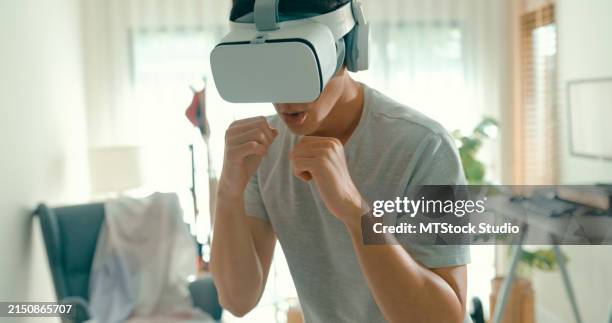
Remove all furniture, rugs with edges, and pets from a 6x6 foot area. Put your headset on and run the Guardian or Boundary system immediately. Set the boundary slightly larger than your actual physical space to account for arm swings and lunges. If you hit a wall, the workout stops, and the immersion breaks. A clear zone prevents injury and keeps the session moving.
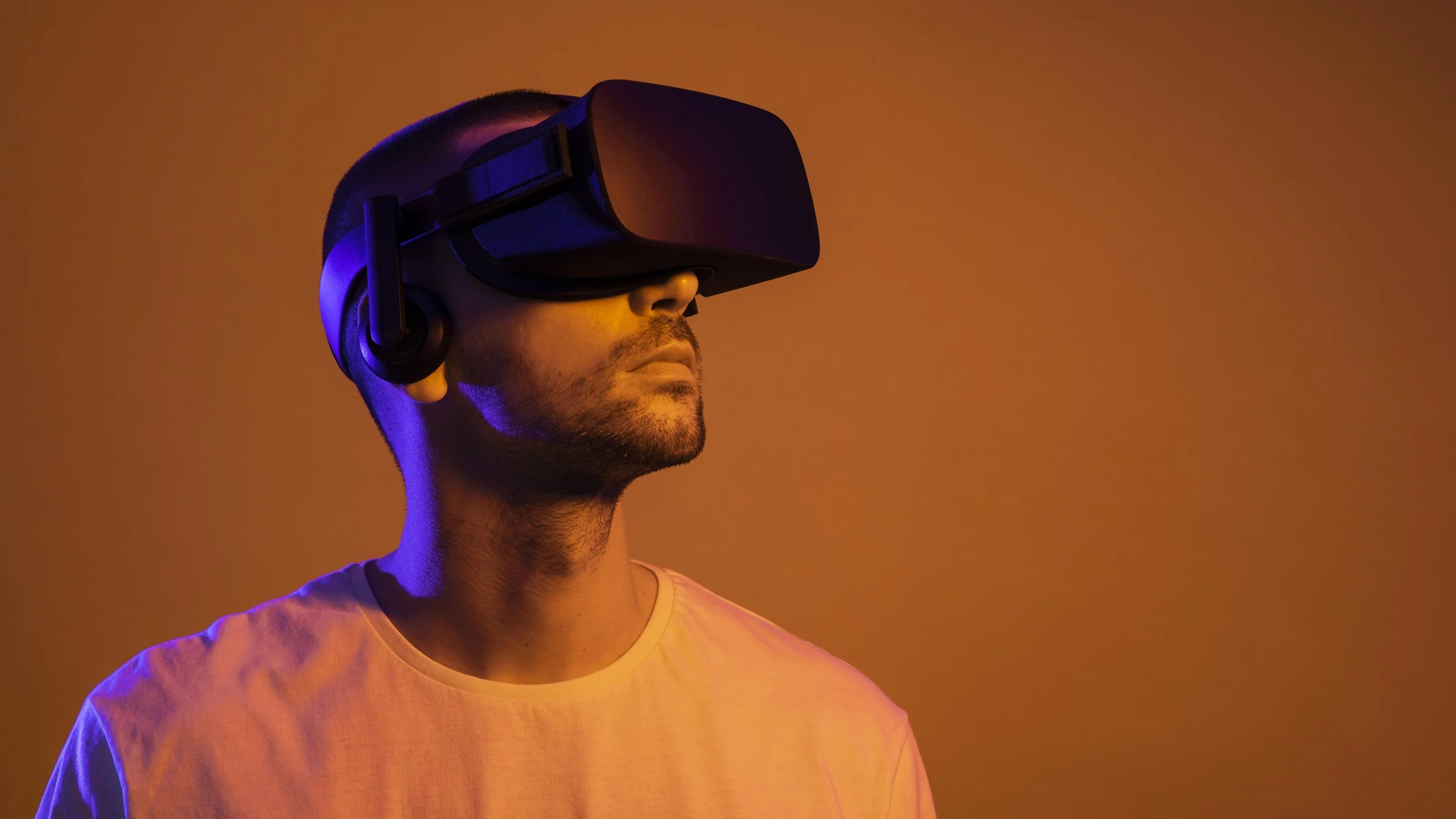
Adjust the headset straps so the lenses sit flush against your face without pressing into your eye sockets. Poor fit causes motion sickness and blurs the virtual interface, making it hard to track your form. Pair your controllers and check battery levels. If you use a Meta Quest, ensure the latest software update is installed to access the newest fitness apps and safety features.
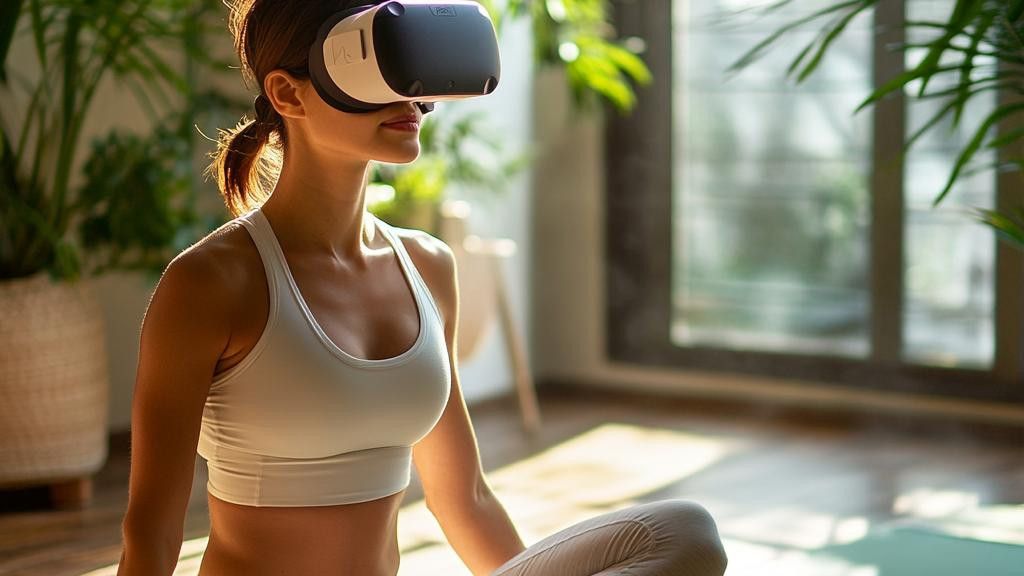
Select a workout that matches your current fitness level. Apps like FitXR, Les Mills Bodycombat, or Supernatural offer structured classes with real-time heart rate tracking. Avoid casual rhythm games if your goal is cardiovascular improvement; you need sustained movement to see results. Look for apps that offer resistance bands or weights if you want to build muscle alongside cardio.
Place a water bottle and a towel within arm’s reach of your boundary line. Hydration is critical because VR masks your natural fatigue signals. You might not realize you are sweating heavily until you take the headset off. Keep your phone nearby to monitor your heart rate via a chest strap or smartwatch if your VR system doesn’t track it internally.

Never jump straight into high-intensity intervals. Spend five minutes doing dynamic stretches in the virtual space. Most fitness apps include a warm-up phase that raises your heart rate gradually. This prepares your joints for the rapid movements ahead. Skipping this step increases the risk of muscle strain, especially in the shoulders and wrists.
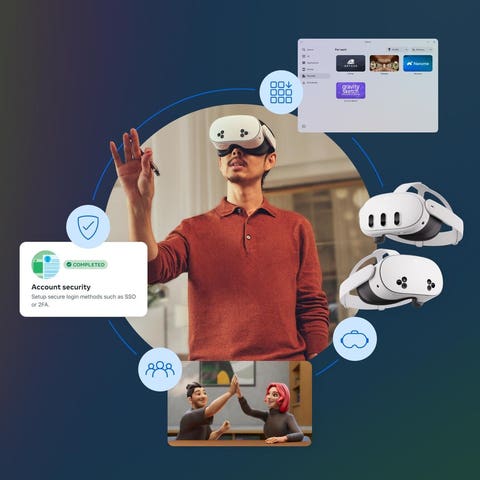
Follow the instructor’s cues in the virtual environment. Focus on form over speed; moving slowly with correct technique burns more calories and builds better muscle memory. If you feel dizzy, stop immediately and sit down. VR motion sickness is real and can ruin your workout. Many apps allow you to pause or switch to a seated mode if you need a break.

Finish with a five-minute cool-down to lower your heart rate gradually. Review your stats on the app dashboard: calories burned, duration, and accuracy. Logging this data helps you track progress over time. Consistency is the key to weight loss and fitness gains in VR. Aim for three to four sessions per week to see measurable results.
Fix common mistakes in VR fitness
Most people treat virtual reality exercise like a casual game rather than a structured workout. This mindset leads to poor results, safety risks, and early burnout. The hardware is capable of serious physical output, but only if you respect the biomechanics and environment.
Here are the errors that derail progress and how to correct them immediately.
Ignoring physical safety zones
The boundary system is your only defense against furniture and walls. Many users shrink the play area to fit more movement, which drastically increases collision risk. Set your guardian boundary to the maximum safe distance from any obstacles. Keep controllers in hand at all times, even when idle.
Neglecting form for score
Gamified apps like Beat Saber or Supernatural reward speed and reach. Chasing high scores often means sacrificing posture, leading to shoulder strain or lower back pain. Prioritize full range of motion over rapid button presses. Treat every rep like a real-world exercise: controlled, deliberate, and aligned.
Skipping warm-ups and cool-downs
VR immersion masks physical fatigue. You might not feel your muscles warming up until you are already mid-set. Start with five minutes of dynamic stretching outside the headset. After your session, stretch statically to reduce soreness. This simple habit prevents injuries that force long breaks from training.
Relying solely on VR for recovery
VR fitness is intense. It elevates heart rate and engages stabilizing muscles heavily. Using it every day without rest days leads to overuse injuries. Schedule at least one full rest day per week. On active recovery days, choose low-impact activities like walking or yoga instead of VR.
Virtual reality fitness: what to check next
These answers address the most common practical concerns about using VR for exercise, helping you decide if it fits your routine.
No comments yet. Be the first to share your thoughts!