Prepare your workout space
Before you strap on your headset, you need to clear a safe zone for your VR workouts. A cluttered room turns high-intensity virtual reality fitness sessions into potential hazards. Your goal is to create a dedicated area where you can move freely without hitting furniture, walls, or pets.
Clear the perimeter
Start by removing any obstacles within a 6.5-foot radius. This includes coffee tables, rugs with slippery edges, and low-hanging lamps. If you have pets, secure them in another room before starting. VR weight loss routines often involve wide arm swings and sudden direction changes, so an open floor is non-negotiable for safety.
Secure your equipment
Check your controllers and headset battery levels. Ensure your charging cables are tucked away so they don’t trip you up during motion-heavy exercises. If you are using a Meta Quest or similar standalone headset, verify that the tracking cameras are unobstructed by mirrors or reflective surfaces, which can confuse the system’s boundary detection.
Test your boundaries
Once the space is clear, put on your headset and activate the guardian or boundary system. Follow the on-screen prompts to draw your safe play area. This digital fence will alert you if you step too close to a real-world wall. Walk the perimeter of your cleared zone to ensure the virtual boundary matches your physical reality.
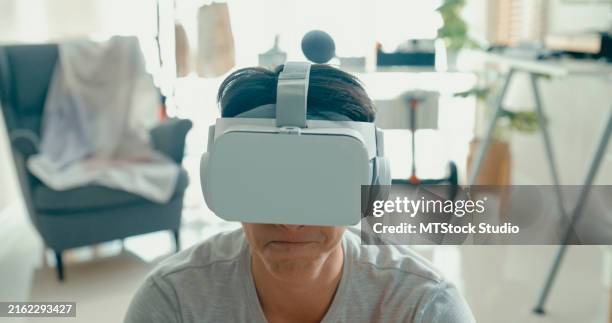
Remove all furniture, rugs, and obstacles from a 6.5-foot circle around your intended workout spot. Ensure pets are secured elsewhere.
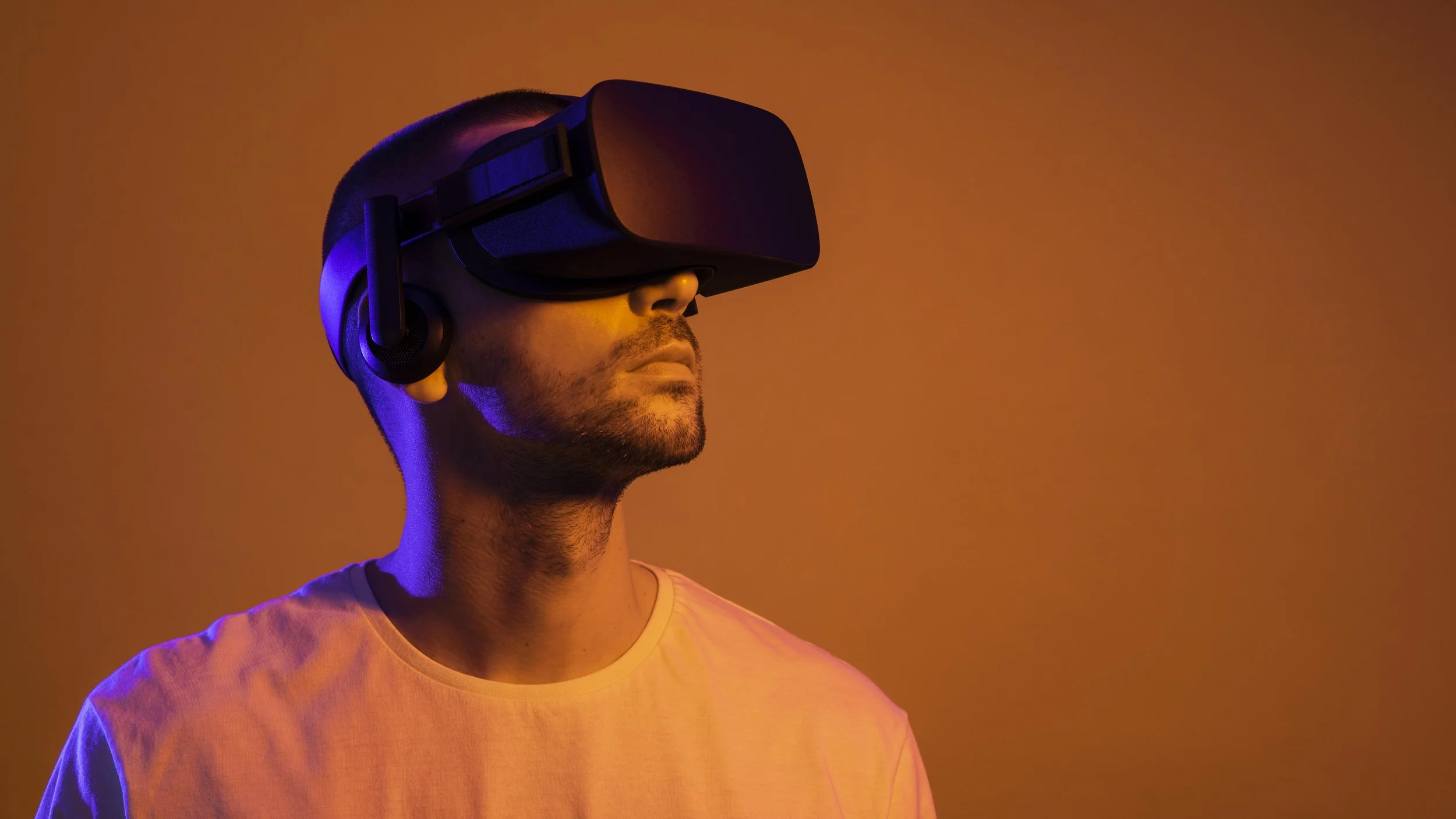
Secure charging cables and verify headset battery levels. Ensure tracking cameras have a clear, unobstructed view of the play area.
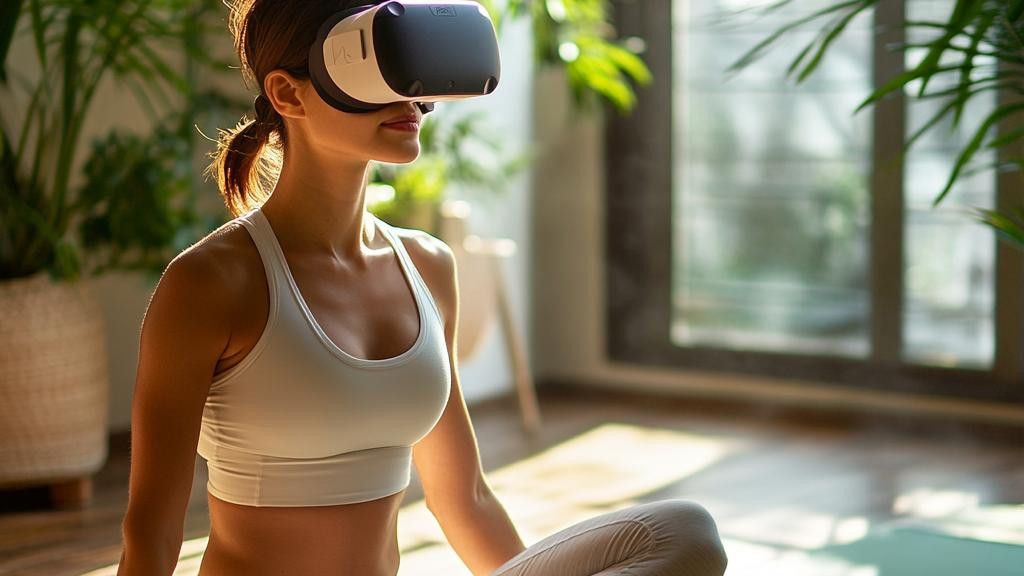
Put on the headset and draw your safe zone using the built-in guardian system. This digital fence prevents you from walking into walls.
Calibrate your headset for movement
Setting up the boundary system is the most important safety step in virtual reality fitness. Without an accurate guard, you risk hitting walls, furniture, or other objects while focused on the game. This setup creates a safe digital perimeter that keeps you grounded in your physical space.
-
Choose a clear play area: Clear at least 2m x 2m of floor space. Remove rugs, cords, and low furniture that could trip you during intense VR workouts.
-
Start the boundary setup: Put on your headset and select "Set Up Boundary" from the menu. Follow the on-screen prompts to draw your play area using the controllers.
-
Adjust the boundary size: Ensure the virtual grid matches your physical room. If you have a larger space, extend the boundary further. A larger boundary gives you more room to move safely.
-
Test the boundary: Step into the boundary and move around. If you hit a wall or object, expand the boundary or clear more space. Repeat until you feel comfortable.
-
Enable chaperone system: Ensure the "Chaperone" or "Guardian" system is active. This will display a grid overlay when you approach the boundary edge, warning you to step back.
Remove all obstacles from a 2m x 2m space. This includes rugs, cords, and low furniture that could cause trips during VR workouts.
Use your controllers to trace the perimeter of your play area. Ensure the virtual grid matches your physical room dimensions.
Move around within the boundary. If you hit a wall, expand the boundary or clear more space. Repeat until you feel comfortable.
Accuracy matters for both safety and performance. An improperly calibrated boundary can lead to missed workouts or injuries. Take the time to get this right before starting your VR fitness routine.
Choose the right VR fitness app
Selecting a VR fitness app requires aligning the software’s mechanics with your specific physiological goals. Not all virtual reality workouts are created equal; some prioritize high-intensity cardio for calorie expenditure, while others focus on resistance and muscle engagement. Understanding these distinctions prevents wasted subscription fees and ensures your virtual sessions translate to real-world results.
To simplify the decision, we compare four leading platforms based on workout intensity, primary muscle focus, and subscription structure. This comparison helps you identify which app matches your current fitness level and objectives.
| App | Intensity | Primary Focus | Cost Structure |
|---|---|---|---|
| Supernatural | Moderate to High | Cardio & Flexibility | Monthly Subscription |
| FitXR | High | HIIT & Boxing | Monthly Subscription |
| Black Box VR | High | Strength & Agility | Monthly Subscription |
| Beat Saber | Variable | Cardio & Rhythm | One-Time Purchase |
For VR Weight Loss
If your primary goal is VR weight loss, prioritize apps that sustain an elevated heart rate for extended periods. Supernatural and FitXR are optimized for this outcome. Supernatural combines guided cardio with mindfulness, offering a sustainable routine that encourages consistency—a critical factor in fat loss. FitXR leans into high-intensity interval training (HIIT) and boxing, which burns more calories per minute but requires higher initial effort.
Black Box VR is another strong candidate for weight loss, particularly if you enjoy gamified challenges. Its intensity scales with your performance, keeping you engaged while burning significant energy. For pure calorie expenditure, these subscription-based models offer the most consistent results due to their varied content libraries.
For Muscle Building and Strength
While VR cannot replace heavy lifting for significant hypertrophy, certain apps can aid in muscle toning and endurance. Black Box VR is uniquely positioned here, using virtual weights and resistance mechanics to engage muscles differently than pure cardio games. It focuses on strength, agility, and functional movement patterns.
For muscle building, consider supplementing your VR routine with real-world resistance training. Use apps like FitXR or Supernatural for active recovery or cardio days, and reserve VR strength-focused sessions for days when you want to engage muscles without heavy equipment. Always consult a physician before starting any new fitness regimen, especially if you have pre-existing conditions.
Execute your first VR workout
Your first VR workout should feel like a guided class rather than a grueling gym session. The goal is to establish rhythm, verify your tracking, and gauge your heart rate without overexerting yourself. Treat this 20-minute block as a calibration test for your body and your hardware.
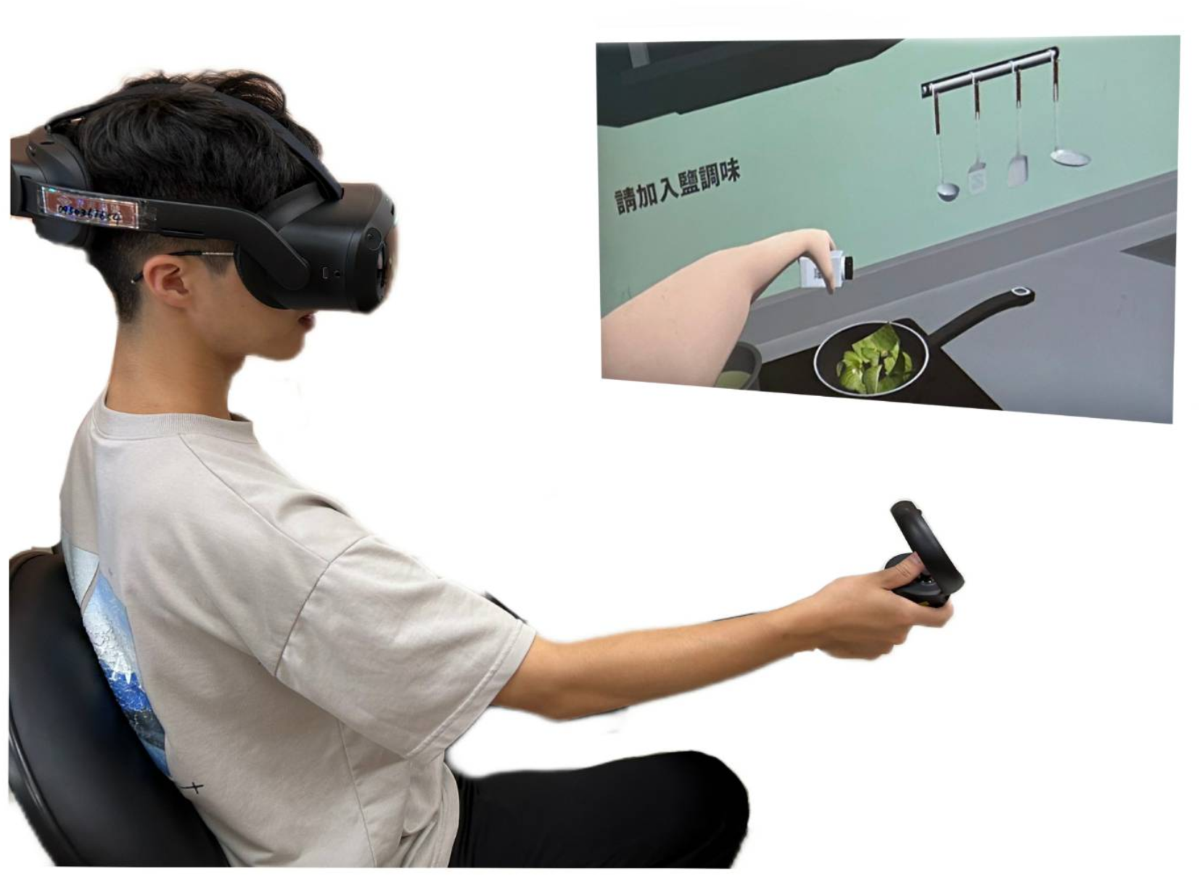
Before launching any app, clear a physical space at least 2x2 meters. Use your headset’s boundary system to draw a hard boundary. If you are using a PC VR headset, ensure your cable has enough slack to allow full arm movement without pulling the headset off. Stand comfortably with your knees slightly bent to protect your joints during dynamic movements.
Choose a VR fitness app designed for beginners, such as FitXR, Supernatural, or Les Mills Bodycombat. These apps provide structured 20-minute sessions with clear visual cues. Avoid high-intensity interval training (HIIT) or combat-heavy games for your first session. Look for titles that explicitly label a "Beginner" or "Intro" mode to ensure the pace matches your current fitness level.
Put on your headset and controllers. Perform the standard controller calibration by pointing at virtual targets to ensure your hand movements translate accurately to the screen. Adjust the headset strap so it sits snugly but comfortably, preventing slippage when you move your head quickly. Verify that your arms are visible in the virtual environment before starting.

Begin with the app’s built-in warm-up, usually consisting of light arm circles, torso twists, and gentle squats. This phase lasts 3-5 minutes. Focus on maintaining proper form rather than speed. Keep your core engaged and your back straight. This prepares your muscles for the primary workout and reduces the risk of strain.
Proceed with the main 10-15 minute routine. Follow the on-screen prompts for punches, dodges, or dance moves. Keep your movements controlled. If you feel dizzy or unsteady, pause immediately and sit down. Monitor your breathing; you should be able to speak in short sentences. If you cannot, slow down the pace or take a brief rest.
Finish with the app’s cool-down sequence, which typically includes stretching and deep breathing. This helps lower your heart rate gradually. After the session ends, carefully remove your headset and controllers. Store them in a cool, dry place. Wipe down your controllers with a disinfectant wipe to remove sweat and oils, ensuring hygiene for your next VR workout.
Avoid common VR fitness mistakes
Virtual reality fitness offers a compelling way to move, but the headset’s enclosed design and lack of physical feedback introduce unique risks. Skipping safety checks or ignoring hygiene can lead to injury or expensive hardware damage. Treat your VR setup like any other exercise equipment: inspect it before use and maintain it after.
Skip the safety zone
Most VR systems require a clear play area, typically a 2x2 meter square. Many users ignore this boundary, assuming the software will keep them safe. It won’t. When you swing a virtual racket or dodge a digital obstacle, your body moves in the real world. If you hit a table or wall, the headset won’t stop you. Always clear your space of furniture, pets, and loose rugs before starting a VR workout. Use the guardian or boundary system provided by your headset manufacturer to define your limits.
Ignore hygiene and sweat
VR headsets are not designed to withstand heavy perspiration. Sweat can damage the lenses, sensors, and internal electronics, leading to costly repairs or voided warranties. Never wear a headset without a protective face cover or sweat guard. Wipe down the controller grips and headset exterior with a microfiber cloth after every session. Some manufacturers offer silicone covers that are easier to clean and more breathable than standard foam pads.
Push through pain
VR fitness can be intense, but it should not cause sharp pain. If you feel discomfort in your wrists, knees, or back, stop immediately. The virtual environment may mask poor form or overexertion. Take breaks every 15-20 minutes to stretch and hydrate. Listen to your body, not just the game’s score.
Remove all obstacles from a 2x2 meter area. Ensure your headset’s boundary system is active and visible.
Attach a sweat guard to the headset. Wipe down controllers with a dry microfiber cloth.
Stop if you feel pain. Take breaks every 15 minutes to stretch and hydrate.
Track your virtual reality fitness progress
Measuring success in virtual reality fitness requires combining app data with physical feedback. VR workouts burn calories differently than traditional exercise because they engage multiple muscle groups and often include balance challenges. Understanding these metrics helps you adjust intensity and stay motivated.
Most VR fitness apps provide real-time data on calories burned, distance moved, and workout duration. Use these numbers to set baseline goals. For example, if your first session burns 200 calories, aim for a 10% increase next week. Consistency matters more than single-session highs.
Physical feedback is equally important. Track how your heart rate responds and whether you feel fatigued or energized after each session. If you feel overly sore, reduce intensity. If you feel strong, increase resistance or speed.
Pre-workout and post-workout checklist for tracking metrics and recovery
-
Check VR app settings for accurate height and weight input
-
Hydrate before starting your session
-
Record initial heart rate
-
Complete workout and note perceived exertion
-
Measure post-workout heart rate recovery
-
Log calories burned and duration in your fitness tracker
-
Stretch major muscle groups used
Note: Accurate calorie tracking in VR is challenging due to varied movement patterns. Use app data as a guide, not an absolute measure. Combine it with how you feel physically for the best results.
By tracking both digital metrics and physical responses, you create a complete picture of your progress. This dual approach helps you optimize your virtual reality fitness routine for long-term success and weight loss.
Frequently asked questions about VR workouts
Virtual reality fitness is a growing sector, but practical concerns about safety and hardware compatibility remain top priorities for beginners. These answers address the most common questions regarding the effectiveness and physical requirements of VR workouts.
No comments yet. Be the first to share your thoughts!