

Set up your VR space safely
A virtual reality fitness routine for weight loss requires intense, full-body movement that can turn a cluttered room into a hazard in seconds. Before you put on your headset, prepare a dedicated physical environment that prioritizes safety over aesthetics. This setup is the foundation of any successful VR workout; without it, the risk of injury outweighs any calorie burn.
Clear a play area matching your headset’s tracking radius. For most modern headsets, create a circle with a minimum diameter of 6.5 feet (2 meters). Remove all trip hazards, including rugs, coffee tables, and pets. Move glass furniture or fragile decor out of the zone entirely to create a "soft zone" where your body can move freely.
Secure your equipment to prevent accidental damage. If using a PC-tethered headset, route the cable along floor edges or use a ceiling-mounted management system. Wireless headsets eliminate cable risks but require ample battery life. Ensure your sensors or inside-out cameras have an unobstructed view of the floor and your feet. Poor tracking leads to phantom movements, causing you to swing your arms wildly and hit unexpected objects.
Finally, establish a boundary. Most headsets offer a "Guardian" or "Chaperone" system that draws a virtual fence. Calibrate this boundary while wearing the headset by standing in the center and walking to the edges. Treat this visual cue as a hard wall; never step over it during high-intensity workouts.
Choose the right VR fitness app
Selecting a VR fitness app for weight loss requires matching the software’s intensity and mechanics to your current fitness level. Not all VR workouts are equal; some prioritize rhythm and cardio, while others focus on strength. Evaluate these factors before subscribing.
1. Define your primary goal
If weight loss is your main objective, prioritize apps with high-calorie burn potential and sustained heart-rate elevation. Rhythm games like Beat Saber or Pistol Whip keep you moving constantly, which is effective for cardiovascular health. If you also want to build muscle, look for apps that incorporate resistance bands or offer strength-focused modes like Les Mills Bodycombat or Black Box VR, which uses gamified strength training to target specific muscle groups.
2. Match the app to your fitness level
Beginners should start with apps offering adjustable difficulty settings and clear guidance. Supernatural is a strong choice for newcomers because it provides coaching and scalable intensity. If you are already fit, you might prefer Thrill of the Fight or Les Mills Bodycombat, which demand higher coordination and endurance. Avoid apps with steep learning curves if you are prone to motion sickness; simpler movement mechanics are safer for initial sessions.
3. Compare subscription costs and hardware compatibility
VR fitness is rarely free. Most high-quality apps require a monthly subscription ranging from $10 to $20, plus the upfront cost of the headset. Check if the app supports your specific headset (Meta Quest, PlayStation VR2, etc.) before buying. Some apps offer one-time purchases, but subscriptions usually include new content and workout plans, which helps maintain long-term engagement.
| App | Primary Focus | Intensity Level | Approx. Monthly Cost |
|---|---|---|---|
| Supernatural | Cardio & Strength | Medium-High | $17.99 |
| Beat Saber | Cardio & Rhythm | Medium | One-time ~$30 |
| Les Mills Bodycombat | Strength & Cardio | High | $14.99 |
| Black Box VR | Strength & Agility | High | $19.99 |
| Thrill of the Fight | Cardio (Boxing) | Very High | One-time ~$20 |
Verify with expert recommendations
Exercise physiologists emphasize that consistency is more important than intensity in the early stages. A 2025 analysis by an exercise physiologist highlights that apps combining gamification with structured workout plans yield better adherence rates. Look for apps that track progress over time, allowing you to see improvements in your endurance and strength. This data-driven approach helps maintain motivation and ensures your VR fitness routine supports your weight loss goals effectively.
Execute your first VR workout
Your first VR fitness session for weight loss should follow a structured progression: warm-up, main workout, and cool-down. This sequence ensures your body is prepared for the physical demands of the virtual environment and helps you sustain intensity safely.
1. Warm-up and Calibration
Begin with a five-minute dynamic warm-up to increase blood flow and prepare your joints. Perform arm circles, torso twists, and gentle lunges while wearing the headset. Most VR fitness apps include a built-in calibration phase; use this time to adjust the tracking sensitivity and set your comfort level. This step is critical for preventing motion sickness and ensuring accurate form tracking.
2. Main Workout: Intensity and Form
Select an app that aligns with your fitness level, such as a boxing or dance routine. A 20-minute VR workout can burn roughly as many calories as a 20-minute exercise bike routine, making it highly efficient for weight loss. Focus on maintaining proper form throughout the session. Keep your core engaged, knees soft, and movements controlled. If you feel dizzy or off-balance, pause immediately and rest.
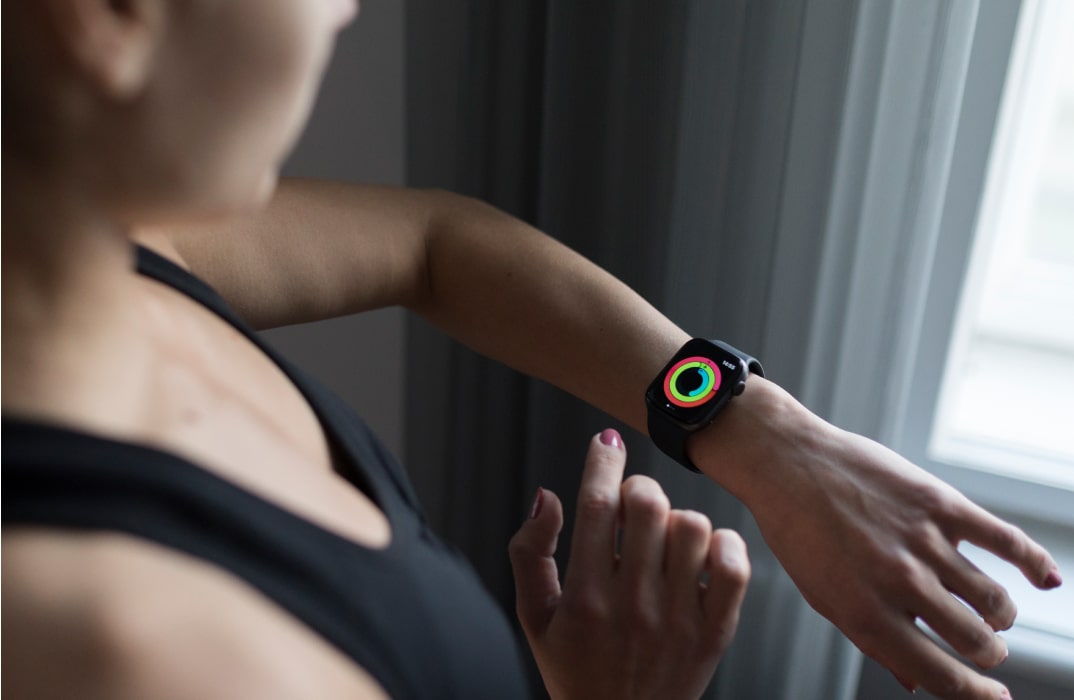
Spend five minutes doing dynamic stretches. Use the app’s calibration tool to ensure your movements are tracked accurately. This prevents motion sickness and sets the stage for effective exercise.
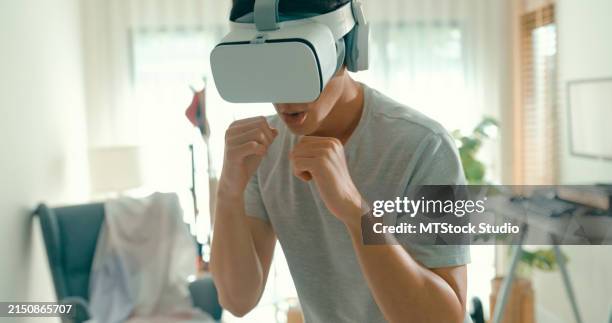
Engage in a 20-minute high-intensity routine like boxing or dance. Maintain proper form and core engagement. Monitor your heart rate if possible, aiming for a zone that supports weight loss.
End with five minutes of stretching. Reflect on your performance and note any adjustments needed for your next session. This helps build consistency and tracks your progress over time.
3. Cool-down and Recovery
Conclude your session with a five-minute cool-down. Perform static stretches for your arms, legs, and back. This helps reduce muscle soreness and promotes recovery. Take a moment to hydrate and reflect on your performance. Note any adjustments you might need to make for your next session to ensure continuous improvement.
4. Safety and Comfort Checks
Always ensure your play space is clear of obstacles before starting. Wear comfortable, breathable clothing and supportive footwear. If you experience any discomfort, dizziness, or eye strain, stop immediately and take a break. Regular breaks are essential to maintain focus and prevent injury.
Avoid common VR fitness mistakes
Starting a virtual reality fitness routine for weight loss is exciting, but the immersive nature of the technology masks physical feedback. Without careful management, you risk injury or burnout before building consistent habits. Correcting these errors early keeps your weight loss journey safe and sustainable.
Skip the warm-up
Jumping straight into high-intensity VR games like Supernatural or Les Mills Bodycombat is the most frequent error. VR headsets create a sensory disconnect; you feel mentally engaged but your muscles and joints remain cold. This gap increases the risk of strains and sprains.
Always complete a five-to-ten-minute physical warm-up before putting on the headset. Perform dynamic stretches like arm circles, leg swings, and light jogging in place. This raises your core temperature and lubricates joints, preparing your body for the sudden movements VR demands.
Ignore hydration and heat
VR headsets trap heat against your face and block airflow, causing you to sweat more than you realize. Dehydration sets in quickly, leading to dizziness, fatigue, and reduced workout intensity. Many users ignore thirst cues because the game distracts them.
Place a water bottle within arm's reach before you start. Set a timer to pause every 15–20 minutes for a few sips. If you feel lightheaded or your heart rate spikes unusually high, stop immediately. Hydration is not optional; it is a safety requirement for immersive exercise.
Grip the controllers too tightly
A tense grip on VR controllers creates forearm fatigue and can lead to repetitive strain injuries. Users often squeeze the handles during intense gaming moments, mistaking tension for effort. This tension restricts blood flow and limits your range of motion.
Hold the controllers with a relaxed, firm grip—enough to prevent drops, but loose enough to wiggle your fingers. If your forearms burn, you are squeezing too hard. Consciously relax your hands between rounds to maintain endurance throughout the session.
Overexertion and lack of space
VR fitness can feel easier than traditional cardio because the game distracts you from the effort. This illusion often leads to overexertion, where users push beyond their safe limits. Additionally, hitting physical objects in your play space is a major hazard.
Set a realistic target, such as three 20-minute sessions per week, rather than aiming for an hour daily. Clear your play area of furniture and pets. Use the headset's boundary system and stay within the safe zone. Listen to your body; if you feel pain, stop. Consistency beats intensity in virtual reality fitness.
Track progress and stay consistent
Measuring success in virtual reality fitness requires looking beyond the scale. Because VR games often use non-standard movements, standard calorie counters can be inaccurate. Instead, track workout duration, heart rate averages, and how your clothes fit. This approach helps you build a sustainable habit rather than chasing a single number.
1. Log every session
Write down the date, the game played, and how you felt afterward. Note if you completed the full session or had to pause. This data reveals patterns, such as which games keep you engaged longest or which days you tend to skip.
2. Monitor heart rate zones
Use a chest strap or smartwatch to track your intensity. Aim for 60-80% of your maximum heart rate for effective weight loss. If your heart rate stays too low, increase the difficulty setting or add resistance bands to your movements.
3. Schedule weekly reviews
Set aside ten minutes every Sunday to review your logs. Look for trends: Are you working out longer? Is your recovery improving? Adjust your schedule based on what the data shows, not just your motivation levels.
4. Join a community
Share your progress on platforms like Reddit’s r/vrfit. Seeing others’ achievements and troubleshooting tips keeps you accountable. Community support is often the difference between quitting after two weeks and sticking with it for months.
5. Celebrate non-scale victories
Track improvements in stamina, balance, and sleep quality. These metrics are often more reliable indicators of health than weight alone. Celebrating these wins reinforces the behavior and makes the routine feel rewarding.
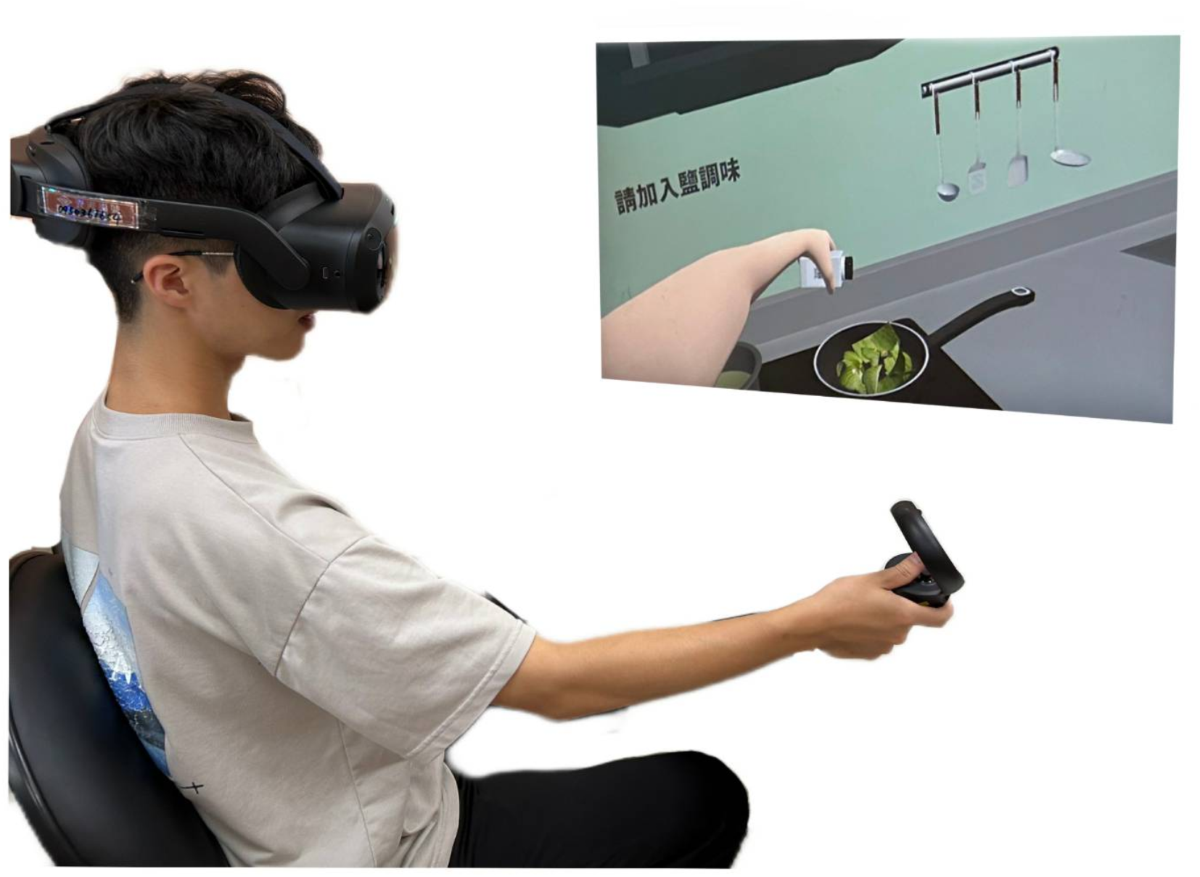
Open your journal or app immediately after taking off the headset. Record the game, duration, and perceived exertion. This timestamp ensures accuracy while the experience is fresh.
Review your smartwatch or chest strap data. Compare your average heart rate to your target zone. If you were below 60% of max, note the game difficulty for next time.
Transfer your daily notes into a weekly summary. Look for consistency. Did you hit your target days? If not, identify the barrier, whether it was time, fatigue, or boredom.
Post a brief update or question on a forum like Reddit. Sharing your progress creates social accountability. Reading others’ experiences can also provide new game recommendations or tips.
Based on your review, tweak your schedule. If you’re burning out, swap a high-intensity game for a lighter rhythm game. If you’re bored, try a new title. Flexibility prevents dropout.
-
Log all workout sessions
-
Review heart rate zones
-
Update weekly summary
-
Post in community forum
-
Adjust next week’s plan
No comments yet. Be the first to share your thoughts!